

 Multiple Faces Detected


 June 5th, 2025
Fake Microsoft security alerts are on the rise again, resurfacing as a common tactic in tech support scams. They are targeting Windows users and those who rely on popular Microsoft services, including Outlook, Teams, OneDrive, and Edge.
These fake virus warnings are designed to look like official messages from Microsoft, tricking users into believing their device or data is at risk.
These scams typically involve aggressive pop-ups, alarming language, and browser lockouts that can appear difficult to close. In this post, you’ll learn how this scam works, how to recognize a fake Microsoft alert, and what steps to take to protect yourself and your devices.
Understanding the Fake Microsoft Security Alerts
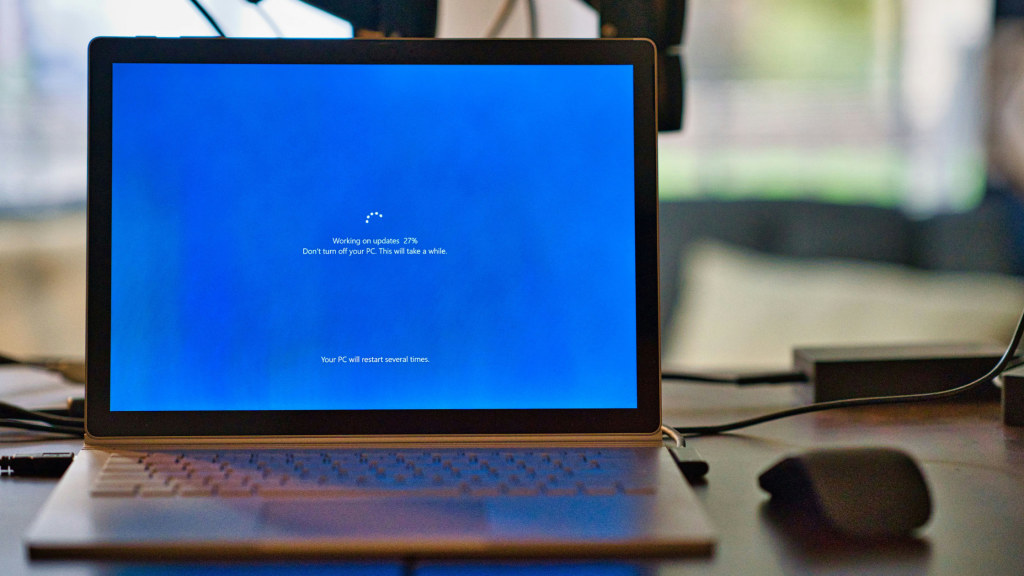
Microsoft tech support scams often begin with pop-ups, banners, or full-screen messages that mimic official Microsoft warnings.
These alerts typically claim that your system is infected with a virus or that your data is at immediate risk. They can appear while browsing, checking email, or even using trusted Microsoft programs like Outlook or Edge.
These scams rely on fear and urgency to pressure you into reacting quickly. The message may instruct you to call a “Microsoft support” number, which actually connects you to a scammer posing as a technician.
In other cases, you’re urged to download fake antivirus software or grant remote access to your device, giving attackers full control. Once engaged, scammers may install malware, steal personal information, or demand payment for fake services.
Recent versions are more convincing than ever, using official Microsoft logos, realistic pop-up styles, and even voice alerts. Some now appear on otherwise legitimate websites via malicious ads (malvertising), making them harder to avoid and easier to fall for.
How to Tell If a Microsoft Security Alert Is Real
Without strong security software or an understanding of common scam tactics, it can be hard to tell a real Microsoft alert from a fake one. Strong online privacy also plays a key role in reducing your exposure. Here are a few signs that can help you tell the difference:
- Microsoft does not display support numbers in pop-up warnings or ask you to call for help directly.
- Legitimate alerts won’t request personal or payment information. If you’re being asked to share sensitive details immediately, it’s almost certainly a scam.
- Before clicking anything, hover your mouse over links, buttons, or email addresses to check if they lead to official Microsoft domains like microsoft.com.
- Scams often contain poor grammar, unusual phrasing, or formatting issues that wouldn’t appear in real Microsoft communications.
- If a suspicious alert includes a number, don’t call it, look it up first. A reverse number lookup tool can quickly show whether the number is associated with scams or flagged by other users.
- Trust system alerts over browser pop-ups. Microsoft’s real security notifications appear through your Windows notification center, not through your browser alone.
By staying alert and using available tools to verify suspicious details, you can avoid falling into the trap of fake virus warnings.
Consequences of Falling for Fake Microsoft Virus Warnings
Clicking on or responding to a fake Microsoft security alert can have serious consequences, some of which may not become obvious right away. Here’s what’s at stake if you fall for one of these scams:
Financial Loss
Many scams take the form of a tech support scam, convincing users to pay for fake antivirus software or bogus technical help. Victims may be charged hundreds of dollars for services that do nothing, or worse, give scammers deeper access to their personal data.
Identity Theft
If you enter personal information like your name, address, social security number, or credit card details, scammers can use that data to commit identity theft or sell it on the dark web.
Device Compromise
Some fake alerts trick users into downloading malware or granting remote access to their device. This can lead to full system control by the attacker, data breach, or even ransomware attacks.
Data Breach
Access to your computer can expose personal files, saved passwords, and work-related documents. In business environments, one compromised system can put entire networks at risk.
Ongoing Harassment
Scammers rarely stop after a single successful attempt. Once your contact information is exposed, it often gets added to scammer databases and shared across fraud networks. This can lead to repeated targeting through emails, phone calls, and even text messages.
The risk increases if you’ve ever shared personal details in public spaces online. Posting your email address, phone number, or other identifying information in forums or comment sections can make you an easy target.
Smishing Attacks
Providing your phone number to a fake support site or scammer can open the door to smishing, fraudulent text messages designed to steal credentials or install malicious links on your mobile device.
These attacks can bypass your email entirely and continue the scam via text, making them even harder to spot.
Steps to Take If You Encounter a Fake Alert
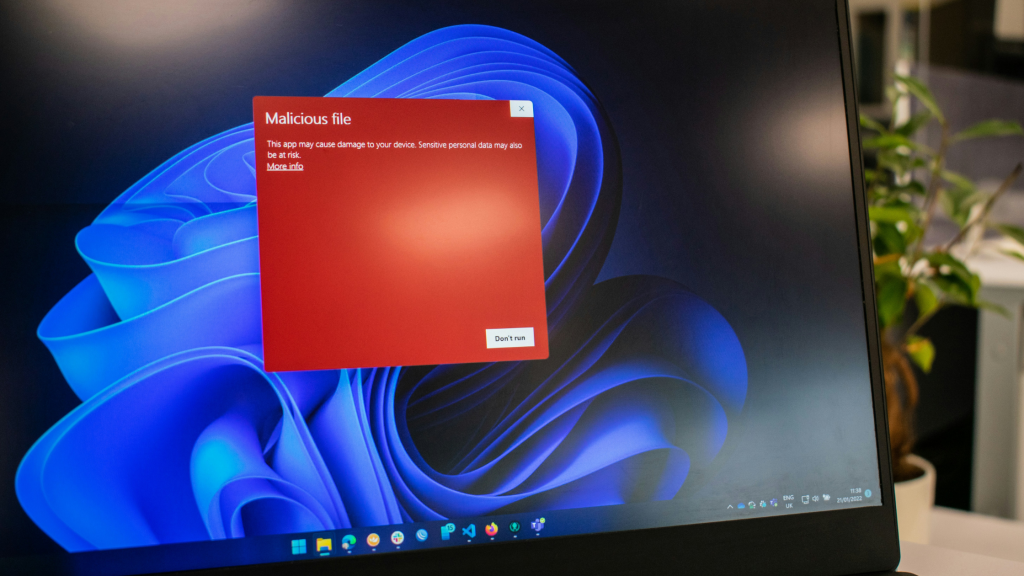
If a suspicious pop-up or security warning appears claiming to be from Microsoft, staying calm and taking the right steps can prevent serious consequences. Here’s what you should do immediately:
- Do not click any links or call the phone number shown. These are the scammer’s primary tools for gaining access to your device or information.
- Close the browser window or restart your computer. If the pop-up won’t close normally, use Task Manager (Ctrl + Shift + Esc) to force quit your browser.
- Disconnect from the internet temporarily if the alert won’t go away or is trying to download something to your system.
- Run a full system scan using reputable antivirus software. This will help detect and remove any malware that may have been installed.
- Clear your browser cache and cookies. This helps remove tracking scripts and prevent the alert from reappearing.
- Update your software. Make sure Windows, your browser, and security tools are up to date with the latest protections.
While you’re reviewing your system settings, it’s also a good time to check your online privacy settings. Limiting what personal information is publicly visible can reduce your chances of being targeted again, especially if your phone number or email was exposed.
How to Report a Fake Microsoft Security Alert
Think you’ve encountered a fake Microsoft alert? Reporting it quickly can help prevent further damage and protect others from falling for the same scam. Here’s how to do it the right way.
Step 1: Report the Scam to Microsoft
If a suspicious pop-up or message claims to be from Microsoft, your first step should be to report it using Microsoft’s official tool at microsoft.com/reportascam. This helps Microsoft investigate, block malicious domains, and improve their security filters across Windows, Edge, Outlook, and other services.
Step 2: Contact Local Authorities
If you’ve already provided sensitive information, such as banking details, passwords, or remote access, you should contact local law enforcement or your country’s cybercrime response center.
Early reporting is crucial to minimizing risk and initiating protective measures like fraud alerts or identity monitoring.
Step 3: Visit Microsoft Support and Community Forums
Microsoft’s official support channels and community forums can be useful for confirming whether others are experiencing the same issue.
These platforms also offer verified advice from Microsoft agents and user-contributed solutions that may help you secure your device or recover from a scam.
Why Fake Microsoft Alerts Are So Convincing
Microsoft is one of the most impersonated brands in the world. That’s what makes these fake alerts especially confusing. The tricky part is that Microsoft does send legitimate emails. about password resets, security setting changes, new product updates, and account activity alerts.
These messages are meant to keep users informed and protected. But scammers exploit that familiarity, mimicking the look and tone of real Microsoft communications. When a message feels off, it can be hard to tell whether it’s a genuine alert or a trap designed to steal your data.
If you’re unsure about the source of a message or suspect someone may be impersonating you online, it’s worth getting help. A Search Specialist at Social Catfish can investigate suspicious emails, trace unknown contacts, and verify whether the person, or alert is real.











