Multiple Faces Detected


 October 23rd, 2025
In today’s world, running a background check on yourself isn’t just a precaution, it’s essential. Employers, landlords, and even potential dates often search your name online before meeting you. According to the FBI’s Internet Crime Complaint Center (IC3), there were over 859,000 complaints in 2024 with reported losses topping $16.6 billion, a 33% increase from the year before. Knowing what’s tied to your name and identity online has never been more important.
Much of this comes down to your digital footprint, the trail of accounts, records, and personal information you leave behind online. Understanding that footprint helps you protect your reputation, spot potential risks, and prevent scammers from exploiting your information.
Curious what others can find about you? Run a background check on yourself today with Social Catfish.
What is a Background Check?

This pre-employment background check involves inspecting candidates’ background information using public records and other resources. This definition doesn’t limit background checks to employment, however. Background checks can be conducted in varying scenarios, including when you’re applying for a lease, college, or even when you’re interested in knowing about your partner’s history.
Why Run a Background Check on Yourself?
Your personal information is scattered across the internet, from old social media accounts to databases exposed in data breaches. Running a background check on yourself isn’t just for job seekers; it’s an important step in protecting your privacy and staying safe online.
By searching for your own information, you can see what others might find and take action before it’s used against you.
Here’s why it matters:
- Spot exposed data: Data breaches happen constantly, and your email, passwords, or personal details may already be leaked. Regularly checking can alert you so you can update your passwords and secure your accounts.
- Find old accounts: Many of us leave behind old profiles we no longer use. Locating and deleting them reduces the amount of personal data floating online.
- Protect your reputation: A quick search may reveal outdated or inaccurate information about you. Catching these errors early gives you the chance to correct or remove them.
- Stay a step ahead of scammers: Catfishers and identity thieves thrive on personal data. Knowing what’s publicly available helps you understand your vulnerabilities and minimize the risk.
- Peace of mind: Taking control of your digital footprint gives you confidence that you’re safeguarding your identity and staying alert to potential threats.
Being proactive about monitoring your information online is no longer optional; it’s one of the most effective ways to protect yourself in today’s digital world.
How to Run a Background Check on Yourself (Paid vs. Free Options)
There are several ways to run a background check on yourself, depending on how thorough you want the results to be. If you’ve ever wondered how to do a social media background check on yourself, here are the most effective approaches
Method 1: Use a Professional People Search Tool (Most Complete Option)
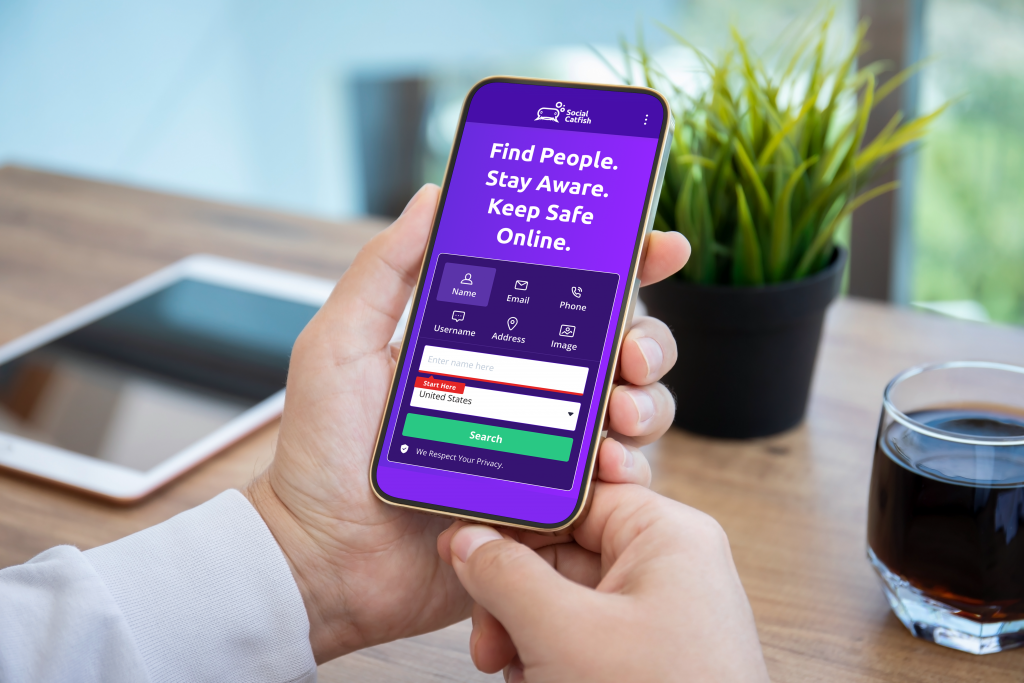
The fastest and most reliable way to see what’s out there is by using a professional search service like Social Catfish. Unlike free searches, it compiles data from multiple sources into one report so you can quickly see what others might find.
With Social Catfish, you can uncover:
- Current and past addresses
- Phone numbers and email addresses
- Dating and social media profiles
- Public and court records
- Potential scam or fraud reports tied to your details
Run a Background Check with Social Catfish
Method 2: Free DIY Search Methods (With Limitations)
If you’d rather start on your own, there are free methods available, though they come with trade-offs.
- Google Yourself – Search your name, email, or phone number to see what appears in search results.
- Search on Social Media – Check Facebook, Instagram, LinkedIn, and other platforms for old accounts or mentions.
- Look Up Public/Court Records Manually – Many county courts and state systems offer free online record searches.
Limitations: These searches are often incomplete, time-consuming, and may return outdated or irrelevant information. It can be difficult to connect all the dots without professional tools.
Managing Your Digital Footprint (Active vs. Passive)
Your digital footprint is the trail of information you leave online, some of it intentional, some of it invisible in the background.
- Active footprint – The information you knowingly share, like social media posts, photos, comments, or online accounts.
- Passive footprint – Data collected without your direct input, such as cookies, IP logs, location history, or app tracking.
If left unmanaged, your digital footprint can put you at risk of identity theft, scams, and reputational harm. But by taking proactive steps, you can protect your privacy and control how you appear online.
How to Clean Up Your Digital Footprint
Delete or Deactivate Old Accounts – Remove outdated social media, forums, or email accounts you no longer use. These are prime targets for hackers.
Update Privacy Settings – Adjust your privacy controls on platforms like Facebook, Instagram, and LinkedIn so strangers can’t see sensitive information.
Use Monitoring Tools – Stay on top of new risks with tools like Social Catfish Privacy Lock, which helps track and remove your personal data from unsafe sites.
Keeping your digital footprint in check not only reduces the risk of scams and identity theft but also ensures what people find about you online reflects the real you.
FAQs
Is it legal to run a background check on myself?
Yes. You are allowed to run a background check on yourself, and it’s a smart way to see what employers, landlords, or even potential dates might find. It also helps you uncover all public information about yourself online, correct mistakes, and stay safe by monitoring your identity and personal data.
Can I do a free background check?
You can piece together some information for free by searching your name, email, or phone number on Google and social media, or checking local court databases. However, these methods are usually incomplete, outdated, and time-consuming compared to professional tools.
What is included in a digital footprint check?
A digital footprint check looks at both your active footprint (what you post and share online) and your passive footprint (data collected about you, such as old accounts, cookies, or public records). It can reveal accounts, records, and mentions tied to your identity.
How often should I run a background check?
At least once or twice a year is recommended, especially before major life events like applying for a job, moving, or starting online dating. Frequent checks also help catch signs of identity theft early.
What’s the difference between a background check and a digital footprint check?
A background check pulls together public records, contact details, addresses, and accounts tied to your name. A digital footprint check goes a step further, showing how you appear online, including social media activity, old accounts, and hidden data that shapes your online reputation.