Multiple Faces Detected


 May 7th, 2025
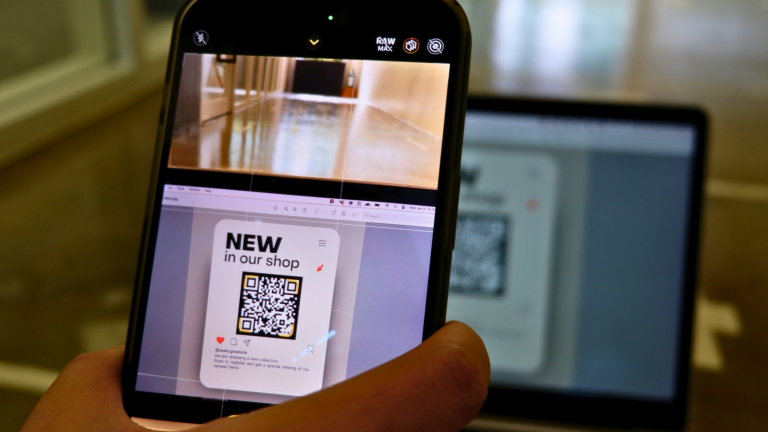
It’s never been easier to access what you need: pay for a meal, pay a parking fee, or download a user manual, just scan a QR code and go. In fact, 59% of consumers now scan QR codes weekly, and usage continues to climb in stores, restaurants, and even healthcare settings.
But the same convenience that makes QR codes so useful also makes them risky. Cybercriminals have caught on, and they’re using fake QR codes to trick people into giving away their personal information, a scam now known as “quishing.”
In this blog, we’ll show you how QR code scams work and how you can spot and avoid them before they mess with your money or identity.
How Does Scanning a QR Code Expose Your Identity
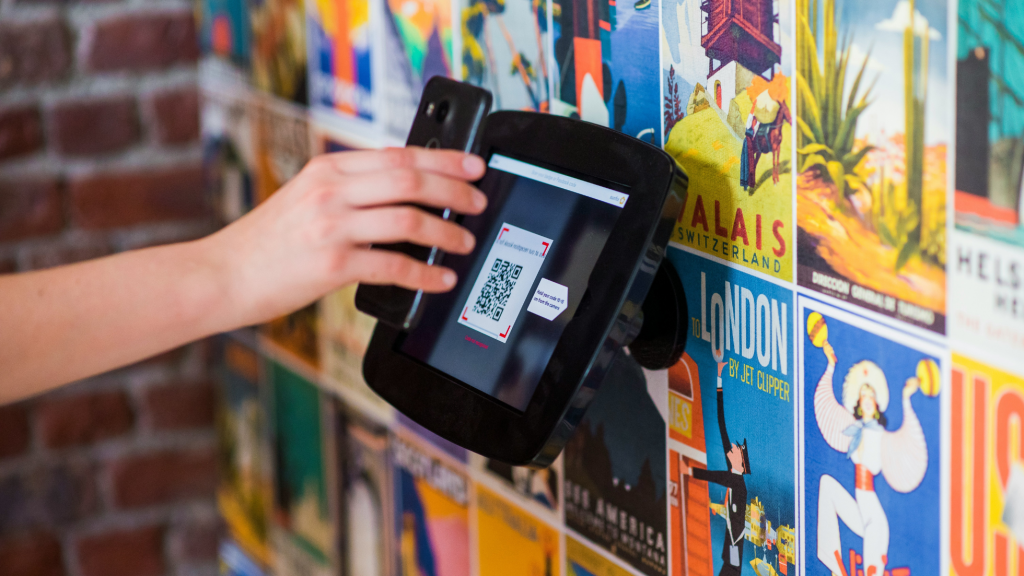
Quishing involves fake QR codes that lead to harmful websites built to collect your personal details and use them for identity theft. When you scan the code, it may take you to a fake page that looks real, such as a payment form, login screen, or delivery tracking page.
Once there, you’ll be asked to enter personal details such as your full name, address, Social Security number, login credentials, or credit card information.
If you enter that information, it goes straight to the scammer. They can then use it to:
- Open new credit accounts in your name
- Access your bank or email accounts
- File fake tax returns or apply for loans
- Impersonate you to scam others
This scam works well because QR codes are convenient. People are used to scanning them without thinking.
In many cases, the QR code is placed in a trusted location, such as a restaurant menu, parking sign, or public poster. Because it looks familiar and official, most people don’t question it. This combination of speed, habit, and trust is what makes QR code scams so effective.
What Happens When You Scan a Fake QR Code?
Scanning a fake QR code might feel routine, but it can trigger several serious risks. Here’s what can happen behind the scenes:
You’re Redirected to a Fake Website
The QR code may send you to a website that looks exactly like a trusted brand. It could be a fake login page for your bank or a delivery service. Without realizing it, you might enter personal details directly into a scammer’s hands.
Sensitive Data Gets Stolen
If you fill out a form on a fake site, your usernames, passwords, credit card numbers, or even ID details can be collected. This stolen information may then be used to access your accounts or sold on the dark web.
Malware Can Be Installed Without Warning
Some QR codes are set up to trigger a file download the moment you scan them. These files can carry malware designed to track your actions or steal information stored on your device.
Your Device Can Be Compromised
If malware installs successfully, scammers can take control of your device in the background. They may access files and photos or even activate your camera without you knowing.
You Could Be Tricked Into Paying
Some fake QR codes lead to pages that ask you to pay a small “fee” or “verify” your identity. In some cases, it can even trigger an automatic payment from your digital wallet or banking app.
Device Permissions Exploited
The fake site may request access to your phone’s location, microphone, or camera. If you approve these requests, scammers can track where you go or listen in without your knowledge.
Access to Your Contacts
Certain malware can access your contact list and send scam messages to friends or colleagues. These messages may appear to come from you, increasing the chances others fall for the same trap.
Common Quishing Scams to Watch Out For
Quishing scams come in many forms, and cybercriminals continue to find new ways to trick people. Below are the most common types of QR code-related scams, along with how they typically work.
Fake Payment QR Codes
These are often placed over real QR codes at parking meters, kiosks, or checkout counters. You scan the code expecting to make a payment, but instead, your money is sent directly to a scammer’s account. In some cases, the fake code may ask for your banking information and steal it.
Phishing via Fake Login Pages
Some QR codes lead to websites that look like login pages for well-known services such as your email, bank, or social media. The goal is to get you to enter your username and password so the scammer can access your account.
QR Codes in Scam Emails or Texts
These scams are sent through messages that appear to be from companies you trust. Instead of clicking a link, you’re asked to scan a QR code to “track a package,” “recover your account,” or “claim a prize.” The destination site often requests sensitive details or pushes malware.
These scams are increasingly common on social media platforms, especially in the form of Facebook scams, where links or QR codes lead users to fake promotions or phishing sites.
To be safe, you can use Social Catfish’s reverse lookup tools to check the email, phone number, or profile tied to the message. It’s a fast way to spot fake accounts before they cause real damage.
Malware Downloads
Some QR codes are programmed to download harmful apps or files when scanned automatically. These files can infect your phone or tablet with spyware or ransomware, allowing hackers to monitor your actions or lock your files for ransom.
If you think your phone might be compromised, it’s smart to learn how to remove personal data from your smartphone to protect your privacy in the future.
Scams in Public Spaces
Scammers often place fake QR codes on posters, restaurant tables, public ads, or printed handouts. These codes may look official and branded, but they redirect to counterfeit websites or malware installers.
If a QR code links to a social media profile, it’s worth using tools to find and verify someone on TikTok before interacting or sharing any personal details.
Tech Support or Account Recovery Scams
Some fake QR codes claim to help you reset your account or contact customer support. These are especially common in emails that warn you about “security issues.” But the goal is to get you to panic and act quickly without verifying the source.
If someone claims to be a support rep and includes a profile photo or ID badge, run a quick image check to verify who you’re speaking to.
How to Stay Safe from QR Code Scams?
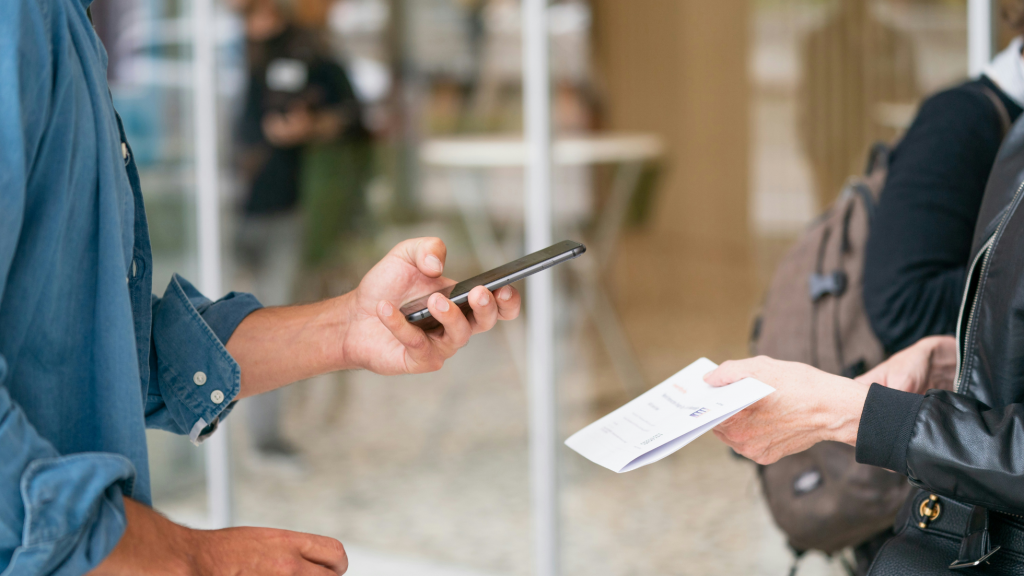
With QR code use expected to reach over 100 million U.S. smartphone users by 2025, the chances of running into a fake one are only growing. That’s why it’s so important to slow down and double-check before you scan. Here are some simple ways to stay safe:
Look at the Link First
Most phones show the website address after you scan a QR code but before it opens. Check it carefully. If it looks strange or confusing or uses a shortened link like bit.ly, don’t tap it. Trusted websites usually have clear names and start with “https.”
Think About Who Sent It
Ask yourself where the QR code came from. Was it someone you know? Were you expecting it? If it came through a random message or is pasted on a public sign, it could be fake. When in doubt, go to the company’s official website instead of using the code.
Don’t Share Personal Info Too Quickly
Many scams ask for private details when they shouldn’t. It’s important to understand the risks of sharing personal information online, especially when it’s tied to a QR code that could be fake.
Avoid Downloading Anything
Some fake QR codes lead to sites that ask you to download files or apps. If you weren’t expecting it, don’t do it. These downloads can carry harmful software that steals data or tracks your activity.
Turn On Two-Factor Login Protection
Turn on two-factor authentication (2FA) for important accounts, like your email or bank. That way, even if someone gets your password, they can’t log in without the extra code sent to your phone.
Final Word
When it comes to QR scams, a little expert help can go a long way. Scammers often hide behind fake websites and false identities, making it hard to trace what really happened. That’s where Social Catfish’s search specialists come in.
We can help you track down who was behind the scam, verify if your information is being misused, and give you a clearer picture of what you’re dealing with.
A quick word from someone we supported:
“What an incredible and amazing experience. So emotionally draining I was at a loss until I contacted your Team. Sheridan was so kind and held our hand every step of the way! Her was a true professional and in the end the thoroughness of your investigation brought all the truth to the surface!! The best hire EVER!! Thank YOU Sheridan and the Social Catfish Team!!!” – Jennifer