Multiple Faces Detected


 October 3rd, 2023
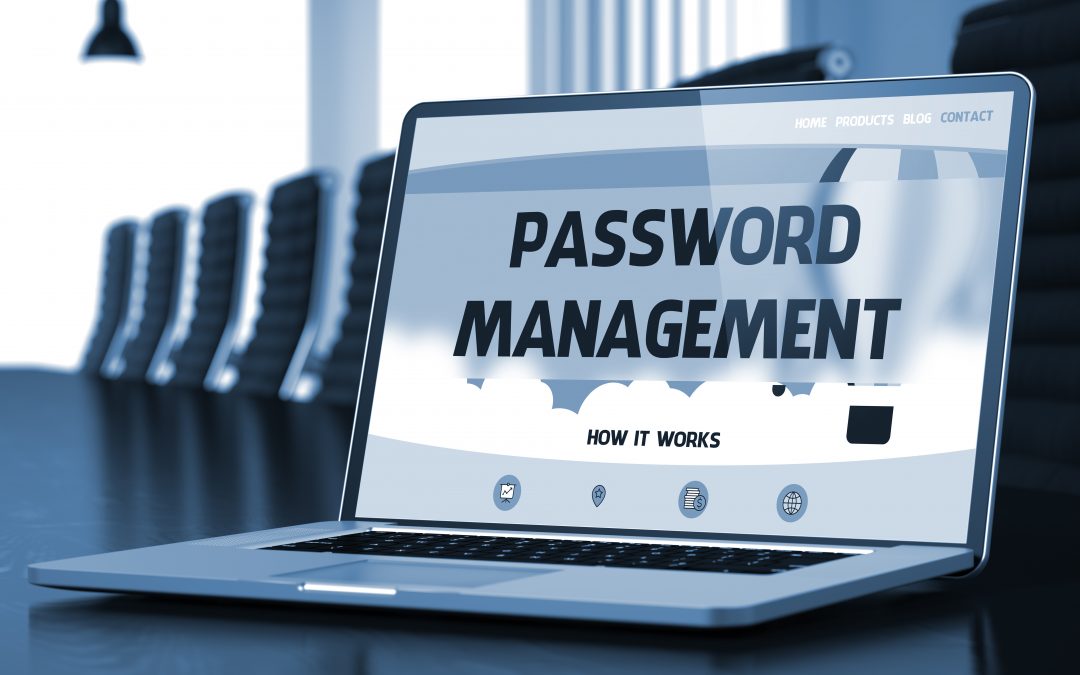
In today’s digitally driven world, where the internet serves as a vast landscape for communication, information, and commerce, the importance of robust password management cannot be overstated. For seniors, who may be newer to the intricacies of online interactions, ensuring the security of their personal information is paramount. Crafting strong and memorable passwords forms the cornerstone of a solid defense against cyber threats that loom in the virtual realm. In this blog post, we embark on a journey into the realm of password management, specifically tailored to the unique needs and experiences of seniors. We will delve into valuable tips and strategies that empower older adults to create passwords that are not only resilient against attacks but also easy to remember, fostering a safer and more confident online presence. Join us as we unlock the secrets to crafting passwords that stand as sentinels guarding the digital gateways of our lives.
Understanding the Significance of Strong Passwords
For seniors, who may be new to the intricacies of online interactions, understanding the significance of robust password practices is a crucial step toward safeguarding their personal information and online activities. A strong password acts as a virtual lock, preventing unauthorized access to sensitive data, financial accounts, and personal communications.
Hackers and cybercriminals are constantly evolving their tactics to breach security barriers. Seniors, like anyone else, can become targets of these malicious actors. Weak passwords, often comprised of easily guessable combinations or common phrases, create vulnerabilities that attackers can exploit. Cyberattacks, such as phishing and credential stuffing, can lead to identity theft, financial loss, and even compromising personal relationships. Recognizing that a strong password is the first line of defense against these threats empowers seniors to take charge of their online security.
Strong passwords are characterized by their complexity and uniqueness. They incorporate a mix of uppercase and lowercase letters, numbers, and special characters, creating a cryptographic barrier that is challenging for hackers to decipher. Seniors should understand that using personal information, such as names, birthdays, or easily guessable words, makes passwords susceptible to breaches. By grasping these concepts, seniors can elevate their awareness and commitment to crafting passwords that are not only formidable but also tailored to their individual preferences.
An often overlooked aspect of password security is the importance of diversity across different accounts. Seniors may be tempted to reuse passwords for convenience, but this practice poses a significant risk. If one account is compromised, cybercriminals can exploit this vulnerability to gain unauthorized access to other platforms, leading to a cascade of breaches. Educating seniors about the necessity of maintaining distinct passwords for each online account is fundamental to their cybersecurity journey.
The significance of strong passwords extends beyond personal protection to the larger online community. Seniors, who are valued members of this digital landscape, contribute to the collective defense against cyber threats. A compromised account not only affects the individual but can also be a vector for launching attacks on friends, family, or colleagues. Understanding the interconnected nature of cybersecurity underscores the responsibility that seniors have in safeguarding not only their own digital well-being but also that of their broader online network.
Creating Memorable Yet Secure Passwords
Crafting memorable yet secure passwords is an art that seniors can master with a bit of creativity and guidance. Balancing the need for complexity and ease of recall, seniors can create passwords that are both robust and accessible. One effective technique is to create a passphrase – a sequence of words or a sentence that holds personal significance. For example, combining a favorite quote with numbers and special characters can yield a password that’s hard to crack yet easy to remember.
Seniors should also consider using acronyms or abbreviations of memorable phrases. This approach allows them to string together a series of unrelated words or concepts that have meaning only to them. For instance, “I Love Gardening in Spring” can be transformed into the password “ILG1n$.” This method marries familiarity with complexity, making the password creation process more manageable.
Another strategy is to employ a technique called “leet speak,” where letters are replaced with similar-looking numbers or characters. Seniors can transform a simple word like “password” into “p@ssw0rd,” adding an extra layer of security without sacrificing memorability. Additionally, using a combination of words in different languages or incorporating phonetic variations can create passwords that are both strong and easy to commit to memory.
Creating a password based on a favorite book, song, or hobby is another approach that seniors can explore. By selecting a line from a beloved novel or lyrics from a cherished song and adding personal touches like capitalization or symbols, they can construct a password that holds special meaning while maintaining security. This technique can make the process enjoyable and engaging, encouraging seniors to actively participate in their own cybersecurity.
Mnemonic devices, which involve creating associations between words and vivid mental images, can also aid in password memorization. Seniors can link unrelated words or concepts together through imaginative imagery, making it easier to recall complex passwords. For instance, they can transform the phrase “Sunny Day at the Beach” into “Sd@Tb3ach!”
Lastly, utilizing a password manager can provide an effective solution for seniors who struggle with memorization. These tools generate and store strong passwords for different accounts, alleviating the need to remember them all. Seniors only need to recall a master password to access their password vault, simplifying the process while ensuring robust security across various online platforms. By embracing these creative techniques, seniors can strike a harmonious balance between strong password protection and easy recall, bolstering their overall online safety.
Utilizing Password Managers: A Senior-Friendly Approach
In the realm of modern cybersecurity, password managers stand as indispensable tools, offering seniors a secure and user-friendly way to manage their online credentials. These applications alleviate the burden of memorizing multiple complex passwords while ensuring robust protection for their digital identities. Seniors can think of a password manager as a virtual vault that securely stores their login information for various websites and applications. All they need to remember is a single master password, which unlocks access to their password vault.
Password managers offer several advantages that make them particularly senior-friendly. First, they simplify the process of generating strong and unique passwords for each online account. Seniors don’t have to rack their brains for intricate combinations of characters; the password manager does the heavy lifting by creating and storing complex passwords automatically.
Furthermore, these tools often come with browser extensions or mobile apps that seamlessly integrate with seniors’ online activities. When visiting a website or app, the password manager can automatically fill in the login information, eliminating the need to type out usernames and passwords. This feature is especially beneficial for seniors who might struggle with typing or remembering their credentials.
Importantly, password managers also enhance security by encrypting stored passwords and using advanced encryption algorithms to protect sensitive data. This means that even if a senior’s device is compromised, their passwords remain safeguarded behind a strong layer of encryption.
For seniors who might be concerned about the initial setup process, many password managers offer user-friendly interfaces and straightforward instructions. They guide seniors through the process of installing the software, creating a master password, and adding their existing login information. Once set up, using a password manager becomes second nature, empowering seniors to take charge of their online security without unnecessary stress.
In a digital landscape where passwords are the first line of defense against cyber threats, password managers provide seniors with a reliable and accessible solution. By streamlining the management of their online credentials, these tools not only enhance security but also offer peace of mind, enabling seniors to navigate the digital world with confidence and ease.
Regular Maintenance and Upkeep: The Key to Long-Term Password Security
Just as we maintain our physical possessions to ensure their longevity, regular maintenance and upkeep are crucial to maintaining the security of our online accounts and passwords. Seniors can think of their digital presence as a virtual garden that requires consistent care to flourish. By periodically tending to their password practices, seniors can ensure the ongoing protection of their sensitive information and digital identity.
Performing regular password audits is an essential aspect of this maintenance. Seniors should set aside time to review their list of stored passwords in their password manager and assess the security of each one. They can identify any weak or duplicate passwords and update them with stronger alternatives. This practice not only strengthens their defense against potential breaches but also helps them stay organized in their online interactions.
Additionally, seniors should remain vigilant about any news of data breaches or security vulnerabilities affecting the websites or services they use. Cybersecurity threats are ever-evolving, and staying informed about potential risks can prompt seniors to take proactive measures, such as changing passwords on affected accounts or enabling two-factor authentication.
Regularly updating passwords is a simple yet effective way to enhance security. Seniors should make it a habit to change their passwords every few months, especially for critical accounts like email, banking, and social media. This practice helps thwart any potential unauthorized access that might occur due to compromised credentials.
Furthermore, keeping software, devices, and applications up to date is essential. Outdated software can contain vulnerabilities that hackers can exploit to gain access to a senior’s devices or accounts. Seniors should ensure that their operating systems, web browsers, and antivirus software are regularly updated to the latest versions to benefit from the latest security patches and improvements.
By incorporating these practices into their digital routines, seniors can establish a robust foundation for long-term password security. Just as a well-maintained garden blooms with beauty, a well-maintained approach to password management ensures that seniors’ online experiences are safe, secure, and worry-free.