Multiple Faces Detected


 November 1st, 2023
In a world where our smartphones serve as our constant companions, the persistent nuisance of unwanted calls has become an all-too-familiar annoyance. Whether it’s relentless telemarketers interrupting your day or anonymous callers intruding upon your privacy, the need for effective call blocking solutions has never been more vital. Enter third party call blocker apps, the unsung heroes of modern communication. In this blog post, we delve into the realm of these digital sentinels, exploring how they can shield you from unwanted calls, restore your peace, and put you back in control of your phone. Say goodbye to spam calls and hello to a more tranquil phone experience as we unravel the world of third-party call blocker apps.
The Rising Tide of Unwanted Calls
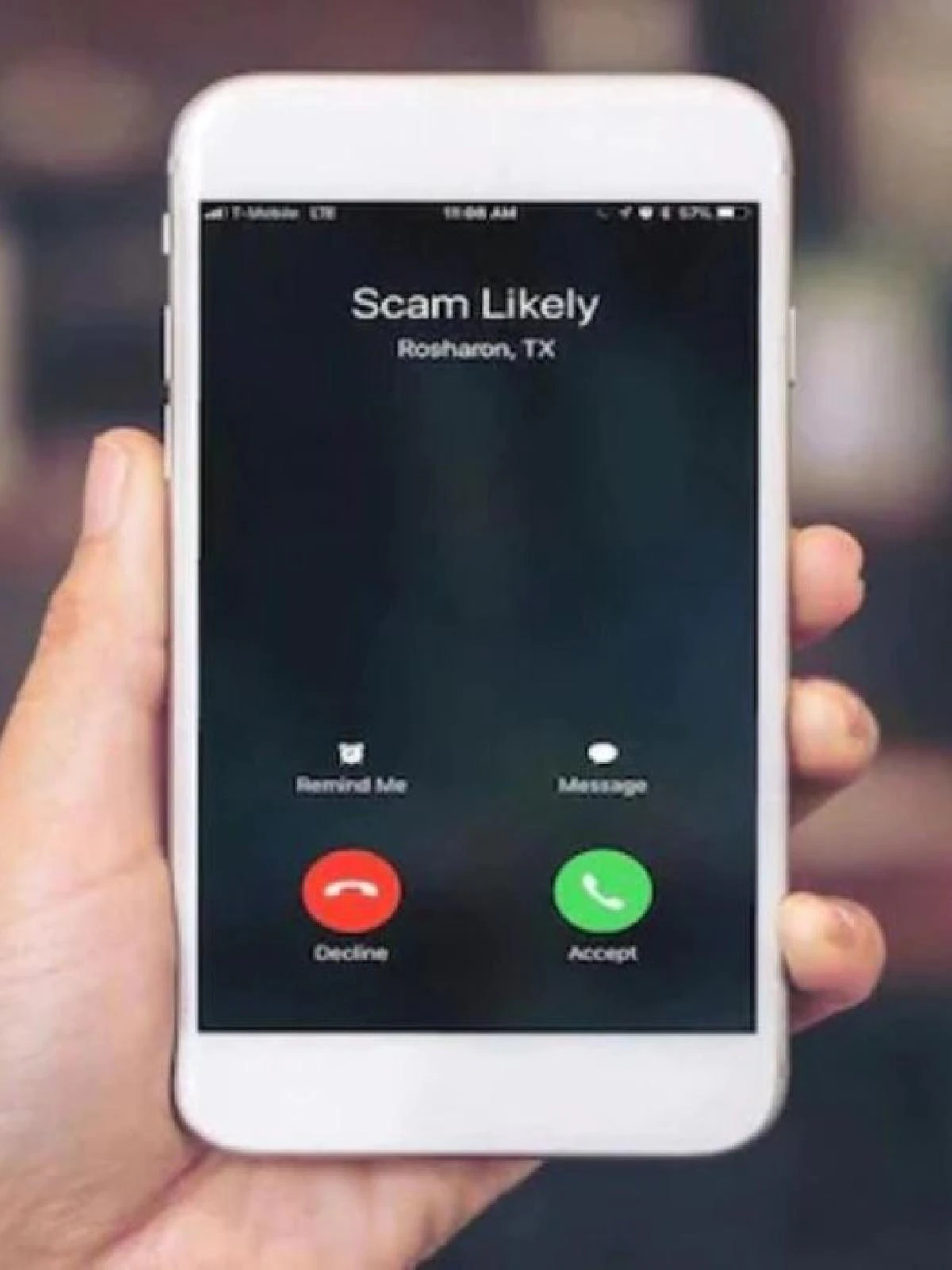
In our increasingly digital world, unwanted calls have surged to become a daily nuisance for many smartphone users. Gone are the days when our phones were simply devices for making and receiving calls from loved ones and colleagues. Instead, our mobiles have become gateways for spam calls, telemarketing pitches, and anonymous harassers. The rising tide of unwanted calls has become a pervasive issue, causing not only irritation but also posing potential risks, such as falling victim to scams.
These unwanted calls disrupt our daily routines, interrupt important meetings, and invade our personal spaces. It’s not uncommon to receive calls from unknown numbers during family dinners, late at night, or even while in the midst of critical tasks. These intrusions can lead to heightened stress levels and, in some cases, a sense of helplessness. Fortunately, as technology advances, so do the tools available to combat this relentless onslaught of calls.
How Unwanted Calls Disrupt Your Daily Life
Unwanted calls can disrupt your life in various ways. First and foremost, they steal your time and attention, diverting you from more important matters. A call from an unfamiliar number may compel you to stop what you’re doing and check your phone, breaking your focus and concentration. This can be particularly frustrating when you’re engaged in work, leisure activities, or spending quality time with loved ones.
Moreover, unwanted calls can lead to feelings of intrusion and discomfort. Receiving unsolicited marketing calls or persistent robocalls can make you feel like your personal space has been invaded, leaving you with a sense of powerlessness. In some cases, these calls can even be harassing or threatening, causing emotional distress and anxiety. The emotional toll of unwanted calls should not be underestimated, as it can impact your overall well-being and quality of life.
As the nuisance of unwanted calls continues to grow, it’s crucial to explore effective solutions that can help you regain control over your phone and your life. This is where third-party call blocker apps step in, offering a powerful defense against the rising tide of unwanted calls. In the sections that follow, we’ll delve into the role of these apps and how they can become your trusty allies in the battle against spam calls and intrusions.
The Role of Third Party Call Blocker Apps
In a world inundated with unwanted calls, third-party call blocker apps emerge as digital guardians of your smartphone. But what exactly are these apps, and how do they function? Essentially, third party call blocker apps are specialized tools designed to intercept, identify, and block unwanted calls before they reach your phone’s dialer. Think of them as gatekeepers that filter out the noise, allowing only the calls you want to come through.
These apps operate by maintaining a vast database of known spam numbers and call patterns. When an incoming call matches any of these entries, the app springs into action, effectively redirecting or blocking the call. Furthermore, many of these apps use advanced algorithms and machine learning to analyze call behavior in real-time, enabling them to recognize new spam patterns and adapt their blocking mechanisms accordingly.
One of the primary benefits of using third party call blocker apps is that they provide a level of customization that the default call-blocking features on smartphones often lack. Users can fine-tune their call-blocking preferences, specifying which types of calls to block and which to allow. This flexibility allows you to strike the right balance between protecting yourself from unwanted calls and ensuring that important calls still get through.
With these apps at your disposal, you can regain control over your phone and free yourself from the constant barrage of spam calls. As your personal call bouncers, they ensure that your smartphone remains a tool of convenience rather than a source of frustration. In the following sections, we’ll explore the features to look for in a call blocker app and how to choose the right one for your needs.
Features to Look for in a Call Blocker App
Here’s a list of features to look for in a call blocker app when exploring your options:
- Call Identification:
- Real-time caller ID to display information about incoming calls, including the caller’s name and location when available.
- Real-time caller ID to display information about incoming calls, including the caller’s name and location when available.
- Customizable Blocking Rules:
- Ability to customize call-blocking rules based on various criteria, such as specific numbers, area codes, or call types (e.g., spam, telemarketing).
- Ability to customize call-blocking rules based on various criteria, such as specific numbers, area codes, or call types (e.g., spam, telemarketing).
- Community-Based Blocking:
- Integration with a community-driven database of known spam numbers and scams for proactive call blocking.
- Integration with a community-driven database of known spam numbers and scams for proactive call blocking.
- Whitelist and Blacklist:
- Option to create a whitelist of trusted contacts whose calls should always go through and a blacklist of numbers to block.
- Option to create a whitelist of trusted contacts whose calls should always go through and a blacklist of numbers to block.
- Automatic Updates:
- Regular updates to the app’s spam database and blocking algorithms to stay current with emerging spam call trends.
- Regular updates to the app’s spam database and blocking algorithms to stay current with emerging spam call trends.
- Robocall Detection:
- Advanced algorithms to identify and block robocalls and automated dialers.
- Advanced algorithms to identify and block robocalls and automated dialers.
- Call Recording:
- Ability to record and save calls, which can be useful for legal purposes or documenting unwanted calls.
- Ability to record and save calls, which can be useful for legal purposes or documenting unwanted calls.
- Do Not Disturb Mode:
- A Do Not Disturb feature that allows you to set specific times when calls should be blocked or forwarded to voicemail.
- A Do Not Disturb feature that allows you to set specific times when calls should be blocked or forwarded to voicemail.
- Report and Feedback:
- Functionality for users to report spam calls and provide feedback, contributing to the app’s effectiveness.
- Functionality for users to report spam calls and provide feedback, contributing to the app’s effectiveness.
- User-Friendly Interface:
- An intuitive and easy-to-use interface for configuring call-blocking settings and managing blocked numbers.
- An intuitive and easy-to-use interface for configuring call-blocking settings and managing blocked numbers.
- Compatibility:
- Compatibility with both Android and iOS platforms for broader accessibility.
- Compatibility with both Android and iOS platforms for broader accessibility.
- Additional Security Features:
- Optional security features like SMS filtering, protection against phishing, and fraud alerts.
- Optional security features like SMS filtering, protection against phishing, and fraud alerts.
- Call History and Logs:
- A log of blocked calls and call history, allowing you to review and manage past interactions.
- A log of blocked calls and call history, allowing you to review and manage past interactions.
- Backup and Restore:
- Backup and restore capabilities for call-blocking settings and blocked number lists.
- Backup and restore capabilities for call-blocking settings and blocked number lists.
- Customer Support:
- Access to customer support or a help center for assistance with app-related issues.
When evaluating call blocker apps, consider which features align with your specific needs and preferences. The right app should provide a balance between powerful call blocking capabilities and user-friendly customization options. Additionally, check for user reviews and ratings to gauge the app’s effectiveness and reliability in real-world scenarios.
Top Third Party Call Blocker Apps for Android and iOS
Here’s a list of top third party call blocker apps for both Android and iOS platforms:
Android:
- Hiya: Caller ID & Spam Blocker
- Hiya is a popular call-blocking app that offers real-time caller ID, spam call detection, and a user-friendly interface. It provides a community-based spam database for proactive blocking.
- Truecaller: Caller ID, SMS spam blocking & Dialer
- Truecaller is known for its extensive spam call database and accurate caller ID. It also includes SMS spam filtering and a built-in dialer.
- Call Blocker Free – Blacklist and Whitelist
- This app provides a straightforward approach to call blocking, allowing users to create custom blacklists and whitelists. It offers call log and SMS blocking features.
- Mr. Number – Caller ID & Spam Protection
- Mr. Number offers call and text blocking, spam detection, and a community reporting feature. It allows users to block calls from specific area codes and prefixes.
- Norton Mobile Security
- Norton offers a comprehensive mobile security suite, including call and SMS blocking, as well as protection against malware and online threats.
iOS:
- Truecaller: Spam Call Blocker
- Truecaller is available for iOS and offers a reliable spam call blocker with caller ID. It can identify and block spam calls and text messages.
- Nomorobo Robocall Blocking
- Nomorobo specializes in blocking robocalls and telemarketing calls. It provides real-time call blocking and integrates with your existing phone app.
- Hiya: Caller ID & Spam Blocker
- Hiya is also available for iOS and provides caller ID and spam call blocking features. It includes a community-based spam database.
- RoboKiller: Block Spam Calls
- RoboKiller focuses on blocking robocalls and automated spam calls. It uses AI to engage with spammers and waste their time.
- Should I Answer?
- This app allows users to create custom blocklists, report spam numbers, and share information about spam calls with the community.
When choosing a call blocker app, consider your specific needs, such as the types of unwanted calls you want to block and the level of customization you require. Explore user reviews and ratings to ensure the app aligns with your expectations in terms of performance and user experience. Additionally, some apps offer free versions with limited features, while premium versions provide more advanced functionalities.