

 Multiple Faces Detected


 January 23rd, 2023
Have you ever received a phone call from a number you didn’t recognize, only to see ‘No Caller ID’ displayed on your screen? This can be a frustrating and mysterious experience, leaving you wondering who the caller might be and why they’re hiding their identity. In this blog post, we’ll explore what ‘No Caller ID’ means, why someone might choose to call with this setting, and what steps you can take to protect yourself from unwanted or suspicious calls.
What Does ‘No Caller ID’ Mean?

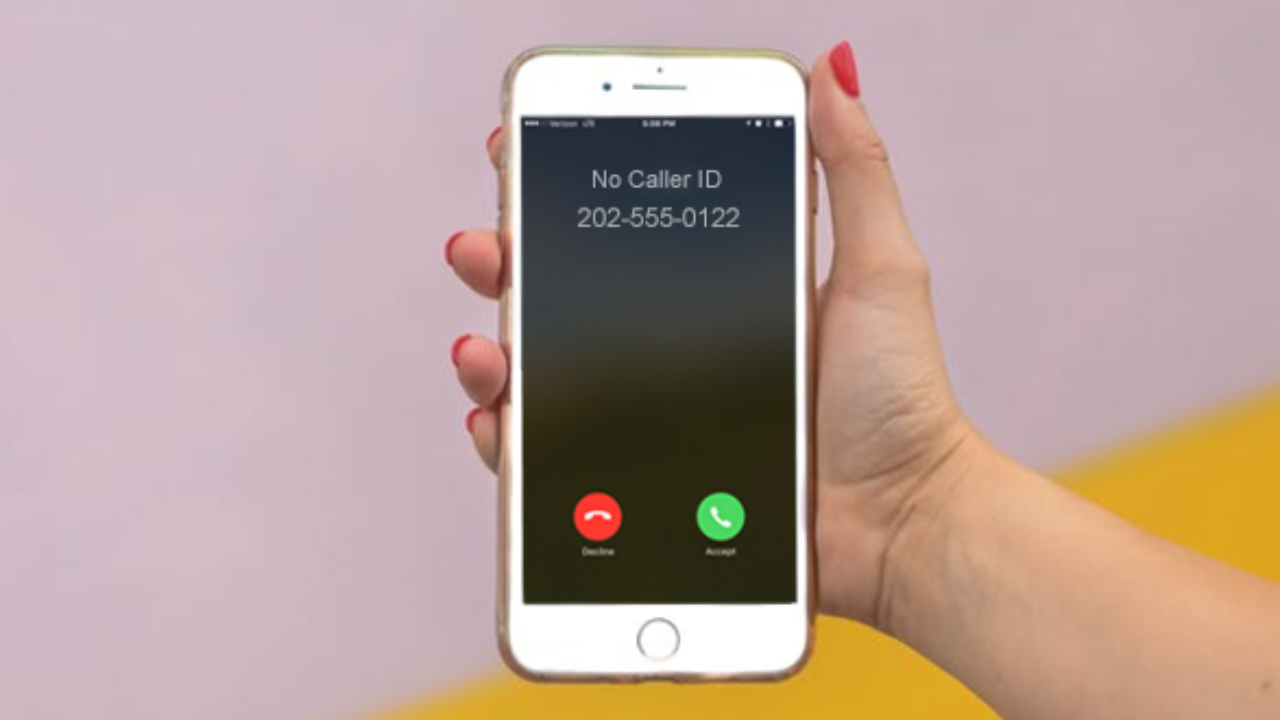
No Caller ID” is a feature that allows a caller to make a phone call without revealing their phone number to the person they are calling. This means that when the call is received, the phone number of the caller will not be displayed on the recipient’s caller ID. Instead, it will usually show up as “Unknown” or “No Caller ID.
It’s important to note that while “No Caller ID” might seem mysterious or suspicious, it is a legitimate phone feature that can be used for both positive and negative purposes.
Why Do Some People Call With ‘No Caller ID’?

There are several reasons why someone might choose to call with “No Caller ID.” One of the most common reasons is to maintain anonymity. For example, a person might use “No Caller ID” when calling a helpline or support line for sensitive issues such as mental health, addiction or domestic violence. This allows the caller to speak freely without fear of being identified or contacted later.
Another reason why someone might use “No Caller ID” is to avoid being contacted by the person they are calling. For example, an individual might use “No Caller ID” to call a business or customer service line without leaving their contact information. This can be particularly useful when they want to ask a question or make a complaint without fear of being contacted later.
Some people use “No Caller ID” to make prank calls or play pranks on their friends or family. In such a scenario, they want to remain anonymous so that the person they are calling does not know who is behind the call.
Telemarketers and scammers also use “No Caller ID” to make unwanted calls. They do this to avoid being blocked or reported. Many times, these calls are automated, and the caller’s number is not associated with a real person.
Another reason why some people use “No Caller ID” is when they have multiple numbers and don’t want to reveal which one they are calling from. This is particularly useful for people who have a work and personal phone number and want to separate the two.
In some cases, people might use “No Caller ID” because they are traveling abroad and want to avoid international call charges. They can call using a local or virtual number, which allows them to call without revealing their actual number.
How to Block ‘No Caller ID’ Calls on Your Phone

If you need to block unwanted calls on your phone that have no caller ID, here’s a list of things that you could do:
- Check if your phone has a built-in feature to block “No Caller ID” calls. On iPhone, this feature can be found in the “Silence Unknown Callers” setting under the “Phone” app. On Android, look for a similar setting or a third-party app that can block unknown numbers.
- Use a call-blocking app. There are many third-party apps available for both iPhone and Android that can block “No Caller ID” calls. Some popular options include Call Blocker, Mr. Number, and Truecaller.
- Block numbers manually. Most smartphones allow you to manually block numbers by adding them to a “block list” or “reject list.” You can do this by going to the Phone app, selecting a recent call from the “No Caller ID” number, and selecting “Block” or “Report as spam.
- Contact your phone service provider. Some phone service providers offer call-blocking features that can be activated for an additional fee. Contact your provider to inquire about this option.
- Use the FCC’s National Do Not Call Registry. The Federal Communications Commission’s National Do Not Call Registry allows you to register your phone number to opt out of telemarketing calls. While it doesn’t block all unwanted calls, it may reduce the number of unwanted calls you receive, including “No Caller ID” calls.
What to Do If You Receive a ‘No Caller ID’ Call

If you receive a call from a number with “No Caller ID” displayed, there are a few things you can do to handle the call:
- Don’t answer the call. If you don’t recognize the number and it says “No Caller ID,” there’s a good chance it’s a spam or unwanted call. It’s best to let it go to voicemail or block the number.
- Check your call history. If you do answer the call and realize it’s unwanted, check your call history to see if the number is listed. If it is, you can add it to your phone’s block list to prevent future calls.
- Use call-blocking apps or features. Many smartphones have built-in call-blocking features or you can download a third-party app to block unwanted calls. These apps can block “No Caller ID” calls, as well as calls from specific numbers or unknown numbers.
- Report the number. If you suspect the “No Caller ID” call is a scam, you can report the number to the Federal Trade Commission (FTC). The FTC uses these reports to identify and take action against scammers.
- Use the National Do Not Call Registry. If you’re receiving unwanted calls, you can add your number to the National Do Not Call Registry. This will reduce the number of telemarketing calls you receive, including “No Caller ID” calls.
- Be cautious about returning the call. If you do decide to return the call, be cautious about giving out personal information or agreeing to anything over the phone. Scammers may use “No Caller ID” to hide their identity and trick you into giving away sensitive information or money.
How to Reveal a ‘No Caller ID’ Caller’s Identity

Use a Call-Blocking App
Many call-blocking apps have a feature that allows you to unmask these calls. These apps can use a variety of methods, such as crowd-sourced databases, to reveal the caller’s identity.
Use a Reverse Phone Lookup Service
There are a number of online services that allow you to enter a phone number and get information about the caller, such as their name and address. While these services are not always accurate, they can be a good place to start.
Ask Your Phone Service Provider
Some phone service providers offer call-blocking or caller ID services that can reveal the caller’s identity. Contact your provider to inquire about these options.
Try Calling The Number Back
Sometimes, these calls are from telemarketers or other legitimate businesses that want to hide their identity. If you call the number back, you may be able to find out who the caller is.
Use Social Media
If you know the caller’s name, you can try searching for them on social media sites like Facebook or LinkedIn. This can help you confirm the caller’s identity or find contact information to reach them.
Contact The Police
In case the call seems suspicious or threatening, you may contact the local authorities and file a report. They might be able to track down the caller using advanced technology and legal methods.
It’s worth noting that revealing a “No Caller ID” caller’s identity may not always be possible, especially if the caller is using a burner phone or a spoofed number.











