Multiple Faces Detected



 July 4th, 2019
Have you ever thought of a world which doesn’t involve passwords to protect your accounts? Perhaps you’ve had your email, bank, or credit accounts hacked and your identity put at risk. You understand the frustration of your private information being stolen and the real world financial risks of data loss.
However, if there was a different system, how would it work and who would oversee it? Luckily, the World Wide Web Consortium is at the forefront of envisioning a world beyond passwords, for all of us.
What is the World Wide Web Consortium (W3C)?
[aesop_image img=”https://wp.socialcatfish.cloud/scamfish/wp-content/uploads/2019/07/My-Post-6.jpg” panorama=”off” imgwidth=”100%” align=”center” lightbox=”off” captionsrc=”custom” captionposition=”left” revealfx=”off” overlay_revealfx=”off”]The World Wide Web Consortium or W3C considers themselves an international community seeking open standards to facilitate the growth of the web. Their approved recommendation is Web Authentication API, a.k.a., WebAuthn. Essentially, WebAuthn is a new way to log into websites/webpages and apps.
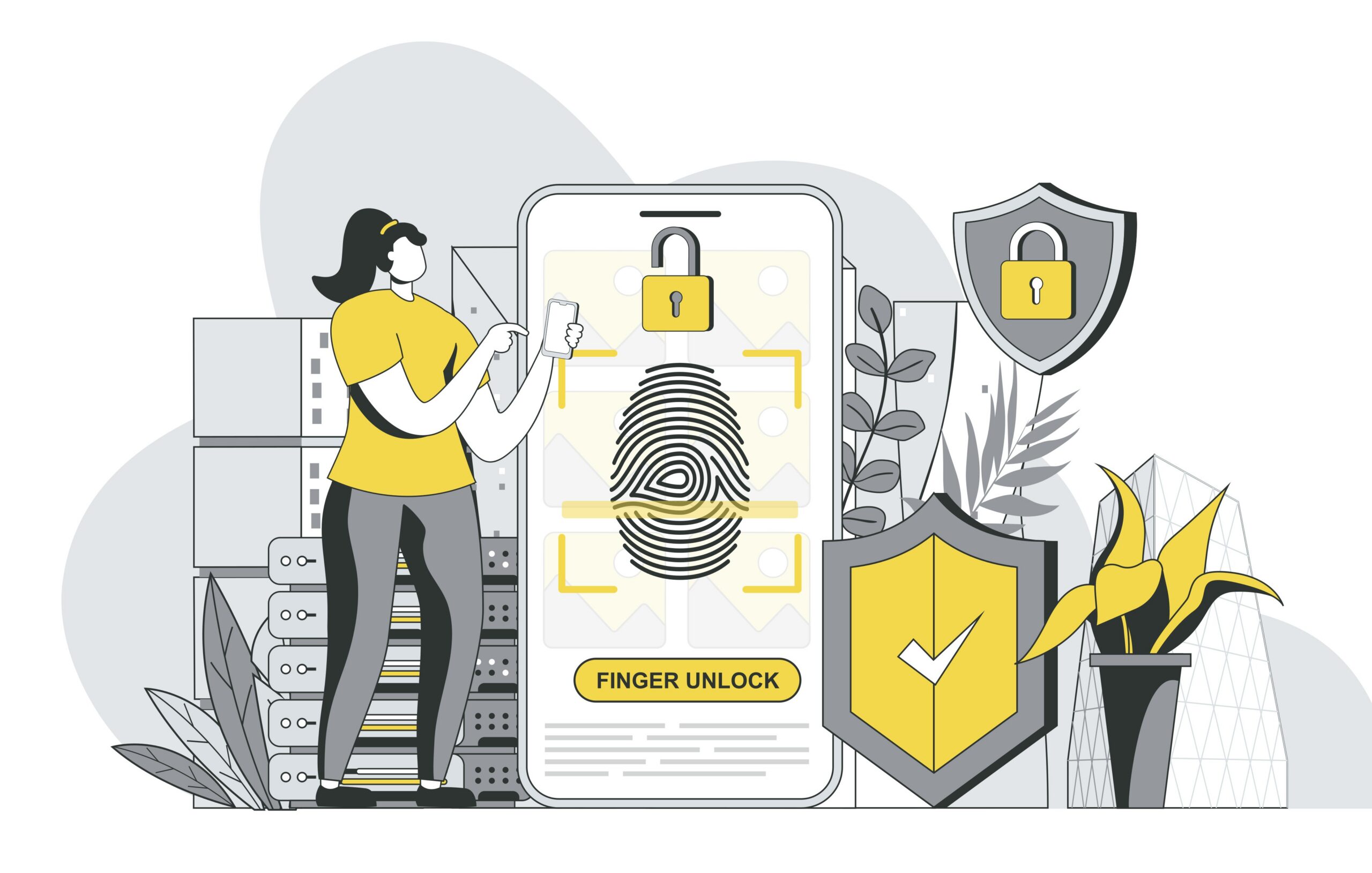
It will remove the archaic password/username system and make use of biometrics for your login. These biometrics include retina scans, facial recognition, and fingerprint scans. These tools are used with hardware USB security keys.
These advancements cut down on the risk of hackers or unauthorized account access . To those who have been the victims of online crime or employed to stop it, this change is overdue and highly anticipated.
How Does This Technology Work?
[aesop_image img=”https://wp.socialcatfish.cloud/scamfish/wp-content/uploads/2019/07/My-Post-8.jpg” panorama=”off” imgwidth=”100%” align=”center” lightbox=”off” captionsrc=”custom” captionposition=”left” revealfx=”off” overlay_revealfx=”off”]While the W3C’s recommendation will be used in many ways in the future, current browsers already support WebAuthn technology. These browsers include Mozilla Firefox, Microsoft Edge, Google Chrome, and Apple’s Safari macOS. Additionally, USB security keys are being used in conjunction with multiple services online. Google even has its security hardware brand, called Titan Security Keys.
To use WebAuthn:
- Log in to an account you already have (with WebAuthn enabled) or create a new one.
- Connect or “pair” your phone to the account. You will then have an option to sign in with your phone. This will be combined with some form of biometrics: fingerprint or retina scan, or facial recognition technology.
- Next time you want to log in, you will recreate the gesture or scan you chose to login with. This is similar to the facial recognition technology used with Android and iPhone.
How Does the W3C Web Authentication Password Free Logins Protect Us from Phishing Attacks?
[aesop_image img=”https://wp.socialcatfish.cloud/scamfish/wp-content/uploads/2019/07/My-Post-9.jpg” panorama=”off” imgwidth=”100%” align=”center” lightbox=”off” captionsrc=”custom” captionposition=”left” revealfx=”off” overlay_revealfx=”off”]It is challenging to recreate a gesture or fake another person’s face. While this doesn’t completely prevent all risk, it will make it very difficult for foreign scammers to get into your account through ordinary means. Phishing accounts won’t be able to find out your password and set up new accounts or locate your password-protected information across the web.
While we wait for these changes, to how we protect our information, to be implemented, we should (still!) regularly conduct smart scans and protect ourselves online. To do so, go to Social Catfish and search your name, phone number, photo, email account, or username.
You can discover public accounts which expose your information and take those details down. While many people conduct scans for reputation management, you can also look for valuable data which might give hackers information; you don’t want them to have.