Multiple Faces Detected


 August 1st, 2018
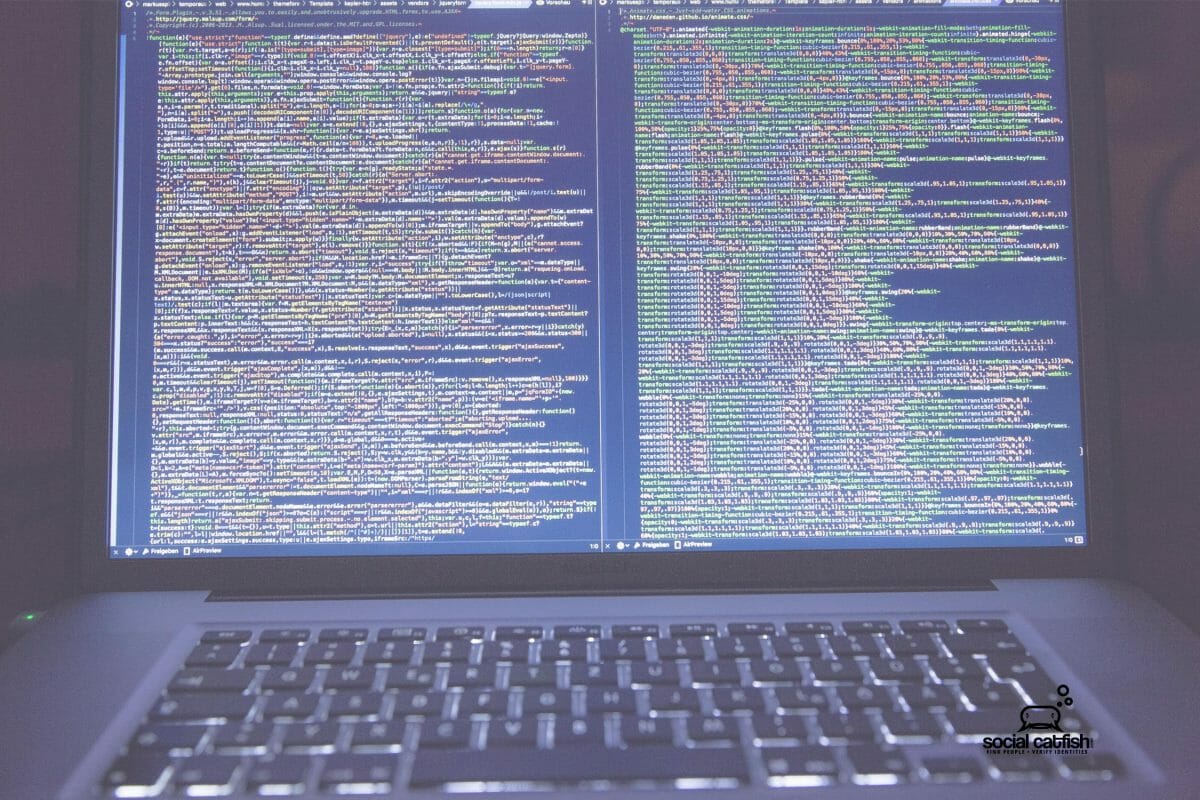
Hackers are becoming more and more prevalent on the internet, which affects social media. Hackers are extremely dangerous and frightening. They can cause enormous damage and their skills get more sophisticated all the time. They have the knowledge and power to access your most precious data. Hackers target companies and personal computers.
Hackers find vasts amounts of helpful key information about their targeted companies just by searching the web. They search for vulnerabilities in security which puts data for each company in jeopardy.
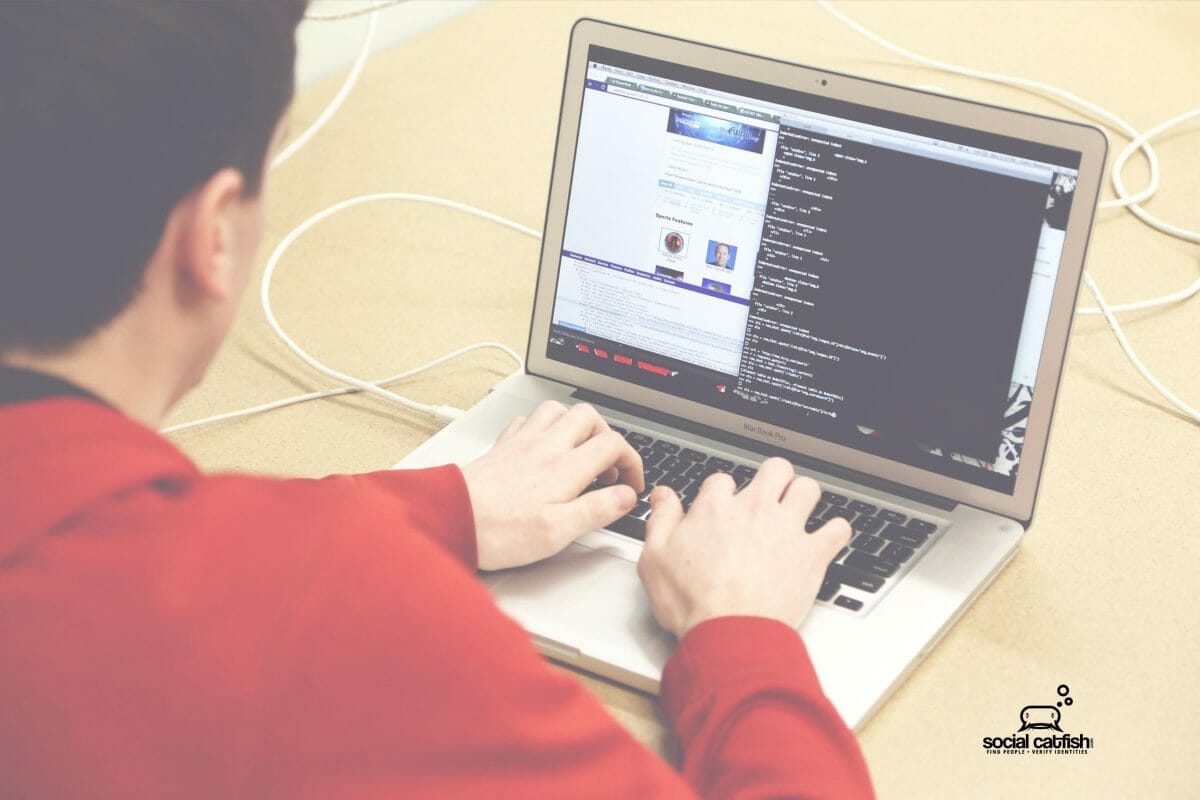
They can do the same to a personal computer. Hacking can be a random or personal attack. Think of your home computer as a company and use the same techniques companies do to protect yourself from being attacked. Be proactive instead of reactive and don’t wait for your computer to become infected.
Key Tips to Beat the Hackers and Protect Yourself from Hackers
- Update your OS and other software frequently. This keeps hackers from accessing your computer through outdated programs which are more vulnerable. Remove susceptible software such as Java or Flash.
- Always download updates to security programs such as anti-virus and anti-malware software, to keep your firewall up to date.
- If you are selling or disposing of your computer, delete all personal information on the hardware.
- Do not use open an unsecured WiFi. It makes it too easy for hackers to access and steal your information.
- Password protect all of your devices- laptop and desktop computer, phone, smartwatch, tablet. Mobile devices are especially vulnerable.
- Lock your phone and make timeout to ask for your password short. Remember mobile devices are essentially small computers and they contain a high level of personal data.
- Create difficult passwords and change them frequently. Never use the same password for all devices or services. If available, use two-factor authentication which is becoming a popular security feature.
- Come up with creative answers to security questions instead of obvious answers that others may know. For example “what is your spouse’s name?” reply Mom.
- Be cautious of where you surf and links in email. Hover over links to observe the actual email address from which an email is sent and ensure it is really the person or company it is claiming to be.
- Do not link accounts as that allows services to acquire more personal information, Remember convenience lessens your online security.
- Keep important information off the Cloud. Data stored on the Cloud doesn’t belong to you. Very few Cloud storage services offer encryption. Be selective for the data you send to the cloud.
- Do not respond to unsolicited requests for personal information (your social security number, birthdate, bank accounts) by phone, mail or anywhere online.
The bottom line is that you can not be too careful! Hackers are sophisticated and improving their skills all the time. It is essential to stay one step ahead of hackers and implement all safety tips. If you are hacked, please utilize Social Catfish to assist you in identifying the source of your hacker and resolve your problems.