Multiple Faces Detected



 June 19th, 2026
Poshmark has over 80 million users buying and selling secondhand fashion, accessories, and home goods. Finding a specific seller, tracking down a particular item, or verifying whether someone is a trustworthy seller before handing over your money requires knowing how Poshmark’s search actually works and where it falls short.
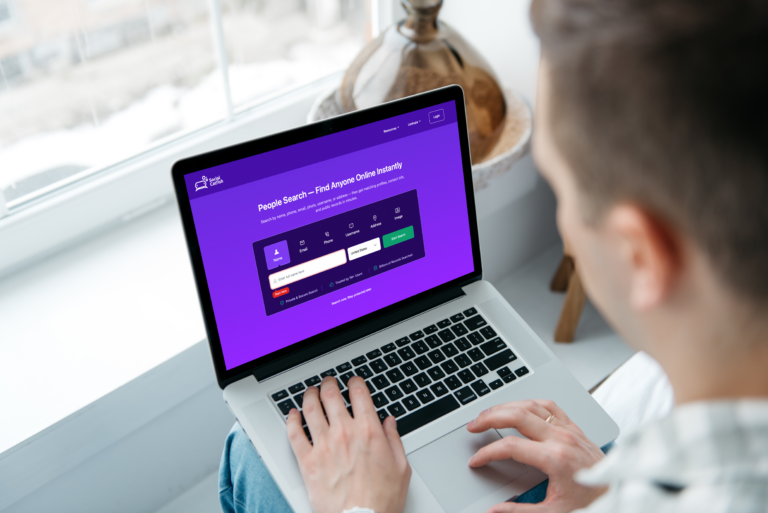
This guide covers every method for searching Poshmark by seller name, username, or item, how to search without an account, and how to verify a seller’s real identity before you buy. Free methods first, with Social Catfish for situations where a Poshmark profile alone is not enough to confirm who you are dealing with.
Before buying from any Poshmark seller you do not know, run their username or profile photo through Social Catfish to cross-reference their identity across public records and linked accounts. It takes two minutes and can save you from a costly scam.
How to Search Poshmark by Item or Keyword

Poshmark’s built-in search is primarily designed for finding items, not people. Here is how to use it effectively.
Search on the Poshmark App
- Open Poshmark and tap the search icon at the bottom of the screen
- Type your search term — item name, brand, size, or color
- Use the filters to narrow results by category, size, price range, and condition
- Toggle between listings and people using the tabs at the top of the results page
Search on Poshmark.com
- Go to poshmark.com and click the search bar at the top of the page
- Enter your search term and press enter
- Use the left sidebar filters to narrow by category, size, price, and brand
- Select the People tab to switch from item results to seller profiles
Search Tips for Better Results
- Search brand names exactly as they appear — “Lululemon” returns better results than “lulu”
- Add size and color to narrow results faster — “Lululemon leggings size 6 black” returns far fewer but more relevant listings than “Lululemon leggings”
- Use quotation marks around specific phrases to force exact matches
- Sort by “Just Shared” for the most recently active listings from sellers who are currently online
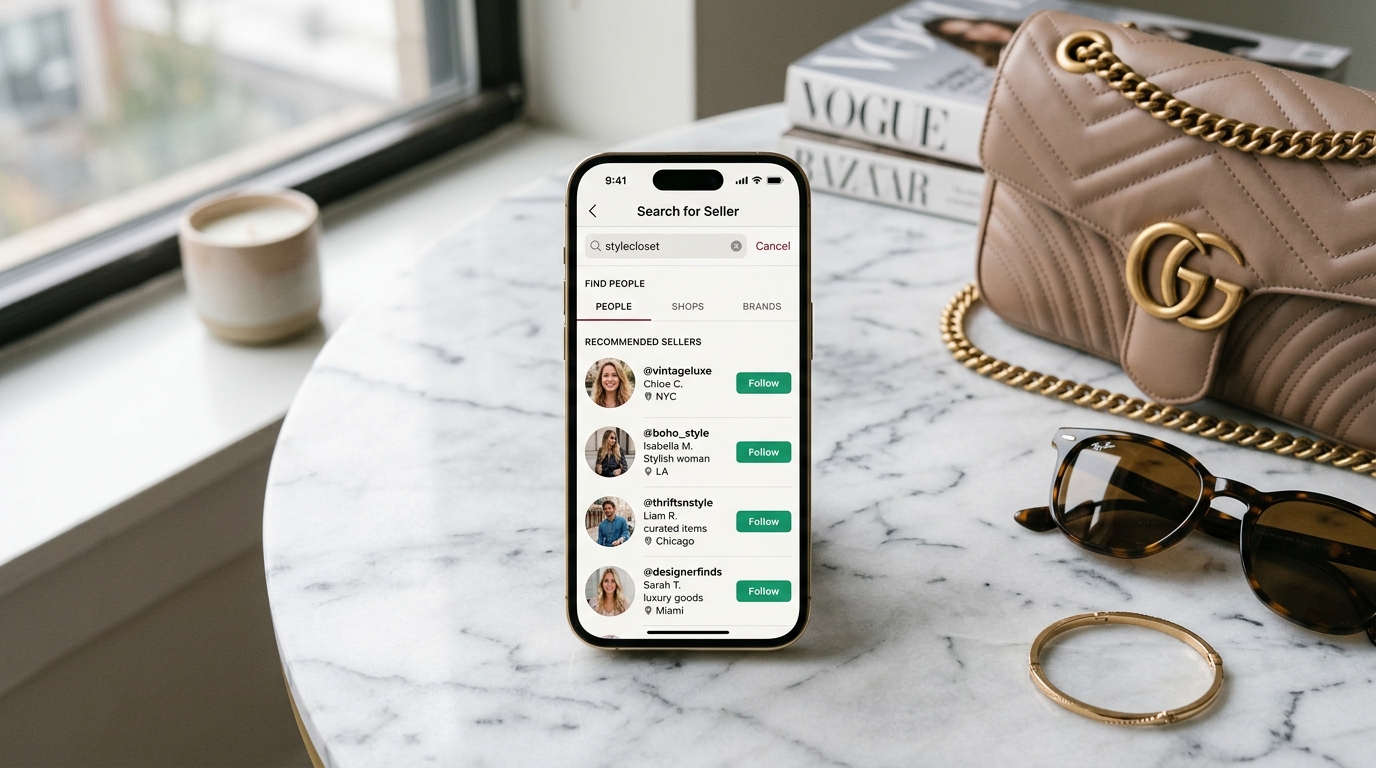
How to Search for People on Poshmark
Finding a specific person on Poshmark, whether a seller whose closet you want to follow or someone you want to verify, requires searching by their username or display name.
Search by Username
- Open Poshmark and tap the search bar
- Select the People tab before or after typing
- Enter the exact username or display name
- Poshmark returns matching profiles sorted by relevance
Direct profile URL: If you know someone’s Poshmark username, go directly to poshmark.com/@username in any browser. Public profiles load without requiring a Poshmark account.
Search by Display Name
Display names on Poshmark are not unique; multiple sellers can use the same display name. If you are searching for someone by name rather than username, search their name in the People tab and browse the results. Check profile photos, listing history, and follower counts to identify the right account.
Find Someone via Google
Search site:poshmark.com "display name" or site:poshmark.com/@username in Google. Poshmark indexes public profiles and listings, so Google often surfaces the exact closet you are looking for faster than Poshmark’s own search, particularly for sellers with distinctive usernames or a large number of listings.
Poshmark Search Without Account
You do not need a Poshmark account to search listings or view public seller profiles.
On the web: Go to poshmark.com and use the search bar directly. Browse listings, filter results, and view any public profile without logging in. Go to poshmark.com/@username to view a specific seller’s closet without creating an account.
Via Google: Search site:poshmark.com "item or seller name" to find indexed listings and profiles without visiting Poshmark directly. This works particularly well for finding specific items or sellers whose names include distinctive keywords.
What you cannot do without an account:
- Send messages to sellers
- Make purchases
- Follow sellers or save listings
- See your following and followers lists
Everything else, browsing, searching, and viewing public profiles and listings, is accessible without signing in.
How to Search a Seller on Poshmark: What to Check Before You Buy
Finding a seller is only the first step. Verifying they are trustworthy before purchasing is what protects your money.
Check Their Poshmark Profile
Every Poshmark seller profile shows:
- Star rating and review count — look for sellers with at least 10 reviews and a 4.5 star rating or higher
- Response time — listed as average hours to respond. Sellers who respond quickly are typically more engaged and reliable
- Member since date — how long they have been on the platform. Newer accounts with few reviews warrant more caution
- Listing count and activity — active sellers with many listings and recent sharing activity are generally more trustworthy than dormant accounts with a handful of listings
Red Flags to Watch For
- Newly created account selling high-value designer items at unusually low prices
- Profile photo is a stock image or celebrity photo rather than a personal photo
- No reviews or overwhelmingly generic positive reviews with no detail
- Pushing you to complete the transaction outside Poshmark — via Venmo, PayPal, or direct message
- Listing photos that appear to be stolen from other sellers or brand websites
Google Their Username
Search their Poshmark username on Google. If the username has been flagged in scam reports, Reddit threads, or consumer complaint forums, it will appear in results. Many Poshmark scammer usernames have been reported publicly, and a simple Google search surfaces them.
How to Verify a Poshmark Seller’s Real Identity
Poshmark’s profile system tells you a lot about a seller’s marketplace history but nothing about who they actually are in real life. For high-value purchases or any transaction where something feels off, verifying the real identity behind a Poshmark profile is worth the two minutes it takes.
Reverse Image Search Their Profile Photo
Upload the seller’s profile photo to Google Images at images.google.com. If the photo belongs to a model, a celebrity, or another real person whose identity has been stolen to create a fake Poshmark profile, Google returns the source.
For more thorough verification, upload the photo to Social Catfish’s reverse image search. Unlike Google’s file-matching technology, Social Catfish uses AI facial recognition to find where that face appears across social media, dating apps, and other platforms, revealing whether the profile photo belongs to a consistent real identity or has been stolen and used across multiple fake accounts.
Search Their Username Across Platforms
Most real sellers use the same or similar usernames across Instagram, Twitter, and other platforms. Search their Poshmark username on Google and social media. A real person with a genuine Poshmark presence typically has a consistent identity across platforms, an Instagram with real photos, a history of posts, and activity that matches their Poshmark persona.
A username that exists only on Poshmark with no presence anywhere else is worth treating cautiously, particularly for high-value purchases.
Social Catfish Seller Verification
Enter the seller’s username, profile photo, or any contact information they have shared into Social Catfish. The search cross-references that information against public records, social media databases, and identity registrations, simultaneously returning the real identity behind the account and any linked profiles or scam reports associated with it.
This is the most thorough verification method available and is particularly valuable when:
- You are purchasing a high-value item over $200
- The seller is pushing you to transact outside Poshmark
- Something about the listing or communication feels inconsistent
- The seller’s profile was created recently but is selling multiple expensive items
Social Catfish searches are fully confidential. The seller is never notified you searched.
Poshmark Search: Finding Specific Item Types and Brands

Beyond seller verification, here is how to get the most out of Poshmark’s item search for common use cases.
Searching for Designer and Luxury Items
Use the brand name exactly as it appears on the label. Add “authentic” or “authentication card” to your search to surface listings that include proof of authenticity. For items over $500, Poshmark offers its own authentication service. Look for the “Poshmark Authenticated” badge on eligible listings.
Searching for Specific Sizes
Add size to every search when you are looking for clothing. Poshmark’s size filter covers standard clothing sizes but searching “size 8” or “US 8” directly in your search term often returns more relevant results than relying on the filter alone.
Searching Sold Listings
To check what a specific item has sold for in the past, search the item and use the filter to show “Sold” listings. This gives you a realistic price benchmark before buying or listing your own items.
FAQ
Open Poshmark and select the People tab in the search bar, then enter the seller’s username or display name. Go directly to poshmark.com/@username if you know their handle. Search site:poshmark.com "username" in Google to find indexed profiles faster than Poshmark’s own search.
Yes. Go to poshmark.com and use the search bar without logging in. Browse listings, filter results, and view any public profile or closet directly at poshmark.com/@username. You cannot make purchases or send messages without an account but all browsing and searching is fully accessible.
Check their star rating, review count, member since date, and response time on their profile. Search their username on Google to check for scam reports. Run their profile photo through Social Catfish’s reverse image search to confirm the photo belongs to a real consistent identity and has not been stolen from another source.
Search their display name in the People tab of Poshmark’s search. If the name is common and returns multiple results, try searching site:poshmark.com "their name" in Google to find the specific profile faster. If you have a photo of the person, upload it to Social Catfish’s reverse image search to find their linked accounts, including any Poshmark profile.
Search the item normally, then apply the Sold filter from the filter options. This shows completed transactions and gives you a realistic price range for what similar items have actually sold for rather than what sellers are asking.