Multiple Faces Detected


 October 24th, 2023
Where communication takes place through various devices and platforms, understanding how to use the “No Caller ID” feature effectively can be a valuable skill. Whether you’re concerned about privacy, security, or simply want to explore the many applications of this feature, this blog post is your comprehensive guide to understanding and harnessing the power of “No Caller ID.” By the end of this journey, you’ll be equipped with the knowledge and confidence to make the most of this feature in various situations, from safeguarding your privacy to conducting professional business calls. Let’s dive into the realm of anonymous calling and explore the possibilities that “No Caller ID” offers.
How to Use No Caller ID: Understanding “No Caller ID” and How It Works
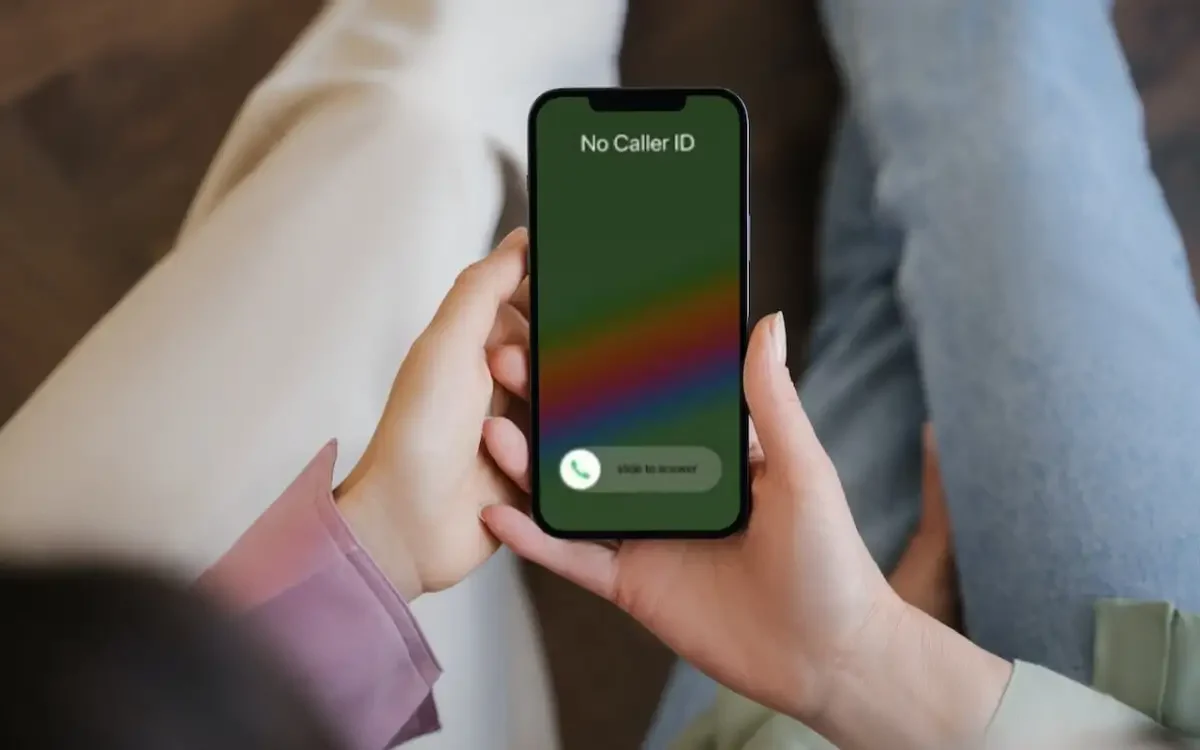
The concept of “No Caller ID” or “Blocked Number” is rooted in the desire for privacy. When someone makes a call with their caller ID disabled, it means their phone number will not be displayed on the recipient’s phone. Instead, the caller’s identity remains hidden, typically appearing as “Unknown” or “Blocked.” But how does this work? It’s all about the digital veil of anonymity.
When you make a standard call, your phone number is transmitted to the recipient’s phone as part of the call setup process. This allows them to see who is calling, even before answering. However, when you activate “No Caller ID,” your phone sends a signal to your service provider to withhold your number during the call. As a result, the recipient’s device is unable to display your phone number, and your identity remains shrouded in secrecy.
The reasons for using “No Caller ID” can vary from person to person. Some may employ it for personal privacy, while others might use it for business purposes. Regardless of the intent, understanding the basics of how it functions is the first step in mastering this feature and using it to your advantage. Whether you’re looking to make confidential calls or just exploring the intriguing world of anonymity, delving into the workings of “No Caller ID” will help you make the most of it.
How to Use No Caller ID: Privacy and Anonymity of “No Caller ID”
Privacy is a fundamental human right, and “No Caller ID” is a tool that allows individuals to exercise this right when communicating over the phone. The applications of hiding one’s caller ID are numerous, reflecting the diverse needs of users in an increasingly interconnected world.
For individuals, it can be about protecting their personal space. When you need to make a call, whether for a confidential conversation with your doctor or a private discussion with a family member, ensuring that your number remains hidden can be essential. This is particularly valuable in a time when personal information can be easily accessed.
On the business front, professionals often use “No Caller ID” to maintain a level of anonymity in their interactions. Sales representatives, for instance, might withhold their numbers to avoid unsolicited return calls. Similarly, companies that offer helplines or customer service often use “No Caller ID” to shield their employees’ numbers from being exposed to the public.
Beyond the individual and business realms, there are even broader applications for “No Caller ID.” Journalists may use it to protect their sources when making critical inquiries, and government agencies might deploy it for covert operations. By exploring the various scenarios in which “No Caller ID” can be advantageous, we can better appreciate its significance in preserving privacy and anonymity across different facets of life.
How to Use No Caller ID: Utilizing “No Caller ID” for Business: Professional Tips and Etiquette
In the business world, maintaining a professional image and respecting the privacy of clients and customers is paramount. “No Caller ID” can be a useful tool when deployed thoughtfully, but it also requires a degree of etiquette and professionalism. Here are some professional tips on how to utilize “No Caller ID” in the business context effectively:
- Respect Customer Privacy: When making calls to clients or customers, especially for sensitive matters, consider using “No Caller ID” to protect their privacy. Whether it’s a follow-up call for a medical service or discussing financial matters, respecting the confidentiality of your clients fosters trust and professionalism.
- Set Expectations: If your business frequently uses “No Caller ID” to contact customers, it’s a good practice to set clear expectations. Inform clients upfront that your business might use this feature for their privacy and safety. Transparency can avoid misunderstandings and ensure a smooth customer experience.
- Use it Sparingly: “No Caller ID” should not be overused. While it has its place in protecting privacy, overusing it can lead to distrust or reluctance from customers who might miss important calls. Reserve it for situations where privacy is genuinely needed.
- Offer Alternatives: For customers who might prefer to see your number, provide alternative contact methods. Offer them the choice to receive text messages, emails, or other forms of communication, so they can pick the one that suits them best.
How to Use No Caller ID: How to Enable and Disable “No Caller ID” on Different Devices
No Caller ID” can be a useful feature when you need to protect your privacy or maintain anonymity in certain situations. However, the process of enabling or disabling it can vary depending on the device you’re using. Below, we’ll explore how to manage “No Caller ID” settings on different devices:
For iPhones: To enable “No Caller ID” on an iPhone:
- Open the Settings app.
- Scroll down and tap “Phone.”
- Select “Show My Caller ID.”
- Toggle off the switch next to “Show My Caller ID.”
To disable “No Caller ID” on an iPhone:
- Follow the same steps as enabling it, but in step 4, toggle the switch on.
For Android Phones: To enable “No Caller ID” on most Android phones:
- Open the Phone app.
- Tap the three dots (menu) in the upper right corner.
- Select “Settings” or “Call settings.”
- Look for “Additional settings” or a similar option.
- Tap on “Caller ID.”
- Choose “Hide number” or “No Caller ID.”
To disable “No Caller ID” on most Android phones:
- Follow the same steps as enabling it, but choose “Show number” or “Network default” instead.
For Landline Phones: The process of enabling or disabling “No Caller ID” on landline phones may vary depending on your service provider and the type of phone you have. Typically, it involves dialing a specific code before making a call to enable “No Caller ID.” To disable it, you would use a different code. It’s recommended to contact your service provider or consult your landline phone’s manual for specific instructions.
For Online Calling Services: Services like Skype and Google Voice offer options for setting your caller ID to “No Caller ID” or displaying your number. These settings can usually be adjusted in your account or profile settings on the respective platform.