Multiple Faces Detected


 March 12th, 2021
What do Instagram users have in common? If you ask Krista, an Instagram influencer who focuses on fitness, the answer would be HACKERS. As Krista told Mashable in 2018, she experienced something that many Instagram users have – a hacked account, complete with a changed email and cell attack.
While Krista experienced a hacked account last year, these types of hacks have (unfortunately) continued into 2019. Cell tied account hacks occur when a hacker gains access to your Instagram account and changes your information – including phone number and email address, so you cannot even reset your password or quickly regain access!
This phenomenon also happened to Instagram user, Megan, when she realized she was logged out of her account and that her profile picture had changed. Hundreds of thousands of social media users experience similar hack-attacks online.
Instagram Account Hacked?
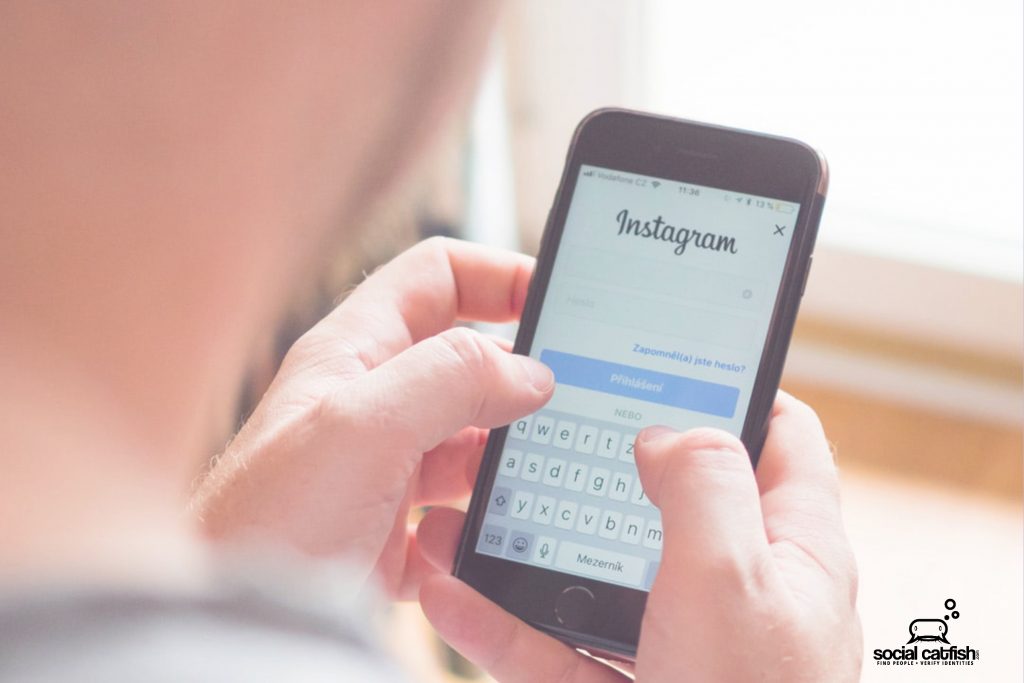
You go to your social media account and notice you are unexpectedly logged out. You attempt to log back in but receive a message that your username doesn’t exist. You type in your customized web URL (for example, instagram.com/yourusername) and realize that the page still exists, but the photograph and other details have been changed by a hacker! They have also deleted your bio details. Worse, your email address and phone number have been changed to prevent you from getting your account back!
You attempt a password reset, and the site hides the full email address with asterisks, but you can see that the email address ends in a “.ru” email, which is a Russian website. Other times, it might merely be a Gmail address, etc., that you’ve never heard of.
How to Take Action
Contact Instagram; although you may initially receive the run-around and be sent to automated account recovery options, sites like these are slowly implementing better strategies of recovery, for hacks of this kind. You will need to message their account recovery division or support staff.
Regaining access to your account may take a full day or up to a week, but do not be discouraged. You will get your account back eventually and usually within 48 hours.
Once you’ve regained access to your account:
Turn on 2-Factor Authentication
It is difficult to pinpoint exactly how a hacker gained access to your account. Sometimes these are coordinated domain hacks; other times, they are individual attacks on multiple users.
Generally, these types of hacks happen more often to users who don’t take advantage of 2-factor authentication. This added layer of protection shouldn’t only be on social media accounts, but also on your email accounts and smartphone.
Reset password for the hacked account and other account passwords (and change security questions). Since you aren’t sure where the hack originated or what is at risk, change all of your passwords (email address, bank, credit card accounts, other social media accounts).
- Stop authorizing third-party apps to connect with your social media accounts. This may protect your account.
- Avoid using shared computers for social media access (for example, computer store, school library, etc.). Also, avoid connecting to free hot-spots or shared WiFi.
- If the site allows (such as Facebook, etc.), enable log-in notifications, so you can receive alerts when anyone logs into your account or accesses it from a different IP address.
- Monitor your financial statements and credit report to make sure the hack was exclusive of your social media accounts.
- Remove private information from the web. Make your social media accounts private and pay attention to a friend, and follow requests.
While it is impossible to prevent all hacks, limiting a hacker’s ability to take control of your account(s) is essential. Visit Social Catfish and use our specialized algorithm to scan everything that hackers can find out about you on search engines. Protect yourself today before it is too late!