Multiple Faces Detected


 October 13th, 2023
More than likely you receive fraudulent emails on a daily basis. Some emails are caught and filtered into your email’s spam folder, while others remain in your “Inbox.” While it’s easy to recognize fraudulent emails when they are already labeled ‘Spam,’ unknowingly opening up fake emails can lead to lost money or malware being installed on your computer or device.
We will train you how to spot fraudulent emails and protect yourself, your business, and your family as well as your home network.

Email from Familiar Site or Sender Saying You Received Money, Owe Money, or Need to Update Password/Information
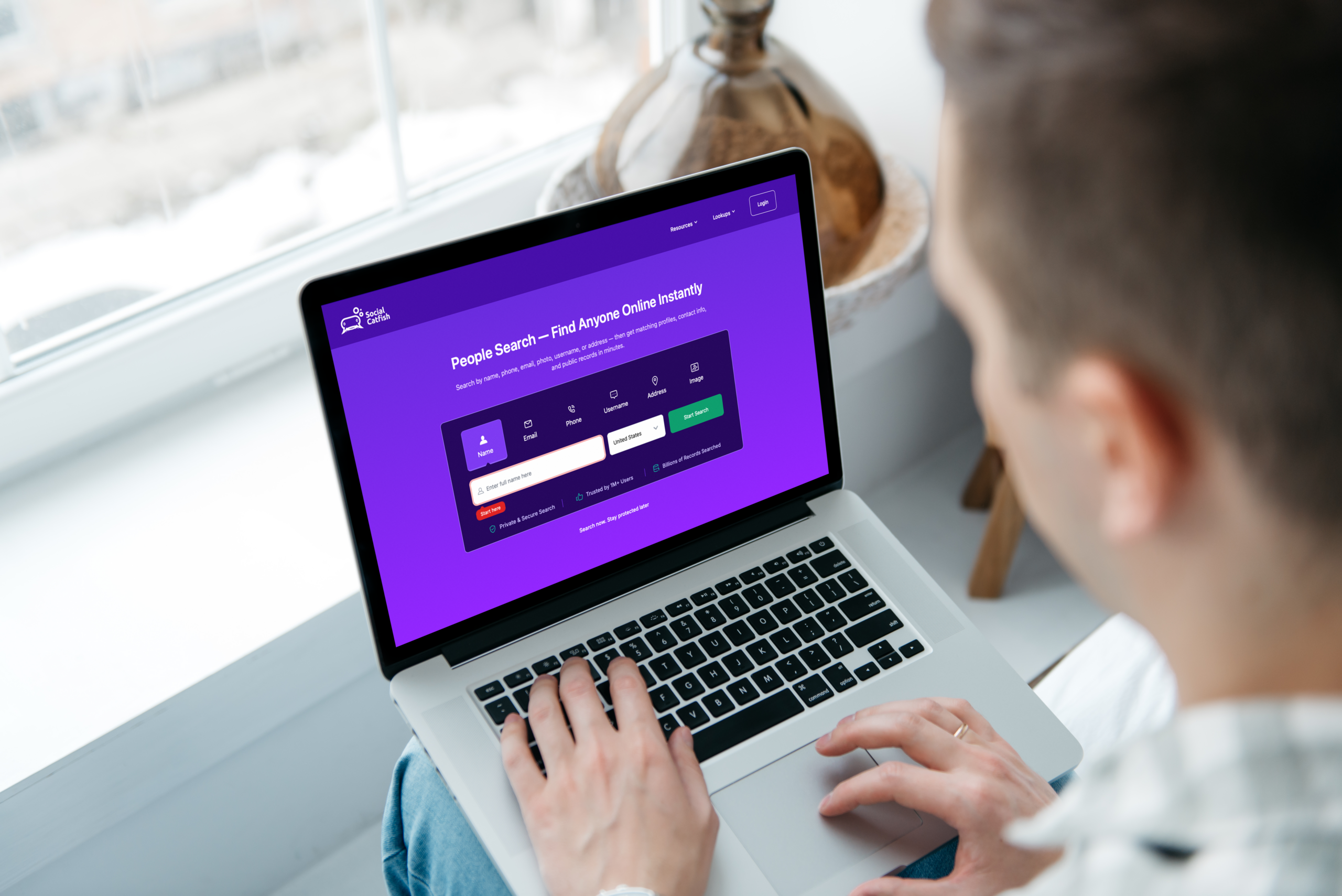
There are times when real sites may alert you of account credits or information, etc. The best way to determine if credit is legit is to visit the website directly or contact customer support. If you see an account credit – or balance owed – and was not expecting it, do not click on any links. First, use your mouse or finger keypad to scroll and hover over the links and make sure the URLs are legitimate. If you are not sure, search them on Social Catfish.
Often these hyperlinks are fake and will redirect you to a phishing site that will install malware or ask you to verify bank information, then steal and sell it on the dark web. Beware, as these emails may come from (seemingly) reputable sources: Amazon, PayPal, etc. If you look at their reply-to address, it will not be the actual address for those sites. Do a Social Catfish search of the email address before you take action:
Email From Someone You Know Asking For Help
You receive an email asking for help from a relative or acquaintance. Being a concerned friend, you follow the link to wire them money or pay them through Paypal. Good idea? Usually not!
More than likely your friend or relatives’ account has been hacked or compromised, and your funds will be stolen. If someone you trust does ask for money, contact them by phone directly and verify the request. Even then, use caution or go through your bank’s branch to prevent fraud. Remember, most people don’t need money on the fly!
Email From Recognized Sender, Unrecognized Links
The sender has a catchy name. Their writing style is notable. Maybe they are seeking new friends or need help cashing a check. Whatever their request, if someone you don’t know sends you an email, assume it is fake. There may be times when a product is sold on Craigslist, home or apartment is listed for rent, or a job position is advertised, and unknown people email you. Assume that a percentage of senders are not who they seem.
Warning signs: Requests for money, asking for detailed personal information, or even offering you a check (they do this only to get your banking information).
Email Asking for Private Information
This is a place where many people throw online safety out the window. Perhaps you email or text a relative your credit card information so they can make an online purchase. You send it directly to them and feel it’s private until a hacker invades their account. Another typical scenario is a bank or Social Security Administration email asking for your social security number, bank routing number, full name, date of birth, even your address.
Some emails look benign but direct you to online surveys or drawings. These may mimic real offers but are phished sites that convince you to give them private information or steal it when you download the application! Remember, all private details can be taken and sold by scammers.
Still not sure if the four warning signs of fraudulent email apply to your situation? Perform a comprehensive search on Social Catfish of the name, username, images, and more. This will give you peace of mind using the latest technology and the power of algorithm-based searching!