
 Multiple Faces Detected


 July 17th, 2026
Your personal information doesn’t have to be stolen for it to end up on the dark web. A data breach at any company you’ve ever had an account with can expose it without you doing anything wrong. Privacy Lock is Social Catfish’s answer to that: a monitoring system that watches the dark web and public internet for your exposed data and alerts you the moment something changes, so you can act before it’s used against you rather than finding out from a fraud alert or a stranger’s phishing attempt months down the line.
What Is Privacy Lock?
Privacy Lock is an active monitoring system, not a removal service. It doesn’t scrub your information from the internet on your behalf. Instead, it keeps watch over the data you tell it to track and lets you know the instant something changes.
- You add emails, saved reports, and other information to your Privacy Lock profile
- The system scans the dark web and the public internet 24/7 for any sign of that data
- You — and, if you choose, your family or friends — get protected under one dashboard
- Any changes trigger an alert, so nothing sits unnoticed for weeks or months
The distinction matters because most people assume a privacy tool works like a cleanup crew scrubbing your name off the internet once and calling it done. Privacy Lock isn’t that. It’s closer to a security camera than a cleaning service: it doesn’t erase what’s already out there, but it makes sure you’re never the last to know when something new shows up.
Who Should Use Privacy Lock
Privacy Lock isn’t only for people who’ve already been through a breach or a scam; it’s just as useful as a precaution.
- Anyone active on dating apps or marketplaces, where an email or phone number gets handed to strangers regularly
- Parents monitoring a family member’s exposure, especially for kids or older relatives who may not notice a breach alert on their own
- Anyone who’s already been part of a data breach, even one they didn’t hear about at the time, breaches from years ago still circulate on the dark web today
- People rebuilding their privacy after a scam or identity theft incident, who want ongoing visibility instead of a one-time check
- Anyone who’s changed jobs or moved recently, since both events tend to spread a person’s contact information across new systems, forms, and databases all at once
How Privacy Lock Works
Setting it up takes about five minutes, and the ongoing part runs entirely in the background.
Sign Up and Add What You Want Monitored
- Create a Social Catfish account
- From the Privacy Lock dashboard, add the emails or reports you want tracked
- You can add more than one of your own information, plus anyone else you’re helping protect
24/7 Dark Web and Internet Scanning
- Once your information is added, Privacy Lock scans continuously, not on a schedule you have to remember
- It checks both the dark web and public data sources for any sign of your tracked information
Getting Alerted When Something Changes
- Alerts arrive by email or through the mobile app
- Each alert comes with suggested next steps, not just a notification with no direction
- You can act immediately — changing a password, freezing a card, or investigating further, instead of finding out about exposure months after the fact
What Privacy Lock Actually Monitors
Privacy Lock’s protection breaks down into three parts, and each one covers different ground.
Dark Web Monitoring
- Watches for suspicious activity tied to your email addresses specifically
- Alerts you immediately if your data is found circulating on the dark web
- Includes suggested actions for whatever’s been found, rather than leaving you to figure out next steps alone
Internet Monitoring
- Actively monitors any reports you’ve added to your Privacy Lock dashboard
- Any changes to those reports trigger the alert system right away
- New data that surfaces gets automatically added to your monitored profile, so your protection expands as more information is found
24/7 Active Protection Score
- A live monitoring widget shows your protection level over time, not just a one-time snapshot
- Includes guidance on how to raise your protection level if it’s lower than it should be
The Other Tools Inside Privacy Lock
Monitoring is the core of Privacy Lock, but it’s not the only tool living in that part of your dashboard.
- Has My Password Been Hacked? — a dedicated password breach checker that tells you if a password you use has turned up in a known data breach. If you haven’t run this check recently, it’s worth doing alongside setting up monitoring.
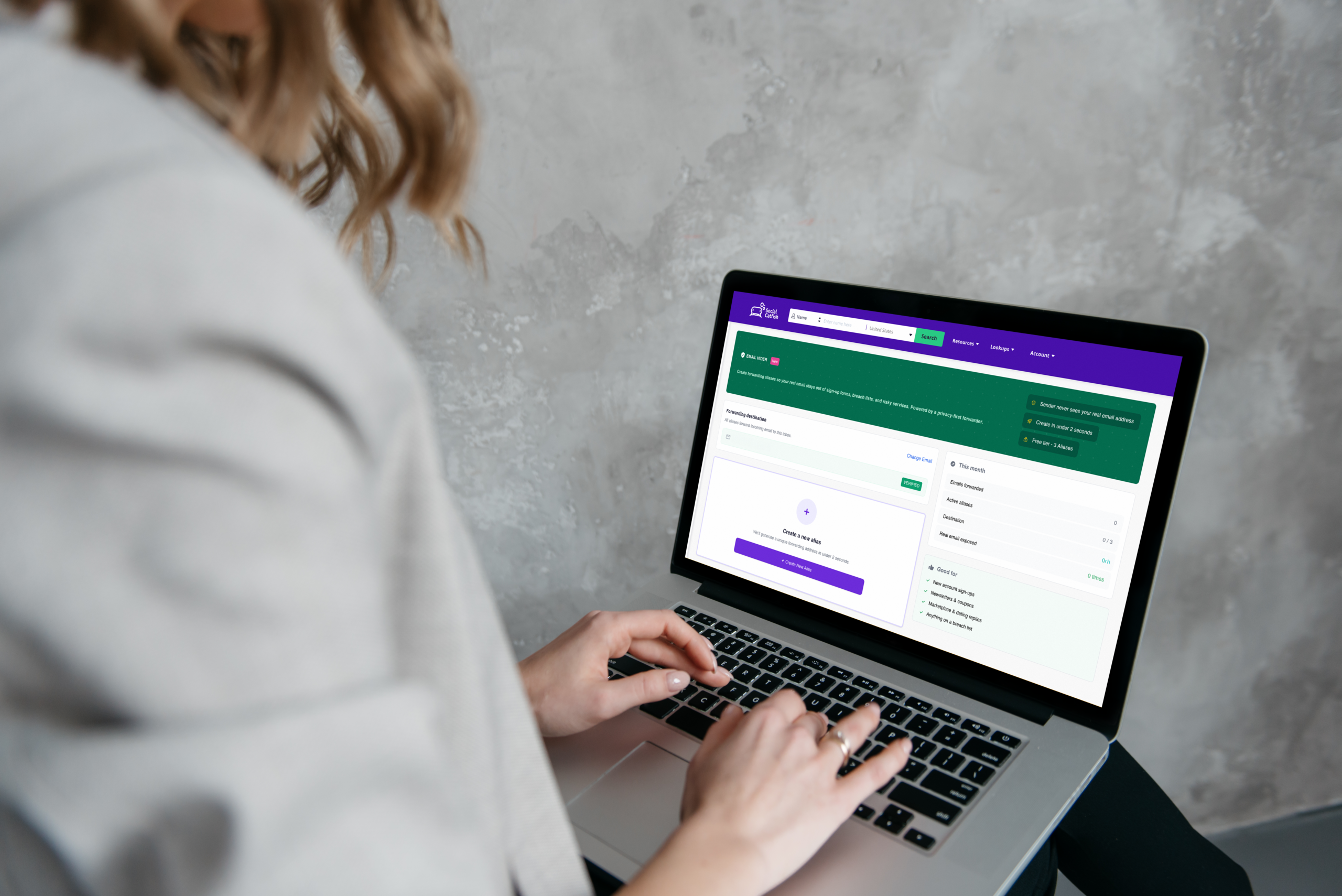
- Email Hider — creates private email aliases that forward to your real inbox, so your actual email address never gets exposed to dating matches, online sellers, or shopping sites in the first place. Fewer places your real email lives means less for Privacy Lock to ever need to alert you about.
Together, these three tools cover the full loop: reducing what’s exposed in the first place, checking what’s already out there, and monitoring for anything new.
What to Do When You Get a Privacy Lock Alert
An alert isn’t cause for panic, but it does mean it’s time to act. Here’s the order that actually helps.
- Read what type of alert it is first. A dark web alert about an email address calls for a different response than an internet monitoring alert about a saved report. Don’t assume they mean the same thing.
- Change the password tied to that account immediately, especially if the same password is reused anywhere else. Reused passwords are exactly how one breach turns into several.
- Run the Has My Password Been Hacked? checker to confirm whether that specific password shows up in a known breach, not just the email address.
- Set up an Email Hider alias for that account going forward, so a repeat exposure of the same real email address becomes far less likely.
- Watch for follow-up scam attempts. Exposed data is often used for targeted phishing shortly after a breach, so treat unexpected emails or calls referencing personal details with extra suspicion for the next few weeks.
Why Monitoring Matters
The numbers behind Privacy Lock explain why watching for exposure, not just reacting to it after the fact, makes a real difference.
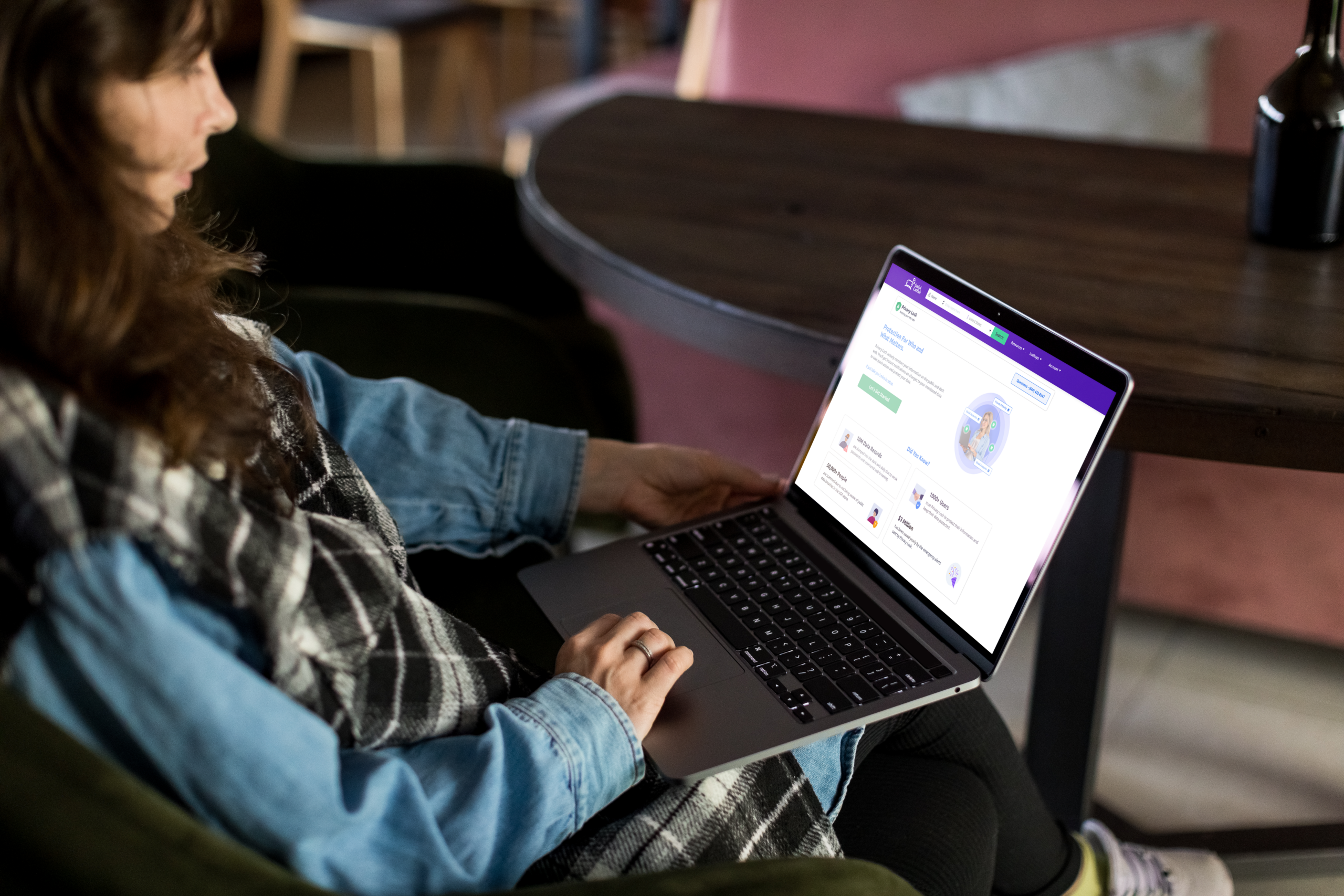
- 10 million data records are dumped into the dark web every single day, largely due to weak passwords and unsecured browsing
- 50,000+ people are scammed each year in the U.S. simply because they weren’t aware their data had already been breached
- 1,000+ users currently trust Privacy Lock to keep watch over their information
- $3 million has been saved annually through the emergency alerts Privacy Lock sends out
The gap between a breach happening and someone finding out about it is exactly where scammers do the most damage, and it’s exactly the gap Privacy Lock is built to close. Most people don’t find out their information was exposed until months later, usually only after something’s already gone wrong: a drained account, a fraudulent loan, a stream of targeted phishing attempts referencing details that shouldn’t be public. Closing that window from months to minutes is the entire point of continuous monitoring, rather than a one-time scan you run and forget about.
FAQ
An active monitoring and alert system that watches the dark web and public internet for your exposed data and notifies you the moment something changes, so you’re never the last one to find out.
No, Privacy Lock monitors and alerts rather than removing data. It doesn’t submit opt-out or removal requests to websites or data brokers on your behalf, so it’s best paired with your own manual removal efforts if that’s a separate goal.
Whatever you add to your dashboard, typically email addresses and saved reports, tracked continuously across both the dark web and public internet sources rather than on a fixed schedule.
You’ll get an instant alert by email or through the mobile app, along with suggested next steps for what to do about it, rather than just a bare notification with no direction.
Email Hider, for creating private email aliases that keep your real address out of circulation, and a dedicated password breach checker, both accessible from the same Privacy Lock dashboard for monitoring.