Multiple Faces Detected


 January 19th, 2026
You open your email and see it. A message from “ChatGPT” says, “unusual activity has been detected in your account.” Your heart skips. Did someone hack you? Should you click the link to secure your account right now?
Stop.
That email might not be from ChatGPT at all. Scammers are using fake ChatGPT unusual activity warnings to steal login credentials, payment info, and personal data. And they’re getting good at it.
Real ChatGPT unusual activity alerts do exist. OpenAI sends them when they detect suspicious logins. But fake ones are flooding inboxes. This guide shows you how to tell the difference, what to do if you clicked a bad link, and how to protect yourself going forward.
What Is a Real ChatGPT Unusual Activity Warning?
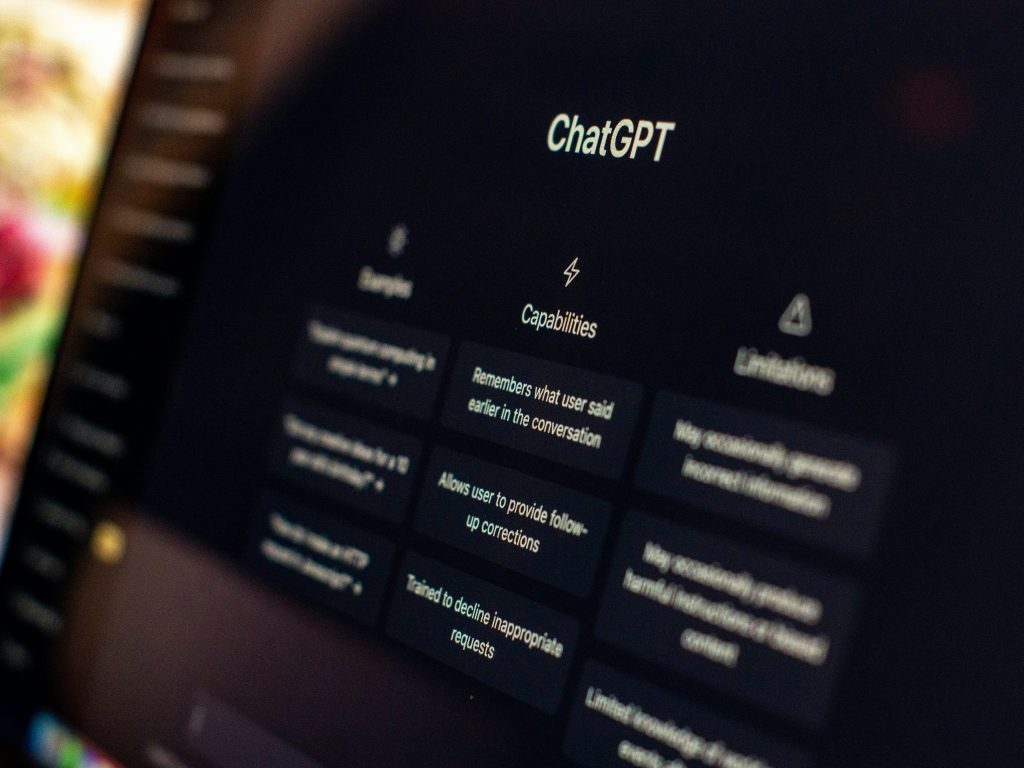
OpenAI does send legitimate security alerts. They’re called “Suspicious Activity Alerts.” You might get one if:
- You logged in from a new location or device
- Multiple people are using your account at once
- Your usage patterns suddenly changed
- Someone tried accessing your account without permission
Real alerts appear inside the ChatGPT platform or come from official OpenAI email addresses. They never ask for your password in an email. They don’t demand immediate payment. And they won’t threaten to delete your account in 24 hours.
But scammers know people trust ChatGPT. So they copy these warnings to trick you.
How Scammers Fake ChatGPT Unusual Activity Alerts
Cybercriminals are using AI tools (ironically, sometimes ChatGPT itself) to create convincing phishing emails. AI-powered phishing has surged 856% in just one year, according to security researchers.
Here’s how the scam works:
Step 1: The Fake Email
You receive an email that looks official. It has the OpenAI logo. Professional formatting. Maybe even your name. The subject line says something like:
- “Action Required: Unusual Activity on Your ChatGPT Account”
- “Security Alert: Verify Your ChatGPT Login”
- “ChatGPT Premium Payment Failed”
Step 2: The Urgent Message
The email creates panic. It says unusual activity detected in ChatGPT, and you need to act fast. Your account will be suspended. Your payment method needs updating. Someone from another country tried logging in.
Step 3: The Malicious Link
There’s always a link or button. “Secure Your Account.” “Update Payment.” “Review Activity.” The link looks real at first glance. Maybe something like:
- openai-security[.]com
- chatgpt-verify[.]net
- support-openai[.]info
But it’s not OpenAI. It’s a fake site designed to steal your credentials.
Step 4: The Data Theft
You click. You enter your email and password. Maybe your credit card info. The scammers now have everything. They can access your real ChatGPT account, steal your payment details, or sell your information on the dark web.
Phishing remains the most reported cybercrime, with over 100,000 complaints to the FBI in 2024 alone.
Red Flags: How to Spot a Fake ChatGPT Unusual Activity Warning
Not sure if your alert is real? Look for these warning signs:
Check the Sender’s Email Address
Real OpenAI emails come from @openai.com addresses. Scammers use look-alikes:
- noreply@openai-support[.]com
- security@chatgpt-alerts[.]net
- help@open-ai[.]org
Hover over the sender name (don’t click). Does the actual email address match?
Look at the URL Before Clicking
Hover over any links in the email. The real ChatGPT site is https://chat.openai.com. Anything else is suspicious. Watch for:
- Extra words (chatgpt-secure.com)
- Misspellings (opena1.com instead of openai.com)
- Strange domains (.info, .net, .xyz)
Watch for Urgent Language
Scammers use fear. “Act now or lose access!” “Your account will be deleted in 24 hours!” Real security alerts are calm and informative. They don’t threaten you.
Check for Generic Greetings
“Dear User” or “Hello Member” instead of your actual name? That’s a red flag. Though some scammers now personalize emails using publicly available data from LinkedIn and other social media platforms.
Look for Grammar and Spelling Errors
This used to be a dead giveaway. But AI tools like ChatGPT have made phishing emails nearly flawless. Still, some scammers slip up. Odd phrasing or formatting is a warning sign.
If you’re dealing with suspicious messages from unknown contacts, Social Catfish’s reverse email search can help you verify who’s really behind that email address.
What to Do If You Get a ChatGPT Unusual Activity Warning
If You Haven’t Clicked Anything Yet:
- Don’t click any links in the email
- Go directly to https://chat.openai.com (type it yourself)
- Log in and check your account settings
- Look for any actual security alerts in your account
- Delete the suspicious email
If You Already Clicked the Link:
Don’t panic. But act fast.
- Change your password immediately – Go to the real OpenAI site and update your password
- Enable two-factor authentication – This adds an extra security layer, even if someone has your password
- Check your account activity – Look for logins from unfamiliar locations or devices
- Review your payment methods – Make sure no unauthorized charges appeared
- Scan your device for malware – The link might have downloaded something malicious
- Monitor your accounts – Watch for suspicious activity on other accounts that use the same password
If you entered credit card information, contact your bank right away. You may need to freeze your card or dispute charges.
Worried someone might be using your identity for scams? Social Catfish can help you find hidden profiles and accounts created in your name.
How to Protect Yourself from ChatGPT Unusual Activity Scams
Use Strong, Unique Passwords
Don’t reuse passwords across sites. If scammers get your ChatGPT password and you use it elsewhere, they can access multiple accounts. Use a password manager to create and store complex passwords.
Enable Two-Factor Authentication
This is your best defense. Even if scammers steal your password, they can’t log in without the second verification code sent to your phone.
Verify Before You Click
Never click links in unexpected emails. Go directly to the website by typing the URL yourself. Bookmark important sites like https://chat.openai.com so you always have the real address.
Keep Your Email Private
The fewer places your email appears online, the less likely scammers are to target you. Be careful about where you share it. And if you’re concerned about how to tell if someone is on dating sites using your photos or info, run a check.
Stay Informed About Scams
Scammers constantly evolve their tactics. Romance scams, fake video calls, and phishing emails all use similar manipulation techniques. The more you know, the harder you are to fool.
Use Identity Verification Tools
If you receive suspicious messages claiming to be from ChatGPT or any other service, verify the sender. Social Catfish’s reverse phone lookup and reverse image search tools can help you identify scammers before they strike.
Why Social Catfish Is Your Best Defense Against Online Scams
ChatGPT unusual activity scams are just one piece of a much larger puzzle. Scammers use every tool at their disposal to steal your information, money, and identity.
That’s where Social Catfish comes in.
We specialize in uncovering the truth behind suspicious online activity. Whether you’re dealing with:
- Fake dating profiles
- Suspicious phone numbers
- Unknown email addresses
- Catfish scams
- Hidden social media accounts
Social Catfish gives you the tools to investigate and verify. Our platform searches billions of records to help you find out who’s really behind that suspicious message, profile, or email.
Don’t wait until you’re a victim. Start your search with Social Catfish today and take control of your online safety.
Stay One Step Ahead of Scammers
ChatGPT’s unusual activity warnings can be real. But they can also be elaborate scams designed to steal everything from your login credentials to your credit card information.
The key is knowing the difference. Check the sender. Verify the URL. Never click suspicious links. And when in doubt, go directly to the source.
Remember: Real security alerts don’t create panic. They inform. If an email makes you feel rushed or scared, that’s your first clue something’s wrong.
Stay vigilant. Stay informed. And if you ever need to verify someone’s identity online, Social Catfish has your back.