

 Multiple Faces Detected


 March 14th, 2025
- Common Apple Pay Scams to Watch Out For
- Scammers Pretending to Be Apple Support
- Fake Online Sellers Asking for Apple Pay
- Fraudulent Links Targeting Apple Pay Users
- Overpayment Scams That Trick Sellers
- Fake Apple Pay Payment Confirmations
- Lottery and Prize Money Scams
- Fraudulent Transactions Using Stolen Accounts
- The Money Flipping Scam
- Security Risks on Unprotected Wi-Fi
- What to Do If You Get Scammed on Apple Pay?
- Preventing Fraud and Scams on Apple Pay
85% of U.S. retailers accept Apple Pay, and Gen Z is using it more than ever.
The widespread use of Apple Pay has made it a bigger target for scammers. Fraudsters are developing new ways to steal account details and money from users.
So how do Apple Pay scams happen, and how can you protect yourself? In this article, we’ll break down the most common Apple Pay scams and what you can do to protect your account.
Common Apple Pay Scams to Watch Out For
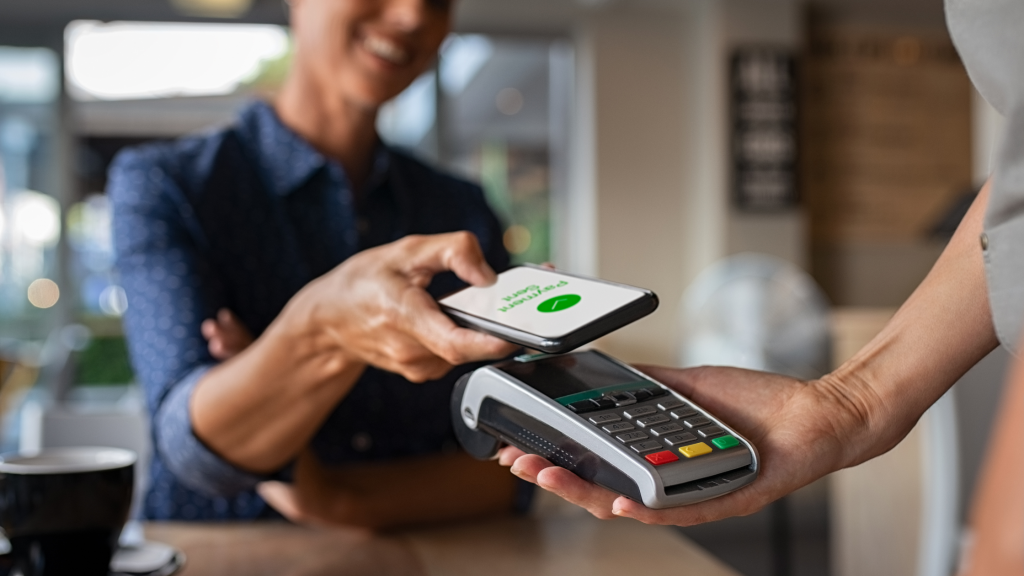
Cybercriminals target Apple Pay users with various scams, aiming to steal money or personal information. Knowing their tactics can help you avoid falling victim. Let’s go over common Apple Pay scams to watch for.
Scammers Pretending to Be Apple Support
Fraudsters often pose as Apple representatives, contacting users via calls, texts, or emails to warn about a supposed issue with their Apple Pay account. They may claim there’s suspicious activity or a security breach and offer to help resolve it.
The Federal Trade Commission (FTC) reported approximately 5,000 cases of scammers posing as Apple representatives in 2023, resulting in an estimated $17 million in losses.
They ask for sensitive details like Apple ID credentials, passwords, or two-factor authentication (2FA) codes. Once they gain access, they can take over your account and make unauthorized purchases.
Apple never asks for passwords, security codes, or remote access to your device. If you receive such requests, ignore them and report the incident through official Apple support channels.
Fake Online Sellers Asking for Apple Pay
Some scammers pretend to be legitimate sellers online, advertising products that don’t exist. They insist on Apple Pay as the only payment option, claiming it’s secure. Once you send the money, they leave you without the item or any way to recover your funds.
Real businesses and trusted sellers typically offer multiple payment methods (Debit Card, Credit Card, PayPal, COD) with buyer protection. If someone refuses to accept secure alternatives, consider it a warning sign.
Fraudulent Links Targeting Apple Pay Users
Phishing scams involve fake messages that appear to be from Apple, warning you about a payment issue, account suspension, or security concern.
These messages contain links to websites designed to steal your login details or payment information. Scammers often use banking scams to trick people into entering sensitive information, giving them direct access to their bank accounts.
If you receive a message urging immediate action, avoid clicking the link. Instead, check your Apple Pay account directly through official Apple services.
Overpayment Scams That Trick Sellers
Scammers pretending to be buyers will send fake Apple Pay payment notifications, claiming they accidentally sent too much money. They’ll then ask you to return the excess amount via a different payment method.
Since their original payment was never accurate, any refund you send is a direct loss. This scam is particularly common on peer-to-peer platforms like Facebook Marketplace.
Fake Apple Pay Payment Confirmations
Scammers may send deceptive messages claiming you’ve received a payment via Apple Pay, instructing you to click a link or enter your details to access the funds.
In reality, no payment was made; the goal was to steal your account credentials. Apple Pay transactions do not require extra steps to receive money, so any message suggesting otherwise is a red flag.
Lottery and Prize Money Scams
You receive a message saying you’ve won a lottery or giveaway, but to claim your prize, you must first pay a processing fee via Apple Pay.
Once the money is sent, the scammer disappears, and the prize never arrives. Legitimate contests never require payment to receive winnings.
This is the same trick used in Apple Gift Card scams, where scammers trick people into paying with gift cards instead of cash, making it almost impossible to get their money back.
The Federal Trade Commission (FTC) warns that no real business or government agency will ever demand payment via gift cards or Apple Pay. If someone asks you to do this for a fine, fee, or debt, it’s a scam.
Fraudulent Transactions Using Stolen Accounts
Some scammers use hacked Apple Pay accounts to make purchases or send fraudulent payments. If you’re selling something and receive an Apple Pay payment, it may initially appear valid.
Once the actual account owner disputes the charge, the bank reverses the transaction, leaving you without both the money and the item. Always verify payments before shipping goods.
The Money Flipping Scam
Scammers use the flip your money scam to trick people into believing they can double or even triple their money by sending an initial payment through Apple Pay.
They might claim to have a special investment trick or inside knowledge, but once you send the money, they disappear.
This scam is especially popular on social media, where fraudsters post fake testimonials and screenshots of “successful” transactions to lure in victims. Apple Pay does not have any money-flipping programs or investment options, so if someone offers to multiply your money, it’s always a scam.
Security Risks on Unprotected Wi-Fi
Public Wi-Fi networks can be risky when using digital wallets like Apple Pay. Hackers may create fake networks to intercept data, gaining access to sensitive details such as login credentials and transaction history.
Once accessed, scammers can use this information to make unauthorized transactions or commit identity theft on a larger scale.
These mobile payment scams aren’t exclusive to Apple Pay. Fraudsters use similar tactics to deceive users on PayPal, Venmo, Zelle, and Cash App.
What to Do If You Get Scammed on Apple Pay?
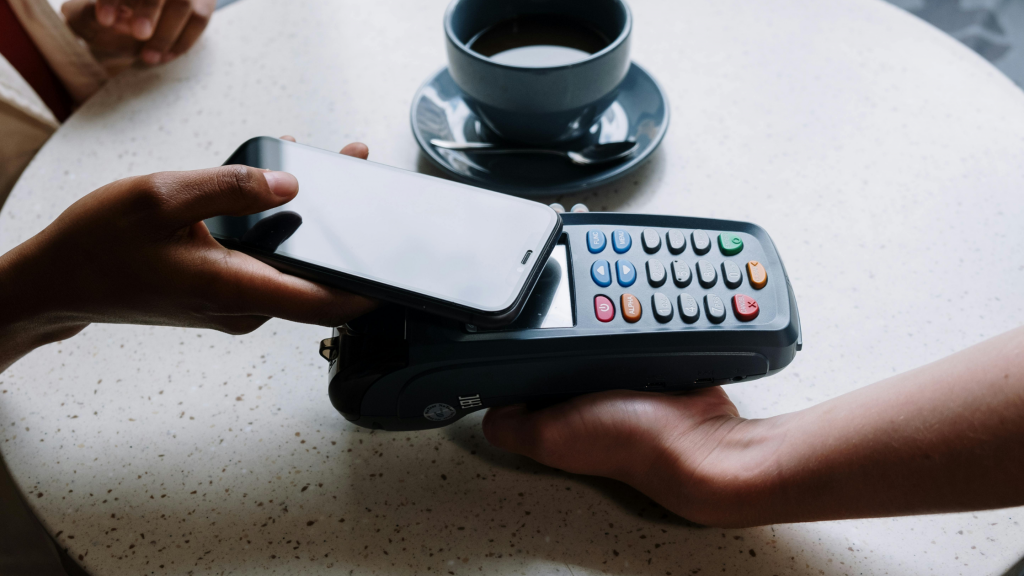
If you’ve been a victim of Apple Pay fraud, acting fast can help reduce the damage and protect your account from further misuse.
Follow these steps to secure your money and prevent more fraudulent activity:
- Reach out to Apple Support right away and let them know about the issue. They can temporarily lock your account to stop unauthorized access.
- Change your Apple ID password immediately. Use a strong, unique password to prevent scammers from getting back into your account.
- Turn on two-factor authentication (2FA) if you haven’t already. It reduces the risk of unauthorized access by requiring a second confirmation step.
- Freeze or replace the bank cards linked to Apple Pay to block any further fraudulent transactions. Call your bank to report unauthorized payments and request new cards if needed.
- Keep an eye on your account activity and watch for anything suspicious, like unexpected payments, login attempts from unknown locations, or strange notifications. If you notice anything, report it right away.
- File a police report with your local law enforcement if the fraud involves a large amount of money. Use their non-emergency line to report the scam and document the loss.
- Report the scam to the Federal Trade Commission (FTC) by going to their ReportFraud page and clicking “Report Now.” This helps the FTC track scams and warn others.
- Use Social Catfish’s reverse lookup tool to investigate the scammer’s identity using their name, phone number, address, or even image.
Reporting banking scams to the right authorities is crucial in stopping fraudsters from targeting more victims. Taking these steps gives you the best chance to prevent further fraud, recover lost money, and keep your digital wallet secure.
Preventing Fraud and Scams on Apple Pay
Research from the Better Business Bureau (BBB) shows that fewer than 12% of Apple Pay users were able to get their money back after a scam. This proves why stopping fraud before it happens is so important.
Here’s how you can do that:
Manually Approve Payment Requests
Apple Pay automatically accepts payment requests by default, which can make it easier for scammers to take advantage of you.
To prevent this, change your settings so that all incoming payments need your approval before they go through. This way, you’ll have the chance to review each request and avoid sending money to someone you don’t trust.
Enable Advanced Fraud Protection
With Advanced Fraud Protection enabled, your Apple Card’s security code changes periodically, making it harder for scammers to misuse your information.
Once you’ve viewed the code in the Wallet app or used it for an auto-filled purchase in Safari, it updates to a new one. Always check your security code before purchasing to make sure you’re using the most recent one.
Secure Your iPhone with Strong Protection
With your phone in hand, you have access to banking, payments, and organization tools, all in one place. Keeping it secure is a must.
Use Face ID, Touch ID, or a strong passcode so that no one else can access your Apple Pay account. Also, turn on two-factor authentication (2FA) for your Apple ID.
This means that even if someone gets your password, they won’t be able to log in without an extra security code that only you can receive.
Watch Out for Suspicious Links
Scammers often send fake links that pretend to be from Apple. These links might claim a problem with your Apple Pay account or ask you to confirm a payment.
Always check where a link leads before clicking on it. On a computer, hover over it with your mouse. On a phone, press and hold it to preview the full address. If the link looks strange, like “appleverify-payment.net” instead of “apple.com”, it’s fake.
Apple will only use official Apple links or direct you to an app you already have on your phone.
Double-Check Who’s Asking for Money
Scammers often pretend to be friends, family, or co-workers in urgent situations, hoping to trick you into sending money.
If you get an unusual payment request, always confirm the person’s identity before sending anything. Ask them a question only they would know the answer to, or contact them through another method, like a phone call or social media, to make sure the request is real.
Running a background search through Social Catfish’s Search Specialist can reveal red flags about suspicious contacts.
Here’s what users say about their experience with search specialist service:
“What an incredible and amazing experience. So emotionally draining I was at a loss until I contacted your Team. Sheridan was so kind and held our hand every step of the way! Her was a true professional and in the end the thoroughness of your investigation brought all the truth to the surface!! The best hire EVER!! Thank You, Sheridan and the Social Catfish Team!!!” – Jennifer











