Multiple Faces Detected



 November 23rd, 2020
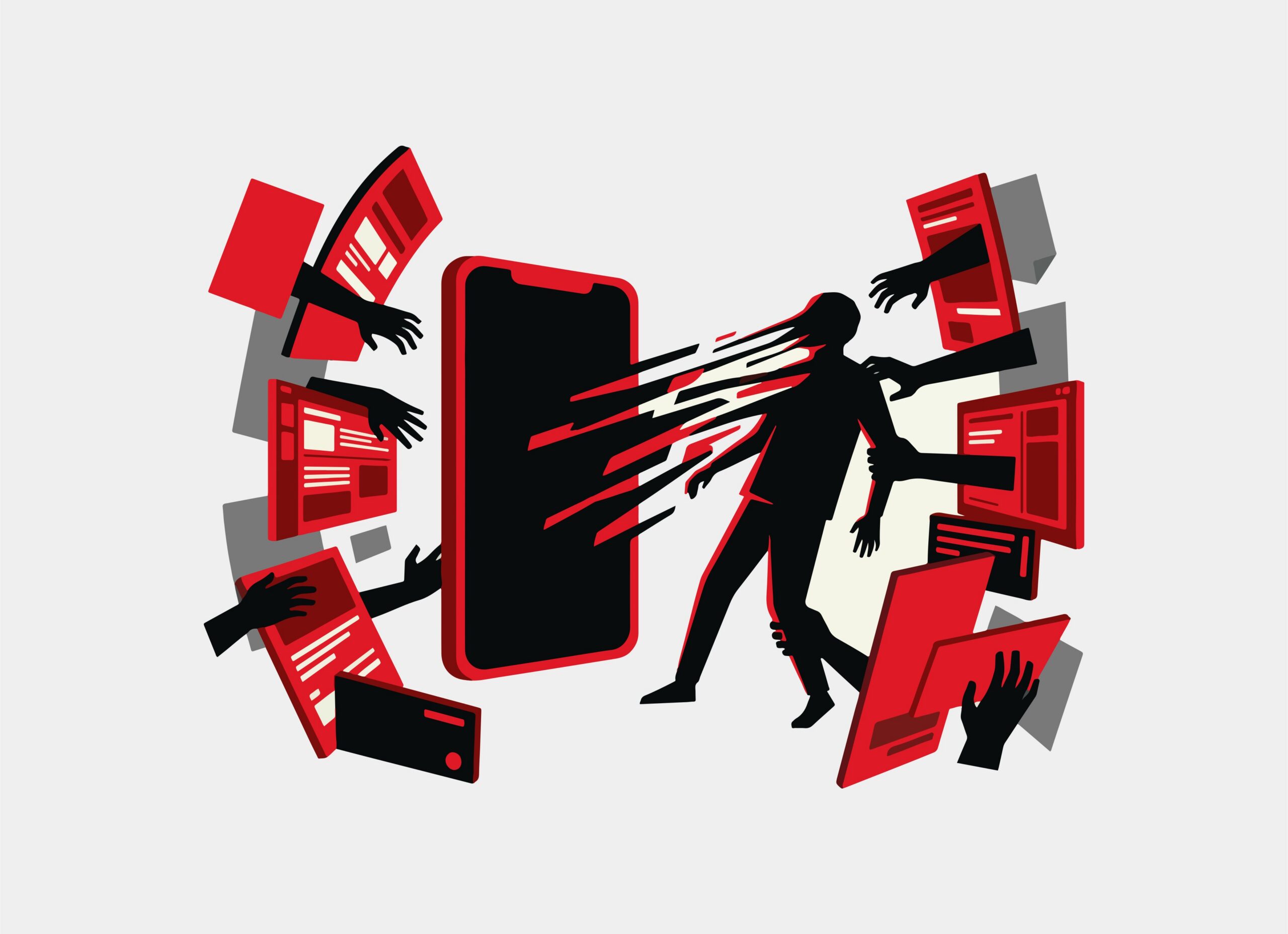
Did you know that your cell phone is at risk? While you might have thought that you only have to worry about being hacked, phished, or conned when you use the world wide web or answer a robocall, scammers and tricksters use more than phone calls, emails, and fake websites. Another trick up scammer’s sleeves involves text messages. This is part of a type of scam called smishing or SMS phishing.
What is SMS Phishing

With so many types of cons and tricks found online, you may not even have thought to worry about SMS texts. “Smishing” is the equivalent of SMS (short mail service) combined with the word phishing. Phishing uses fake links and copycat imposter websites and forms to trick people into sharing their passwords and personal or financial data.
Smishing scammers send their phishing links through SMS texts. As most people use smartphones, SMS links can easily access the web and put your data at grave risk, all with the click of a button.
Examples of SMS Phishing Text Messages
This is a partial list of the many types of SMS phishing text scams:
Unlisted Number
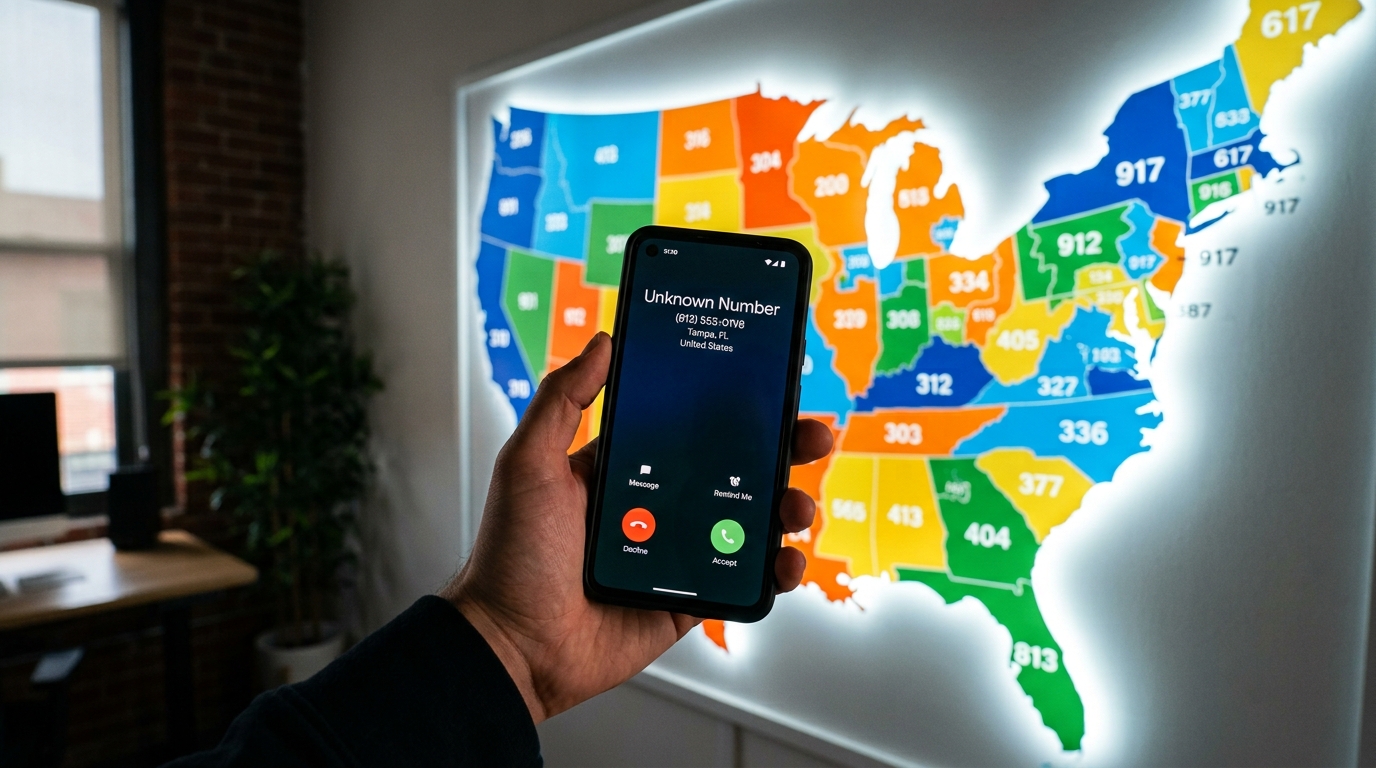
If you receive a link or shortened link from a number with no other identifying information, assume it is a scam. The phone number may seem to be in code or unusual. Don’t be fooled into thinking the link is from a legitimate sender, even if the link offers you a special offer or gift card.

Fake Friend
“I haven’t heard from you in a while? How have you been! This is what I’ve been up to LINK” Clickbait SMS links will make you want to click on them, even if you don’t recognize the number. You might believe the message comes from a friend with a new phone number, but real people don’t send links from unidentified or new numbers.
Trending Buys
“Get the newest iPhone or Android phone at 50% off!”
Although it will seem as though you’ve received a real offer, the sender’s link is fake and will redirect you to a 3rd party site, a vendor you didn’t intend to purchase from, or a phishing website.
Imposter Vendors
When you receive a text or link from an actual company, like Amazon or even a public social service, it might be from an imposter. Scammers impersonate real companies, and the SMS links they send may reroute you to webpages that look like actual account login pages. Instead, your information will be stolen or malware downloaded on your device.
Hackers
Hackers might hack into the phone, phone app, or text messages of someone you know. Other times scammers buy or find a lost phone. When this happens, you’ll receive a text or SMS from a number you recognize, but the instructions (to send gift cards, money, wire money, or visit a website) come from a scammer wanting your cash, data, or private information.
How to Protect Yourself from SMS Phishing Attacks
Use these tips to protect yourself:
- Never click on any unsolicited links sent via SMS. There is no reason to use or receive unknown or unwanted links.
- If you feel that a link you receive might be legitimate, copy and paste it into a search engine and view the results. Unknown or 3rd party sites are not to be trusted.
- Search the phone number that sent you the SMS and see who it is linked to.
- Pay attention to the news. Smishing cons have trends. Look for and read alerts or blogs.
- Don’t enter your financial information, social security number, name, address, or credit card number on any webpages or forms linked through SMS.
- Run a virus scan and keep it up to date.
- Use 2-factor authentication on passwords to keep your accounts safe.
- Use a complex password and change your passwords the moment you believe you’ve been hacked.
- Use a spam filter for phone calls or look for your cell phone’s warnings about unidentified text senders.
- Beware of the texts you or your employees access from business phones. What might appear to be customer or sales leads could be smishing scams.
Smishing links may continue to be sent to trusting texters, but using a healthy dose of skepticism and searching by phone number, sender, or link can protect you and your information. Knowing that your credit card information has been exposed can lead to identity theft, stress, and financial ruin. Use the reverse phone number search on Social Catfish to use high powered algorithm-based searches to protect your data!