Multiple Faces Detected


 June 1st, 2020
Amazon Echo (Alexa) is a hands-free smart home device which functions as a speaker controlled through voice prompts. However, if you’ve read about Alexa in the news lately, it might be because of its privacy risks.
According to information recently released, Amazon Echo’s network microphone sends data to a massive central location, where it is then dispersed to employees for review – worried about your family’s right to privacy and safety when you use a smart device like Amazon Echo? Microsoft says this is a concern for about 41% of voice assistant users! Due to the broadness of this concern, let’s explore what information might be at risk and how to protect yourself.
What is Amazon’s Voice Assistant Alexa?
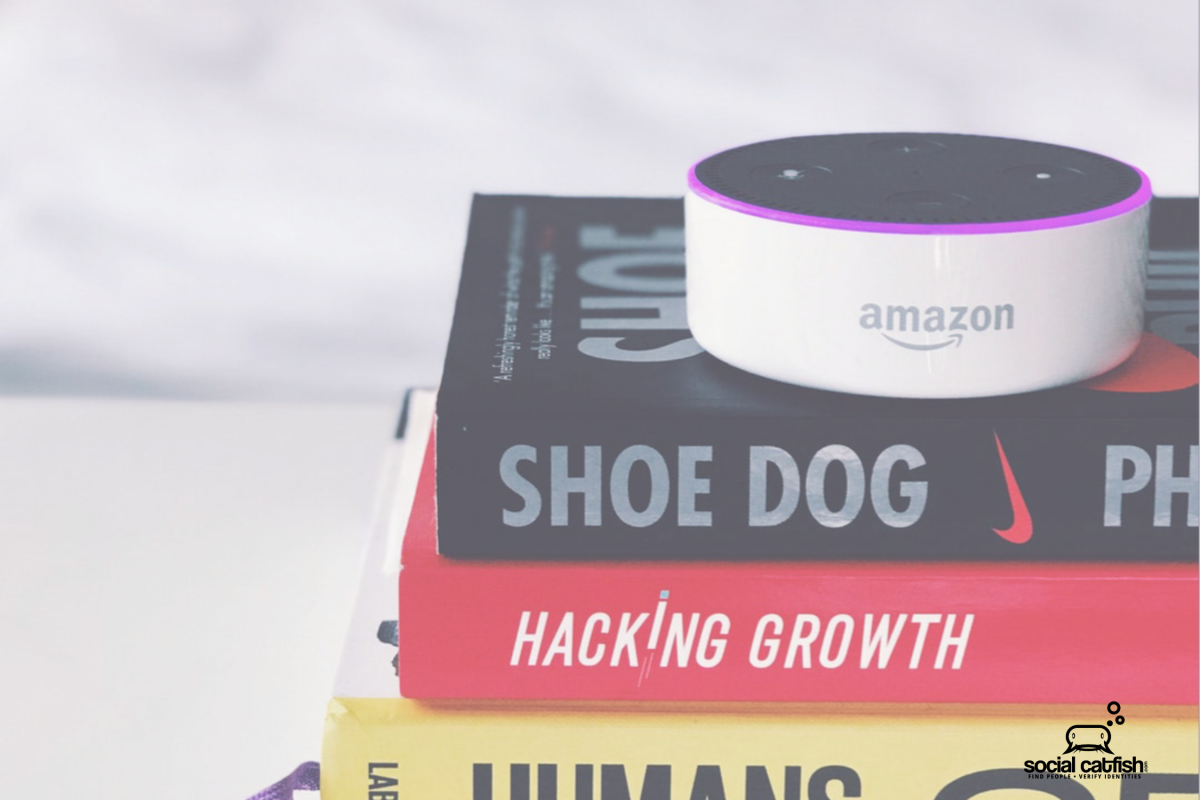
The goal of Amazon Echo is to work as a personal technological assistant, which is why the device’s voice system is called “Alexa”. If you’re new to Amazon Echo or want to make sure you’re getting the most out of Alexa, you can check out Wired Shopper’s tips. Your Echo device can also help with the following functions:
- Play music.
- Answer questions (via a Bing search).
- Function as an alarm.
- Top stories/news.
- Calendar.
- Weather.
- Drive times.
- Volume control.
- Listen to audiobooks.
- Connect with drive services (Uber, etc.)
- Connect with other technology (turn on the coffee machine, turn down/off the lights, set AC/heat/thermostat).
Should You Be Concerned If You Use Alexa?
Yes! Based on a shocking Bloomberg report, Alexa has privacy concerns as thousands of Amazon staff (both contractors and Amazon employees, worldwide) listen to voice recordings of you and others, in their home or office.
Amazon claims that this is part of their device’s learning process. It isn’t far from the truth since A.I. (artificial intelligence) requires human input as it is developed. For example, if someone said, “Play Coldplay radio” the transcriber (employee) would write out details about the query and its accuracy to help Amazon Echo learn how humans speak. This process helps fill in gaps in the company’s algorithm.
An Amazon spokesperson stated to Fortune magazine that the company uses “an extremely small number of interactions from a random set of customers”. That means that the person who is auditing what was recorded does not have your identifiable information. Better yet, Alexa only shares recordings which occur after the user says their device’s “wake” word.
However, although the recordings may not have your full name, age, and address, they do connect to the device’s serial number, user’s first name, and account number. Even when encrypted, this is quite a bit of information. As Florian Schaub told Bloomberg, “You don’t necessarily think of another human listening to what you’re telling your smart speaker in the intimacy of your home.”
How to Protect Your Privacy If You Use Alexa
- Access the Amazon Echo app.
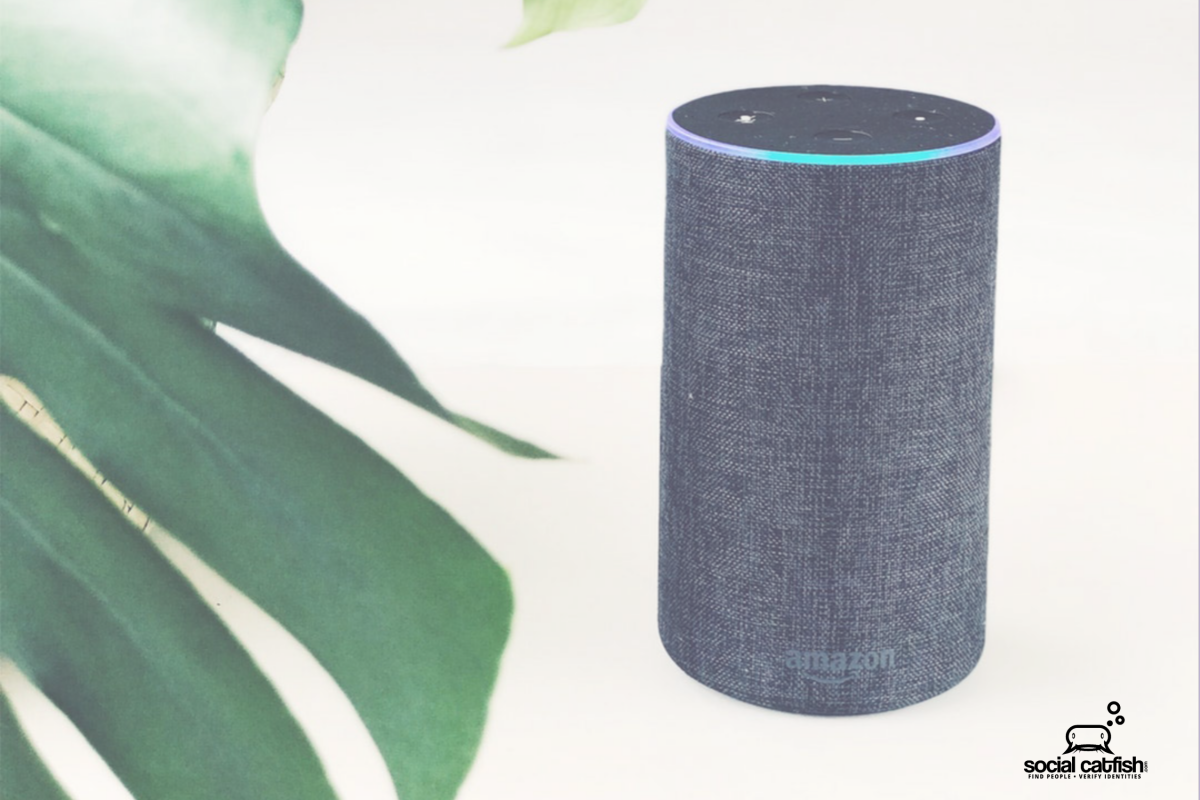
- Go to “privacy settings” and opt out of allowing Amazon to use your voice recordings to improve its software. This setting is worded as, “Training Alexa with recordings from a diverse range of customers helps ensure Alexa works well for everyone. When this setting is enabled, your voice recordings may be used in the development of new features.” Select “off” to remove this voice sharing setting.
- Select “review voice history”, also found in “privacy settings”. You will then see a log of your voice history and a list of periods. You can listen to the recordings and delete any you see fit.
- Review your “smart alert history”. For instance, do you want Alexa to detect smoke or breaking glass? This filter will also list a date range, and you can edit your settings or delete any logs. Also, “manage smart device history” and delete details about your thermostat, lights, etc.
- “Manage skill permissions” is also located in the privacy section and you can delete permissions such as your home address, etc. Why is this information stored? It exists to help food delivery or Uber, etc.
- Unplug Amazon Echo if you want complete privacy.
- Beware of sharing banking numbers, SSN and more, when your Amazon Echo can hear.
While Amazon insists that they take customer privacy & security of personal information “seriously” and told CNN Business that the actual amount of conversation annotated is minimal, it may be better to be safe than sorry.
Do you feel uncomfortable knowing that an overseas or domestic Amazon employee or contractor can listen to your private conversation, but also like having a smart digital assistant? If so, you aren’t alone!
However, even without Alexa or other smart devices like Google Home or Facebook Portal, you are probably exposing your personal information on the web. Anyone can access your home address, phone number, and other details you would never want public.
At Social Catfish we help our clients protect their private information. A Social Catfish search does more than Google or Bing would. We search for public databases and all of the major search engines.
Not only that, but you can receive updates when new information about you is discovered. Stop Amazon employees and others from being able to know your background.