Multiple Faces Detected


 April 13th, 2026
You have a public Snapchat profile and you want to know who has been looking at it. Or someone’s username came up and you want to view their Snapchat profile without them knowing. Or you matched with someone online, they gave you a Snapchat handle, and you want to know if that person is real before you take things any further.
All three situations involve the same platform, but they are asking completely different questions, and they have different answers. This guide covers all of them: what Snapchat shows you about profile viewers, what it hides, and how to look up any Snapchat account or verify who is behind one.
If you want to identify who someone actually is from their Snapchat username or profile photo, Social Catfish’s reverse username and image search cross-references Snapchat accounts against public records and social profiles across 200-plus platforms privately, with no notification to the person you are searching.
Can You See Who Views Your Snapchat Profile?
Fill in what you know about this Snapchat contact. The trust score updates in real time as you go.
No. Snapchat does not reveal profile visitor names, username searches, or repeated visits. Profile browsing remains completely private.
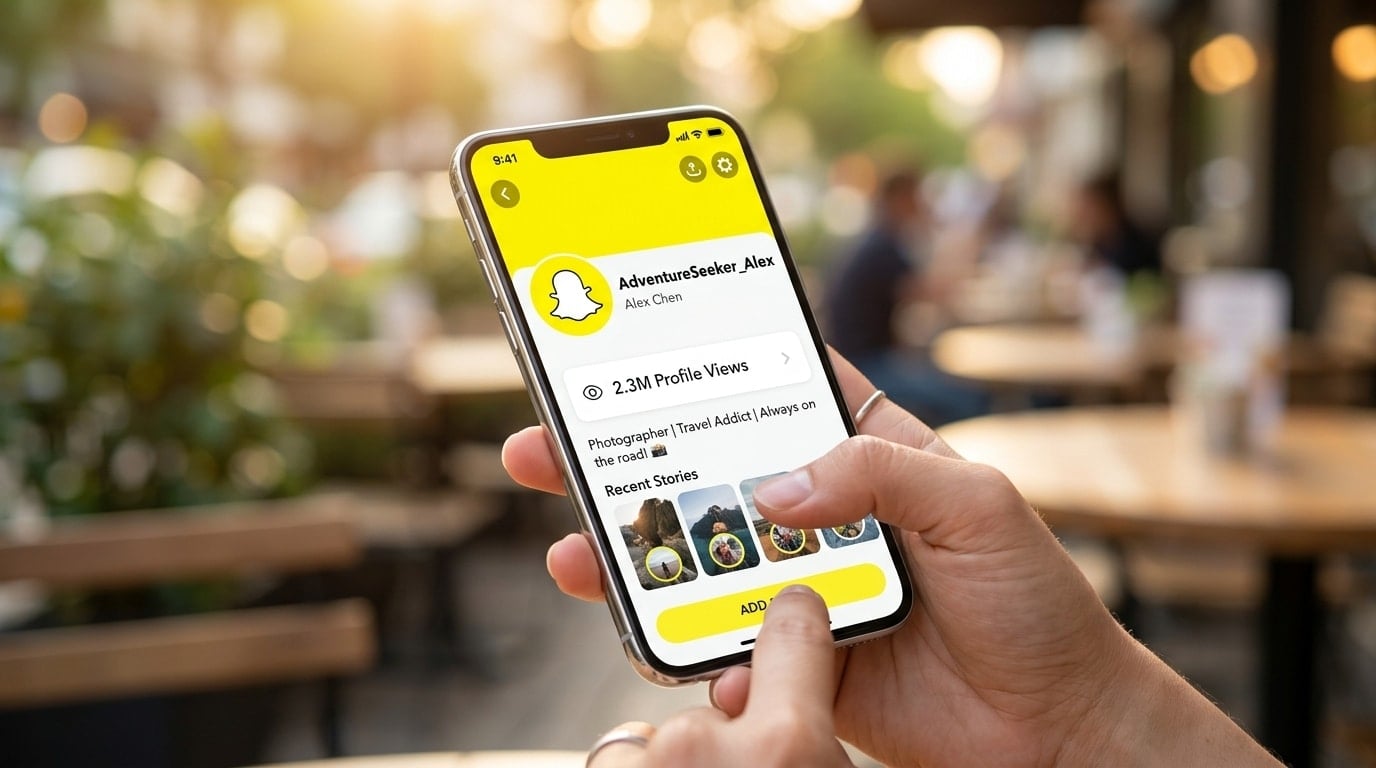
Snapchat is different from other platforms in that it does not reveal profile traffic. Even on public accounts, profile visits are not revealed. There is no counter, no alert, and no username list tied to profile views.
This is by design. Snapchat is built around low-pressure use. Showing profile viewers could encourage stalking or create discomfort. By hiding profile visits, Snapchat allows users to browse freely without leaving a visible trace.
So if someone has been repeatedly checking your Snapchat profile, you will not know about it, and equally, when you view someone else’s profile, they will not know either.
Can You See Who Viewed Your Public Profile on Snapchat?
No. You cannot see who views your public profile on Snapchat. You may see view counts, Story viewers, or subscriber numbers, but profile visits stay private and anonymous.
Public profiles offer insights, but only at a broad level. Creators can see Story views, engagement actions, subscriber growth, and general audience data. However, even here, Snapchat does not reveal the total number of profile visits or the number of individual viewers. The information stays aggregated and anonymous.
There are three things you can see on a public profile, and it helps to understand exactly what each one does and does not tell you.
Story viewers
When you post a Story, you can see the usernames of people who watched it. This list shows exactly who viewed your Story and in what order. This is the closest Snapchat gets to showing you who has been paying attention to your account, but it only reflects people who watched a specific Story, not everyone who has visited your profile page.
Subscribers
If you have a public profile, people can subscribe to you without being your friend. You can see the total number of subscribers on your profile. This number shows how many people are following your public content, but it does not show who visited your profile.
Spotlight views
If you post videos to Snapchat Spotlight, you can see how many views your video received, but again, this is a view count only. No individual usernames are tied to those view numbers.
Does Snapchat Tell You When Someone Views Your Profile?
No. Snapchat does not notify you if someone screenshots your profile. Screenshot alerts only apply to Stories and chats.
Snapchat does not show profile visit counts from specific users. You cannot see how many times one person opened your profile. Even business or creator accounts cannot see the names of profile visitors; they only get general analytics.
This means someone can visit your Snapchat profile multiple times a day, every day, and you will never receive any notification. The same applies in reverse if you visit someone else’s profile; they will not know.
Can People See When You View Their Snapchat Profile?
No, with one important exception.
Viewing a profile: If you open someone’s Snapchat profile page and browse it, they will not receive any notification. This applies to both public and private profiles. Just as you cannot see who views your profile, others cannot see when you view theirs.
Viewing a public Story: This is different. If you view someone’s public Story, they will be able to see that you viewed it. Your name will appear on the list of viewers, even if you are not friends with the creator.
The distinction matters: browsing a profile is invisible. Watching a Story is visible. If you want to see whether someone has an active Snapchat presence without alerting them, you can view their public profile page freely, but if you play their Story, your username will appear in their viewer list.
How to View a Snapchat Profile
Searching by username
The simplest way to view a Snapchat profile is by searching their username directly in the app:
- Open Snapchat and tap the search icon at the top of the screen
- Type the username into the search bar
- Tap on the result to open their profile
If their account is public, you will see their display name, Bitmoji, subscriber count, and any public Stories or Spotlight content they have posted. If their account is private, you will see limited information unless they have accepted you as a friend.
Direct URL
You can also view a Snapchat public profile through a web browser without the app. Navigate to snapchat.com/add/username and replace “username” with the actual Snapchat handle. This loads a web version of their public profile showing their display name, Bitmoji, and a link to add them.
Add by Snapcode
If you have someone’s Snapcode, the unique QR code tied to their account, you can scan it within the Snapchat app to go directly to their profile. Open Snapchat, point the camera at the Snapcode, and hold down on the screen to scan.
Snapchat Public Profile Viewer: What Third-Party Apps Actually Do
You have probably seen apps, websites, or social media posts claiming to show you exactly who has visited your Snapchat profile. These deserve a direct answer.
Many users search for a Snapchat viewer because they want to know who is checking their profile or watching their content without being noticed. This confusion usually comes from online claims, social media posts, and third-party apps that promise hidden viewer details.
No legitimate third-party app can show you who viewed your Snapchat profile. Snapchat’s API does not expose this data. Any app or website claiming to show you a list of Snapchat profile viewers is either fabricating results, harvesting your login credentials, or both.
The risks of using these tools are significant:
- Account compromise — tools that ask for your Snapchat login credentials can access your account, read your messages, and lock you out
- Malware — many viewer apps are designed to install tracking software on your device
- Fake results — some tools simply generate a plausible-looking list of usernames with no connection to your actual account data
- Violation of Snapchat’s terms — using unauthorised third-party tools can result in your account being permanently banned
The honest answer is that no tool can show you who viewed your Snapchat profile because Snapchat does not collect or store that data in a way that is accessible to anyone, including Snapchat itself.
How to Look Up a Snapchat Account and Find Out Who Is Behind It
Viewing a Snapchat profile and verifying the identity behind it are two different things. Snapchat shows you a username, a display name, and whatever content the person has posted publicly. It does not tell you who the real person is, their real name, location, other social accounts, or whether the identity they are presenting is genuine.
This is where reverse search becomes relevant. If you have a Snapchat username, a profile photo, or any identifying information someone has shared with you on Snapchat, Social Catfish can cross-reference it against public records, social media profiles, and platform databases to surface the real identity behind the account.
Search by username
Social Catfish’s reverse username search takes a Snapchat handle and searches for the same username across other platforms. Most people reuse usernames across apps, such as Instagram, TikTok, Twitter, dating apps, and gaming platforms. If the same handle appears elsewhere under a real name, the search surfaces that connection.
Select Username search on Social Catfish, enter the Snapchat handle, and review the results. Linked accounts, associated real names, and connected social profiles are returned in the report.
Search by profile photo
If you have their profile photo or a screenshot of their Snapchat content, a reverse image search runs that face against Social Catfish’s database of social profiles, dating platforms, and public records. If the same photos appear elsewhere under a different name, which is common with stolen identity accounts, the search finds those matches and flags the discrepancy.
Search by phone number
Many Snapchat accounts are registered using a phone number. If someone has shared their number with you through Snapchat or other channels, a Social Catfish phone number search returns the registered identity behind the number and any linked social accounts, including Snapchat.
All searches run privately. The person whose Snapchat account you are searching will not receive any notification.
Does Snapchat Show Who Viewed Your Profile — Platform Comparison

Understanding how Snapchat compares to other platforms clarifies what is and is not possible.
Snapchat — No profile view data. Story views are visible with usernames. Profile visits are completely invisible.
LinkedIn — Shows who viewed your profile including name, title, and company. The most transparent platform for profile view data.
TikTok — Has a profile view notification feature. Viewers can see when you viewed their profile, too, if the feature is enabled.
Instagram — Does not show who viewed your profile. Story views are visible. Reel views are counts only.
Facebook — Does not show who viewed your profile. Story views are visible.
Snapchat sits firmly in the privacy-first camp. Story views count as direct engagement; profile views do not. Because of this difference, Snapchat displays Story viewers but never shows profile viewers. These two features are not connected.
Conclusion
Snapchat does not show who views your profile, not for private accounts, not for public ones, and not through any third-party tool. Profile visits are invisible by design, and any app claiming otherwise is not giving you real data.
What Snapchat does show is Story viewers, subscriber counts, and basic engagement analytics for public profiles. These give you a signal of who is paying attention without revealing every visitor.
If your goal is to find out who is behind a Snapchat account, not just view the profile, but verify the real identity, Social Catfish’s reverse username and image search is the most reliable method available. Enter a username, a photo, or a phone number and get a complete picture of who that person actually is across the web.
Frequently Asked Questions
No. Snapchat does not show the names of people who visit your profile, even on public accounts. You can see Story viewers and subscriber counts, but profile visits are completely private and anonymous.
No. Snapchat has no feature that reveals an individual’s profile to visitors. The data is not collected or accessible, which means no third-party app can access it either.
No, not from a profile visit. If you watch their public Story, however, your username will appear in their viewer list. Browsing their profile page is invisible, watching their Story is not.
A Snapchat profile viewer is a tool claiming to show who has visited a Snapchat profile. No legitimate version of this tool exists. Snapchat does not expose this data through its API, so any app claiming to provide a viewer list is fabricating results or attempting to steal your login credentials.
Browse their public profile page directly, either by searching their username in the app or going to snapchat.com/add/username in a browser. This is invisible to them. Do not watch their Stories if you want to remain anonymous, as Story views are visible.
Search the username through Social Catfish’s reverse username search, which finds the same handle across other platforms where the person may have used their real name. A reverse image search on their profile photo is also effective, particularly for identifying accounts using stolen photos.