Multiple Faces Detected


 February 18th, 2026
Online identity verification combines multiple data points: reverse image search results, phone number records, social media presence, and video call confirmation.
You’re not running an FBI-level background check. You’re confirming that the person matches the identity they’ve presented. Does their photo appear elsewhere? Does their phone number connect to their name? Do they have a legitimate social media history? Does the information stay consistent across different sources?
No single verification method is foolproof. Scammers know about reverse image searches and create profiles specifically to pass basic checks. The power comes from cross-referencing multiple sources. When someone’s photo, phone number, social accounts, and video appearance all align with what they’ve told you, you’re likely dealing with a real person.
How Can I Verify Someone Is Who They Say They Are Online?
Start with reverse image search, then verify their phone number and check their social media history. Cross-reference the results. Real people have consistent information across multiple platforms. Fake identities show mismatches: photos that belong to someone else, phone numbers that lead nowhere, or social media accounts created last month.
Verification is your best defense in a digital-first world. If you find yourself needing these steps because a new online acquaintance feels suspicious, you may already be noticing subtle red flags. Learn how to tell if someone is catfishing you before you become emotionally or financially invested.
The verification process takes 15-30 minutes if you’re thorough. That’s a small investment compared to months of communication with someone who’s lying about their identity.
6 Verification Methods That Work
- Reverse Image Search
Upload their profile photo to Google Images, TinEye, or a specialized tool. You’re checking whether the photo appears elsewhere online under a different name or context.
How to do it:
Go to images.google.com and click the camera icon. Upload their photo or paste the image URL. Google shows where else that image appears on the internet.
Try TinEye.com next. It searches a different index and sometimes catches images Google misses. Upload the photo and review all results.
Use a dedicated reverse image search tool that checks dating sites, social media, and adult content sites simultaneously. Regular search engines skip some platforms.
What you’re looking for:
The photo appears on a modeling website or stock photo library. That’s someone else’s professional work, not a casual selfie.
Multiple dating profiles using the same image with different names. One person doesn’t create five accounts with different identities.
Photos posted years before your match claims to have taken them. Time travel isn’t real.
Professional photography credits. If a photographer is listed, you’re looking at their portfolio, not your match’s personal photos.
What it won’t catch:
Photos stolen from private Instagram accounts with few followers. These don’t get indexed by search engines.
Very recent photos that haven’t been crawled yet. Search engines need time to index new images.
Photos that have been cropped, filtered, or slightly edited. Basic modifications can defeat image matching algorithms.
While a basic search is a good starting point, the results can vary wildly depending on the database used. To ensure you aren’t missing hidden profiles, you should utilize a combination of the best reverse image search tools to scan for matches across different algorithms. For a deeper dive into specific techniques, see our dedicated guide on how to find someone with a photo using deep-web tools.
- Phone Number Lookup
Search their phone number to see what name and location it connects to. Real phone numbers have ownership records. Fake ones use VoIP services or show no results at all.
How to do it:
Use a reverse phone lookup service that accesses carrier databases and public records. Enter the number and see what name appears in the results.
Google the number in quotes: “555-123-4567”. Sometimes people list their number on business pages, social media, or public directories.
Check if it’s a VoIP number using a free VoIP checker. Services like TextNow, Google Voice, and Hushed let anyone create phone numbers without identity verification. Scammers use these because they’re untraceable and disposable.
Red flags:
The number shows a different name or location than what they told you. “John from California” shouldn’t have a Texas area code registered to “Michael Rodriguez.”
No results at all. Real phone numbers that people actually use appear somewhere in public records or online directories.
VoIP service detection. One VoIP number isn’t automatically suspicious, but combined with other red flags, it matters.
Number was activated recently. A 35-year-old should have a phone number history longer than three weeks.
- Email Address Search
Email addresses reveal a lot. You can find associated social media accounts, data breach records, and sometimes full names and locations.
How to do it:
Use a reverse email search tool to find connected accounts and records. These tools scan social media platforms, data breaches, and public databases.
Search the email in Google. People use the same email across multiple platforms. You might find their LinkedIn, GitHub, Pinterest, or forum accounts.
Check if the email appears in data breaches at haveibeenpwned.com. This shows how long the email has been active and what services they’ve used.
What to look for:
Throwaway email patterns. “[email protected]” or “[email protected]” signal someone who doesn’t want to be identified.
Email matches their claimed name and the age of the account makes sense. “[email protected]” created in 2007 looks legitimate.
The email connects to professional profiles, purchase histories, or other signs of normal internet use over time.
- Username Search
People reuse usernames across platforms. If someone uses “AdventureSeeker2024” on the dating app, that same username might appear on Instagram, Twitter, Reddit, or gaming platforms.
How to do it:
Use a username search tool that checks hundreds of platforms simultaneously. Enter their username and see where else it appears.
Manually search their username on major platforms: Instagram, Twitter, Facebook, TikTok, LinkedIn, Reddit. Add the username to the search bar and see what pops up.
Check gaming platforms if relevant. Xbox Live, PlayStation Network, Steam, and Discord all have searchable usernames.
What this reveals:
Activity history that matches their story. If they claim to be 30 years old and their Reddit account has 8 years of posts about being a software engineer, that checks out.
Interests and personality that align with how they present themselves. Someone who claims to love hiking but has 5,000 posts about video games might be lying about their lifestyle.
Location tags and timezone stamps. People in California don’t consistently post at 3 AM Pacific time unless they’re actually somewhere else.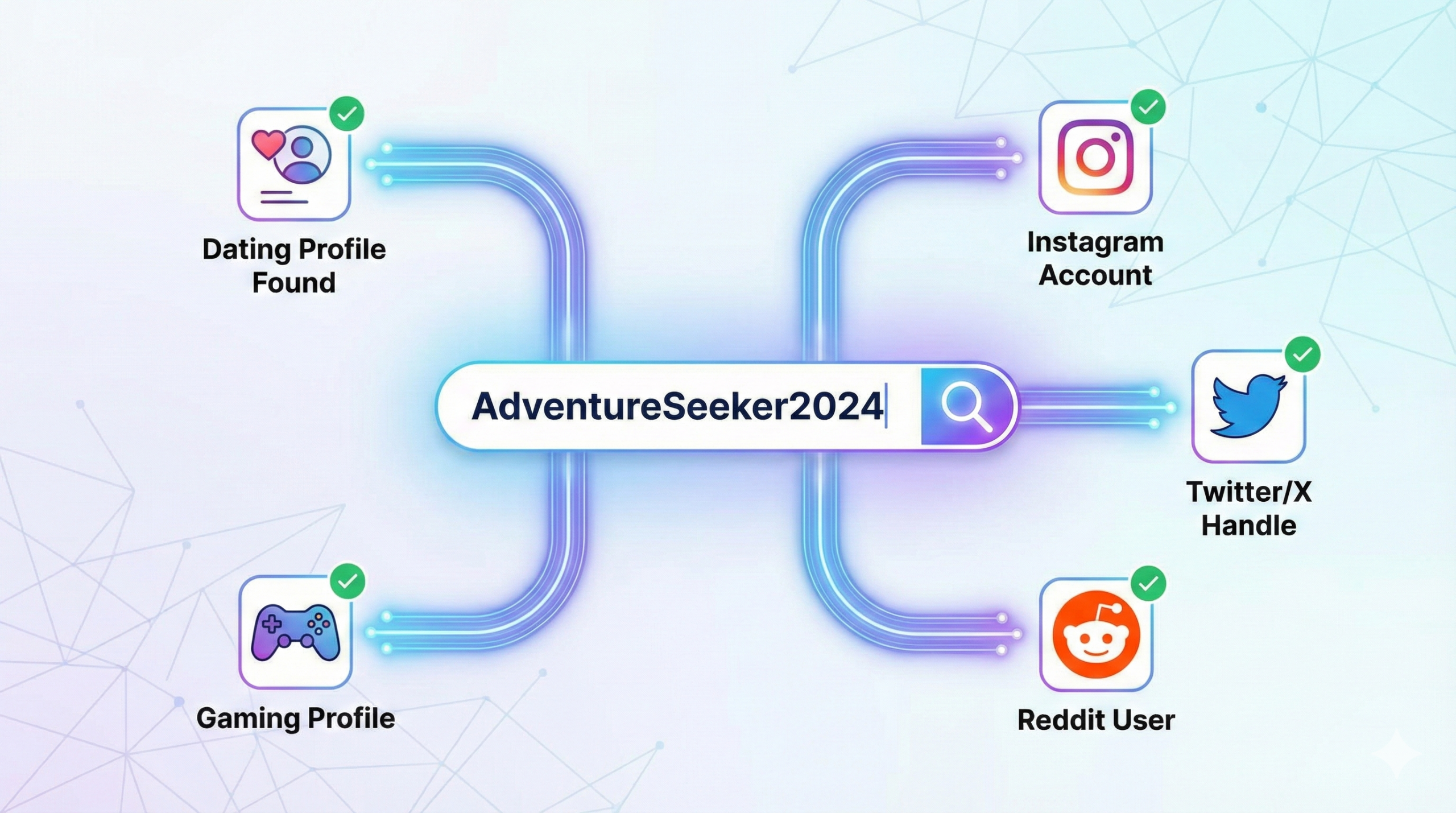
- Social Media Cross-Reference
Real people have messy, lived-in social media. Years of posts. Photos where they’re tagged by friends. Comments from family. Awkward teenage posts they forgot to delete.
What to check:
Account age. Someone claiming to be 28 shouldn’t have a Facebook account created six months ago.
Friend count and connections. Real adults have hundreds of connections built over years. Fake accounts have 47 friends, most of whom also look fake.
Tagged photos. Can’t fake these easily. If friends and family aren’t tagging them in birthday parties, weddings, or random hangouts, the account might be constructed.
Post history. Look for mundane updates spread over time. “Had a great lunch at Chipotle” from 2019. “Can’t believe it’s Monday again” from 2021. Boring posts are good. They’re hard to fake convincingly over years.
Interaction patterns. Do people comment on their posts? Do they comment back? Real accounts have reciprocal relationships. Fake ones have one-sided engagement or none at all.
How to do it:
Check all platforms they claim to have. If they mention Instagram but you can’t find them, why not?
Look at the join dates. All accounts created around the same time is suspicious.
See if their photos appear on multiple platforms. The same beach photo on Instagram, Facebook, and Twitter suggests authenticity. Different photos on each platform is odd.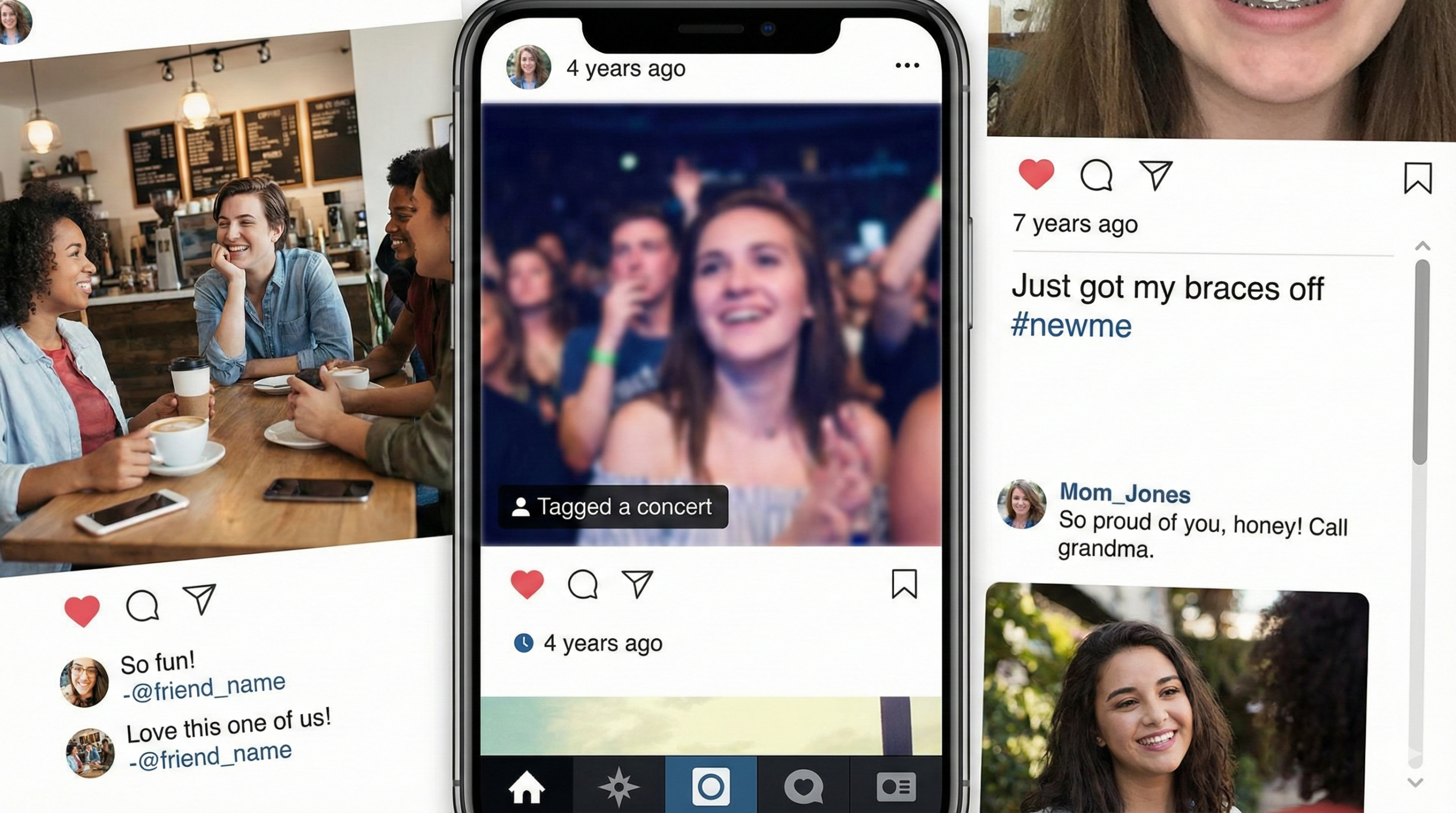
- Video Call Verification
This is the ultimate test. Catfishers avoid video at all costs because you’ll see they’re not the person in the photos.
How to approach it:
Suggest a video call casually within the first two weeks. “Want to FaceTime this weekend?” Real people say yes. Catfishers make excuses.
Make it spontaneous. “I have 10 minutes right now, want to see each other quickly?” gives them no time to prepare pre-recorded videos or find someone else to sit in.
During the call, ask them to do something specific. “Wave at the camera.” “Show me your
view.” “Hold up today’s newspaper.” This defeats pre-recorded video tricks.
Red flags during video calls:
They look nothing like their photos. Different face, different build, different age.
The video quality is suspiciously poor despite good internet on your end. Intentional quality reduction hides details.
They can only do video once and then the camera is “broken” forever. One call might have been staged.
Background doesn’t match their claimed location. Says they’re in Miami but you see snow outside.
What Red Flags Look Like in Results
Photo verification red flags:
- Same image on escort services or adult websites
- Photos belong to a model, influencer, or public figure
- No casual, everyday photos anywhere
- Every photo looks professionally shot
Phone number red flags:
- VoIP number with no history
- Different name or location in records
- Number activated very recently
- No results when you search it
Social media red flags:
- All accounts created within the same few months
- Under 100 connections on any platform
- No tagged photos from other people
- Post history starts recently with no older content
- Friends who also look like fake accounts
Email red flags:
- Throwaway or random character patterns
- Created very recently
- Not connected to any other online presence
- No data breach history (real emails that have been used for years show up somewhere)
Username red flags:
- Only appears on the platform where you met them
- No cross-platform presence despite claiming to use social media
- Recently created accounts only
When you see multiple red flags across different verification methods, you’re almost certainly dealing with a fake identity. One red flag might have an explanation. Five red flags is a pattern.
Green Flags: Signs Someone Is Legitimate
Real people leave real digital footprints. Here’s what authenticity looks like:
Consistent information across sources:
- Name matches phone records, email address, and social media
- Location stays the same everywhere
- Age aligns with account creation dates and photo history
Established online presence:
- Social media accounts 5+ years old
- Hundreds of real-looking connections
- Years of post history with mundane, daily updates
- Tagged photos from multiple people over time
Verifiable details:
- Photos appear only on their own accounts or in normal contexts (friend’s wedding album, company website, news article featuring them)
- Phone number connected to their name in carrier databases
- Email address associated with professional profiles and legitimate services
- Username appears across multiple platforms with consistent personality and interests
Natural digital behavior:
- They have a LinkedIn that matches their claimed profession
- Their Instagram shows progression over years (different hairstyles, aging, various locations)
- Their Facebook has family members and old friends commenting
- They’ve posted about major life events (graduations, job changes, moves)
They accommodate verification easily:
- Video call happens within the first few conversations
- No defensiveness when you want to add them on other platforms
- Their reaction to verification requests is understanding, not hostile
If someone passes most of these checks, you’re likely dealing with a real person using their actual identity.
What’s the Best Way to Verify Someone’s Identity?
The most reliable approach combines three methods: reverse image search for photos, phone number lookup for contact information, and a video call for real-time confirmation. This triple verification catches the vast majority of fake identities while being simple enough to complete in under 30 minutes.
Here’s the order that works:
Start with reverse image search. It’s free, takes two minutes, and immediately reveals if they’re using stolen photos. If the photos are fake, you’re done. No need to verify anything else.
Run the phone lookup next. This catches VoIP numbers and mismatched names. Takes five minutes and costs a few dollars if you use a paid service.
Check their social media thoroughly. Spend 15 minutes looking at post history, friend connections, and tagged photos. This reveals whether they have a legitimate online presence.
Request a video call. If they pass the first three checks, a quick FaceTime or Zoom confirms they’re actually the person in the photos.
You don’t need all six methods for every person. Use your judgment. Someone who video calls you in week one, has 10 years of Instagram history, and whose photos don’t appear anywhere else probably doesn’t need an email address investigation.
Can I Do a Background Check on Someone I Met Online?
Yes, you can run a background check using public records databases, but understand what they show and don’t show. Background checks reveal criminal records, address history, and sometimes employment verification. They won’t tell you if someone is a catfish or using a fake identity unless you already have accurate identifying information to search.
Most background check services require a full legal name and location. If the person you met online is lying about their name, a background check will return nothing useful. That’s why photo and phone verification come first. You need to confirm their actual identity before a background check has value.
For online dating and new friendships, identity verification matters more than criminal history. You’re trying to answer: Is this person real? Are they who they claim to be? Background checks answer different questions: Does this person have a criminal record? Where have they lived?
If you want criminal records specifically, use services like BeenVerified, Spokeo, or Instant Checkmate. These aggregate public court records, arrest records, and sex offender registries. Most charge $20-40 for a comprehensive report.
For most situations, verifying their identity using the methods above is sufficient. If the relationship gets serious or you’re concerned about safety, then consider a formal background check.
How Do I Know If Someone’s Social Media Is Real?
Real social media accounts have three characteristics: age, activity, and relationships. Check the account creation date (should be years old), review the post history (should include mundane updates spread over time), and look at friend connections and tagged photos (should show reciprocal relationships with real people).
Fake accounts typically fail one or more of these tests. They’re either recently created, have sparse posting history, or show no meaningful connections with other people. Sometimes all three.
Specific things to verify:
The “About” or “Bio” section includes details that match what they’ve told you about their life, work, and location.
Their friends and followers are real people with their own established accounts, not other fake profiles with stock photos.
Other people tag them in photos and posts. This can’t be easily faked.
They interact naturally. They comment on friends’ posts, get tagged in group photos, have conversations in the comments.
The timeline makes sense. A 30-year-old should have Facebook posts dating back to high school or college, not an account that starts at age 29. If you’re still uncertain after checking these elements, that uncertainty is information. Real accounts feel real. If you’re questioning whether someone’s social media is authentic, it might be catfishing.
Frequently Asked Questions
Basic verification takes 15-30 minutes. Reverse image search takes 2-3 minutes. Phone lookup takes another 5 minutes. Checking social media thoroughly takes 10-15 minutes. Video call adds another 5-10 minutes. You can do all of this in one sitting before getting emotionally invested in someone you haven’t verified.
No. Anyone who gets offended by reasonable safety precautions is showing you a red flag. Real people understand why verification matters and accommodate it easily. Scammers get defensive because they can’t pass verification. If someone reacts badly to a simple request for a video call or to add them on Instagram, you’ve learned something important about them.
Technically yes, but it’s extremely difficult and expensive. Creating a fake identity with years of social media history, phone records, and professional photos requires significant resources. Most scammers use simple tactics because they’re targeting volume, not individual marks. By using multiple verification methods, you make it too hard for casual scammers to succeed. The sophisticated operations that could defeat all these checks typically target high-value victims for financial fraud, not random online daters.
Some people genuinely don’t use social media. Ask why. “I’m private” is understandable. “I deleted everything recently” is suspicious. Someone with no social media should still be verifiable through phone lookup, email search, and video call. They should also have other ways to prove identity, like LinkedIn for professional context or willingness to meet in person quickly. No social media plus refusal to video chat plus a VoIP number equals fake identity.
You don’t need to announce it. Video calls, adding each other on Instagram, and asking about their life are normal relationship behaviors. If you’re running reverse image searches or phone lookups, that’s your personal safety practice. However, if you find concerning results, you can be direct: “I ran a reverse image search and your photo appears on a modeling website under a different name. Can you explain that?” Their reaction tells you everything.