Multiple Faces Detected


 January 5th, 2023
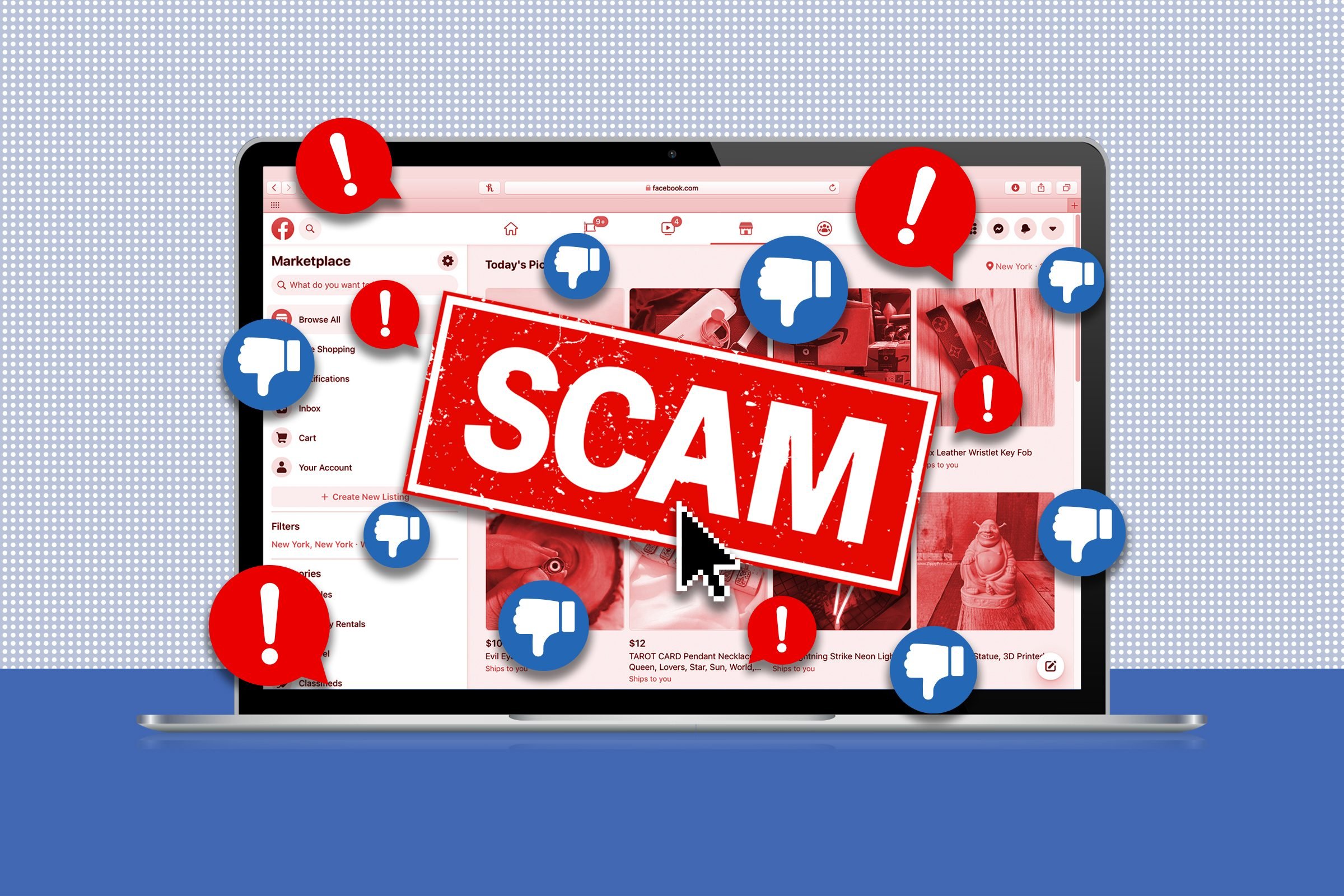
Facebook launched its selling platform, Facebook Marketplace, in 2016, and its reach has skyrocketed in the following years. Users can easily purchase, sell, or rent goods and services from one another on Facebook thanks to the Meta Facebook Marketplace integration. These days, one billion consumers visit Facebook Marketplace monthly. Unfortunately, the popularity of the site and the viral nature of the platform has led to Facebook marketplace scams happening and taking advantage of those looking to buy or sell on the platform. According to research from thinkmoney, a banking app, as many as one in six people who use Facebook Marketplace has been the victim of a scam.
How Can You Tell A Scammer On Facebook Marketplace

With the convenience of Facebook Marketplace comes an increased risk for scams. It can be difficult to tell if someone is trying to scam you; however, there are a few precautions you can take in order to protect yourself and your money.
To avoid Facebook marketplace scams, always try to deal in person whenever possible, never send money before receiving a product, be wary of sellers asking for personal and financial information, and ask questions about the item before agreeing on a purchase.
Additionally, it’s important to trust your gut instincts if something seems too good to be true or the seller’s communication starts feeling suspicious. Taking precautionary measures can help ensure a hassle-free transaction when shopping on Facebook Marketplace.
An Analysis of Marketplace Scammers

When selling items on Facebook Marketplace, is it possible to fall victim to fraud? Yes, and buyers can also be victims.
A buyer’s scam occurs when a potential purchaser or trade partner attempts to acquire goods or services from the seller without actually paying for them. Seller scams occur when a person advertises an item for sale but does not deliver the item.
These nine methods are often used in fraud, as reported by Facebook and security researchers.
1. Ship Item Before Receiving Payment
A potential customer might request immediate shipment of the goods after producing a fake receipt showing that payment has been made. Conversely, a trustworthy vendor will never request payment before shipping. It’s best to use a verified payment service like PayPal or Facebook Marketplace when purchasing goods from the Marketplace. When using PayPal, don’t select that you’re sending money to a loved one.
2. Something That Seems Too Good To Be True
Did you, for instance, find a listing for the newest iteration of famous Nike footwear at a fraction of the retail price? These sneakers are fakes. You should not commit to purchasing the shoes unless you have seen many images, a live video, or even the actual receipt. Once again, I recommend using PayPal or another secure payment option to avoid any potential issues with fake goods.
3. Urgent Concern
The “buyer” requests that you text them so that you can set up a time for them to come and get the thing right away. That’s an effort to glean your phone number so they can send you a verification code through Google Voice once they’ve rapidly registered for a number. The fraudster wants you to transmit the code so they can see that you’re human. In actuality, providing that code would enable the fraudster to access your Google Voice number and steal your identity. Maintain silence outside of the Marketplace.
4. A Bogus Vacation Rental
Even if the listed home is perfect in every way, it’s best to hold off on sending a deposit until you or someone you trust has seen the property and confirmed that it’s for sale and available. People trying to pull off rental scams may post ads for homes that aren’t available, then disappear after receiving monthly payments.
5. A Damaged Product
That $200 video game console you just bought? Despite the listing’s “good condition” claims, it’s useless. You met the vendor in the McDonald’s parking lot and gave him cash without first verifying the currency was legitimate. And good luck tracking down that vendor on Facebook ever again! If you’re buying a used piece of technology or anything else that may not operate, try turning it on and testing it before you give over any money.
6. Bait & Switch
Bait-and-switch refers to the marketing strategy of advertising one product before trying to sell another. You finally find what you’ve been looking for, only to be told that it’s out of stock and replaced with something more costly. If the terms of an agreement aren’t satisfactory, it’s okay to back out.
7. Overpayment
Instead of the $20 agreed upon by both parties, the buyer pays $50 and then claims he made a mistake, requesting a refund of $30. That’s not a significant issue until the bank finds out about it. It’s possible that the vendor used a stolen credit card or a phony check to pay you. The “overpayment” you returned is in addition to the initial payment you will lose. If a customer pays too much, you should tell them to send the correct amount again.
8. Freebies
Don’t waste your time on freebies, contests, or giveaways of any kind. Likely a phishing attempt. When you click the link to join the giveaway, you may unwittingly download malware that may steal your personal information, as claimed by Aura.
9. Disappearing Packages
A Facebook Marketplace user might falsely claim you never got an item you ordered or that it was sent to you when it wasn’t. Either way, the dishonest party in the exchange (you) will be asked to refund the dishonest user. To further protect yourself against this fraud, always have your package tracking information handy.
10. Facebook Marketplace Scams Verification Code
Many Facebook marketplace scams will try to get users to enter a verification code they text them. Even if it looks like an official Facebook message, entering such a code could be a surefire way of losing your money as it could give scammers access to your financial information. To limit your risk, its best not to enter a verification code sent by Facebook that you haven’t asked for and always double-check the offer is legitimate.
11. Facebook Marketplace Scams With Google Voice
These scammers contact sellers and offer to buy items at above market value, but with the condition that the seller must send the item to an address provided by the scammer before the payment is received. The scammer will often provide a fake shipping label and may even send a fake payment confirmation email to the seller. However, the payment is never actually made, and the seller is left out of pocket.
How to Report a Scammer on Facebook Marketplace

If you suspect a seller or product violates Facebook’s Commerce Policies, you may report them. Simply go to the Marketplace by tapping the three horizontal lines in the lower right-hand corner of your News Feed, then tap “Marketplace.”
- Select the seller’s listing you want to file a complaint against.
- Select the vendor by clicking on his or her name.
- Tap more underneath the seller’s name.
- Check the Seller Report.
- Do what it says on the screen.
Sellers that violate Facebook’s Commerce Policies risk being suspended or banned. Buyers who make false claims are also subject to repercussions indicated in its Purchase Protection rules.We hope this information about these nine common Facebook Marketplace scams helps you not become a victim in the future!