Multiple Faces Detected



 March 25th, 2026
Someone messaged you on WhatsApp and you don’t know who they are. Or someone on a dating app asked you to move to WhatsApp and something feels off. Or you have a number and you want to know the real name behind it before you trust this person with anything.
WhatsApp doesn’t make this easy. Unlike other platforms, WhatsApp has no public directory, no username search, and no way to look up who owns a number from within the app itself. The only way to find out who is behind a WhatsApp number is to go outside WhatsApp using reverse lookup tools, people search databases, and identity verification services.
This guide covers every method available free and paid to run a WhatsApp number lookup, search by name, identify an unknown number, and verify whether an account is real. If you want to run a search right now, Social Catfish can return the real name, identity, and linked accounts behind any WhatsApp number in seconds.
Can You Look Up a WhatsApp Number?
Yes, but not through WhatsApp itself.
WhatsApp is tied directly to a phone number, which means any tool that can reverse lookup a phone number can potentially surface information about the person behind a WhatsApp account. The phone number is the key.
What you can find through a WhatsApp number lookup:
- The real name associated with the phone number
- The location the number is registered to
- Social media profiles linked to that number
- Other accounts and platforms the number appears on
- Whether the number has been flagged in scam reports
What WhatsApp itself shows:
- Only the display name the user chose — which can be anything
- Their profile photo — which may be stolen
- Their “About” text — which is self-reported
None of what WhatsApp shows verifies who the person actually is. That is why external lookup tools exist.
How to Do a WhatsApp Phone Number Lookup Free
There are several methods to look up a WhatsApp number, ranging from completely free to paid tools that return more detailed results.
Method 1 — Add the Number to Your Contacts
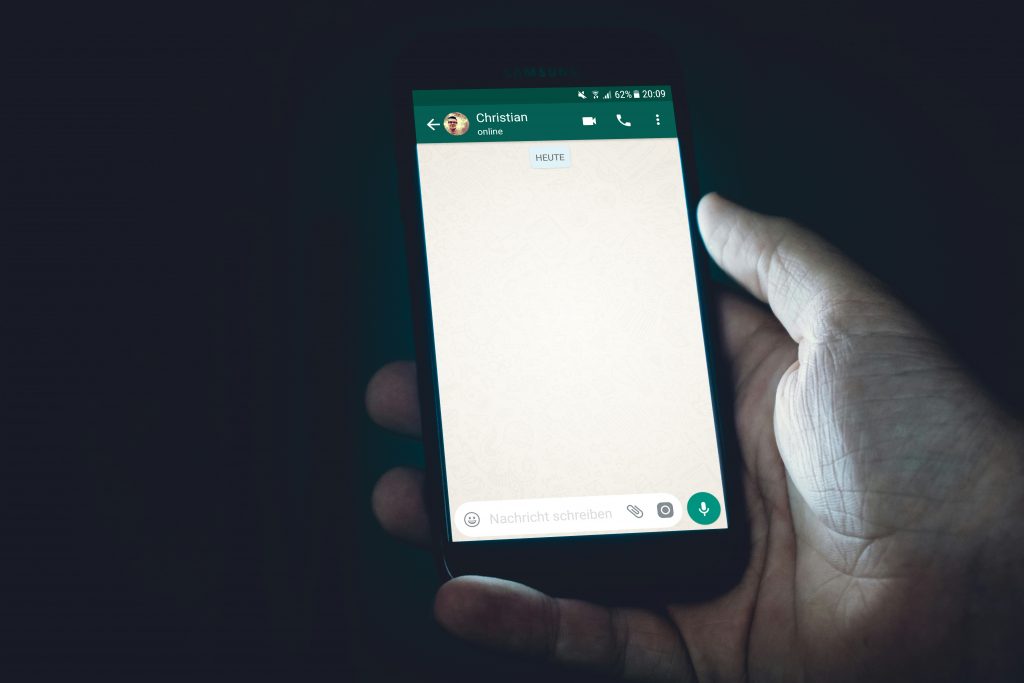
The simplest free method. Add the unknown number to your phone contacts, then open WhatsApp. If the number has an active WhatsApp account, their profile will appear, showing their display name, profile photo, and About text.
This tells you the account exists and what display name they chose. It does not verify their real identity display names are self-chosen and can be anything.
Method 2 — Google the Number
Copy the phone number including country code and paste it into Google with quotation marks: "+1234567890". This searches the entire publicly indexed web for that number. If it appears in a scam report, a forum post, a social media profile, or any public listing, Google will surface it.
This is a quick free check that catches numbers that have been previously reported or publicly associated with an identity online.
Method 3 — Social Catfish Reverse Phone Lookup
Social Catfish runs the number through its databases of public records, social media profiles, dating platforms, and scam reports simultaneously. Enter the WhatsApp number and it returns the real name, location, linked accounts, and any fraud flags associated with that number.
This is the most comprehensive method because it covers sources that Google does not index private social media profiles, dating app accounts, and Social Catfish’s own scammer database.
What is free: Running the search and seeing whether results exist. What requires unlocking: The full identity details, linked accounts, and scam report connections.
Method 4 — TrueCaller
TrueCaller is a free app and website that maintains a crowdsourced database of phone numbers and their associated names. It is particularly effective for numbers in India, Africa, and Southeast Asia. Enter the number at truecaller.com and it will return the name associated with it if the number is in its database.
Limitations: coverage is uneven globally, and names in the database are crowdsourced rather than verified.
Method 5 — Search Social Media Directly
Many people link their WhatsApp number to their Facebook, Instagram, or other social media accounts. Try searching the phone number directly in Facebook’s search bar. Some users have their phone number visible on their profile. Instagram and Twitter do not support direct phone number searches, but searching the number as a text string sometimes surfaces posts or profiles that include it.
WhatsApp Number Search Online by Name
If you have a name but not a number, or want to verify that the name someone gave you matches their WhatsApp account, here is how to search.
Using Social Catfish: Enter the name at socialcatfish.com. Social Catfish cross-references the name against public records, social media profiles, and phone number databases to find associated WhatsApp numbers and verify whether the identity is consistent across platforms.
Using Google: Search the name combined with “WhatsApp”, for example "John Smith" WhatsApp. This surfaces any public posts, forum mentions, or profiles where that name appears alongside WhatsApp content.
Why name searches are less reliable than number searches: WhatsApp display names are self-chosen and completely unverified. Someone can call themselves anything. A name search on WhatsApp itself tells you nothing about the person’s real identity. Cross-referencing the name through Social Catfish or a people search tool gives you a much more reliable picture.
Who WhatsApp’d Me From This Phone Number?
Receiving an unexpected WhatsApp message from an unknown number is one of the most common reasons people run a lookup. Here is the fastest way to identify who it is.
Step 1 — Check if it’s a scam number immediately. Copy the number and paste it into Google with quotation marks. Scam numbers are frequently posted in forums, Reddit threads, and scam report websites. If the number appears in a scam report, stop responding immediately.
Step 2 — Run a reverse lookup on Social Catfish. Go to socialcatfish.com, enter the number, and run a reverse phone lookup. This checks the number against public records and scammer databases and returns the real identity behind it if one exists.
Step 3 — Check TrueCaller. If the number is from a region well covered by TrueCaller, particularly India, Nigeria, or other high-coverage markets, TrueCaller may return the name immediately for free.
Step 4 — Add the number and check their profile. If you want to see their WhatsApp profile before responding, add the number to your contacts. Their profile photo and display name will appear. Run their photo through Social Catfish’s reverse image search to verify whether it is stolen.
How to Identify a Fake WhatsApp Number
Fake WhatsApp numbers are common in scams, particularly romance scams where someone moves a target from a dating app to WhatsApp to reduce platform oversight.
Signs a WhatsApp number may be fake or suspicious:
It is a VoIP or virtual number. Scammers often use virtual phone numbers, from services like Google Voice, TextNow, or international VoIP providers, rather than real SIM cards. These numbers have no real-world identity attached to them. A reverse lookup on Social Catfish can flag whether a number is a VoIP number rather than a registered mobile.
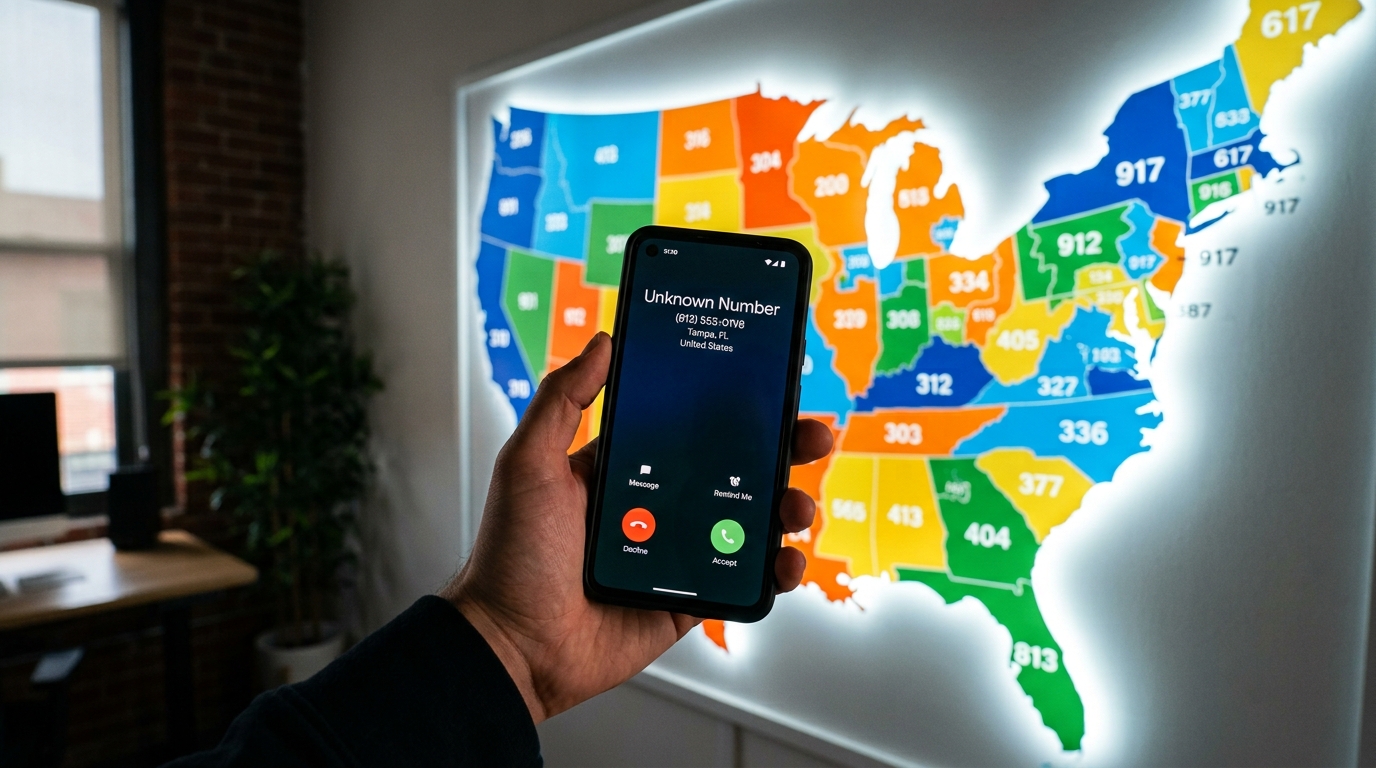
The country code doesn’t match their claimed location. If someone claims to be in the United States but their WhatsApp number has a Nigerian, Romanian, or other international country code, that is a significant red flag. Country codes are visible in the number itself.
They asked to move from a dating app to WhatsApp very quickly. This is one of the most common scam patterns. Dating apps have reporting systems and moderation. WhatsApp does not. Scammers push targets off dating platforms specifically to reduce their accountability and remove platform protections.
Their profile photo fails a reverse image search. Run their WhatsApp profile photo through Social Catfish’s image search. If it appears under a different name or on a stock photo site, the account is fake.
The number has been flagged in scam reports. A Google search or Social Catfish lookup will surface whether the number has been previously reported in fraud cases.
Does WhatsApp Show Your Real Number?
This is a common privacy concern, and the answer is nuanced.
What WhatsApp shows to contacts: If someone has your number saved in their contacts, your WhatsApp profile, display name, photo, and About text is visible to them. Your phone number itself is visible to anyone you message directly.
What WhatsApp shows to strangers: If someone does not have your number saved, they cannot find your profile by searching within WhatsApp. WhatsApp has no public directory, you can only appear to people who already have your number.
Can someone find your real name from your WhatsApp number? Not through WhatsApp itself, only your display name is shown. But through external tools like Social Catfish or TrueCaller, someone with your number can potentially find the real name associated with it through public records and social media databases.
How to protect your privacy on WhatsApp: Go to Settings → Privacy and set Last Seen, Profile Photo, and About to “My Contacts” or “Nobody.” This limits what strangers can see even if they have your number. You can also use a secondary phone number for WhatsApp if you want to keep your primary number private.
WhatsApp Number Lookup Free Without Verification
Several methods above work without any account creation or identity verification on your part:
- Google search — completely free, no account required
- TrueCaller web search — free basic lookups without an account
- Social Catfish free preview — run the search and see whether results exist without paying
For full identity details real name, linked accounts, scam report connections, Social Catfish’s paid unlock is the most thorough option available without needing to verify your own identity to access it.
Frequently Asked Questions
Yes. Add the number to your contacts to see their WhatsApp profile, Google the number to check for scam reports, use TrueCaller for a free name lookup, or run a free preview search on Social Catfish to see whether results exist. Full identity details require Social Catfish’s paid unlock.
Google the number in quotation marks first to check for scam reports. Then run it through Social Catfish for a full reverse lookup. If the number appears in fraud reports, do not respond. If results show a real identity, cross-reference it against what the person has told you.
Not within WhatsApp itself — the app has no name search function. Use Social Catfish to search by name and find associated phone numbers and WhatsApp accounts. Google searching the name combined with “WhatsApp” also surfaces public mentions.
Check whether it is a VoIP or virtual number using Social Catfish. Verify the country code matches the person’s claimed location. Run their profile photo through a reverse image search. Google the number for scam reports. Any one of these can expose a fake or scam account.
Run it through Social Catfish to check whether it is a registered mobile number or a VoIP/virtual number. Cross-reference the name associated with it against what the person has told you. Run their profile photo through a reverse image search to verify it is not stolen.
The Bottom Line
WhatsApp is designed to keep user identities private, which is good for genuine users and extremely useful for scammers. The app shows you a display name and a photo, both of which can be completely fabricated.
Verifying who is behind a WhatsApp number requires going outside the app. A reverse phone lookup, a name search through public records, and a reverse image search on their profile photo together give you a complete picture of whether the person you’re talking to is real.
Most fake identities and scam numbers have left traces somewhere. Social Catfish finds those traces cross-referencing the number against every available database to tell you who you’re actually talking to before it costs you anything to find out.