Multiple Faces Detected


 January 22nd, 2026
Sometimes, we add people that we regret on social media and messaging apps. Whether someone won’t leave you alone or suspect that you are talking to a scammer, there might be times where you wonder if you can even remove them from your WhatsApp inbox. The answer is yes, there is a way to block someone on WhatsApp and report them to the admins. In this article, we show you how to block someone on WhatsApp and report them so they never bug anyone else again. We will also go over what WhatsApp is and how to tell that you are communicating with a scammer.
What is WhatsApp?
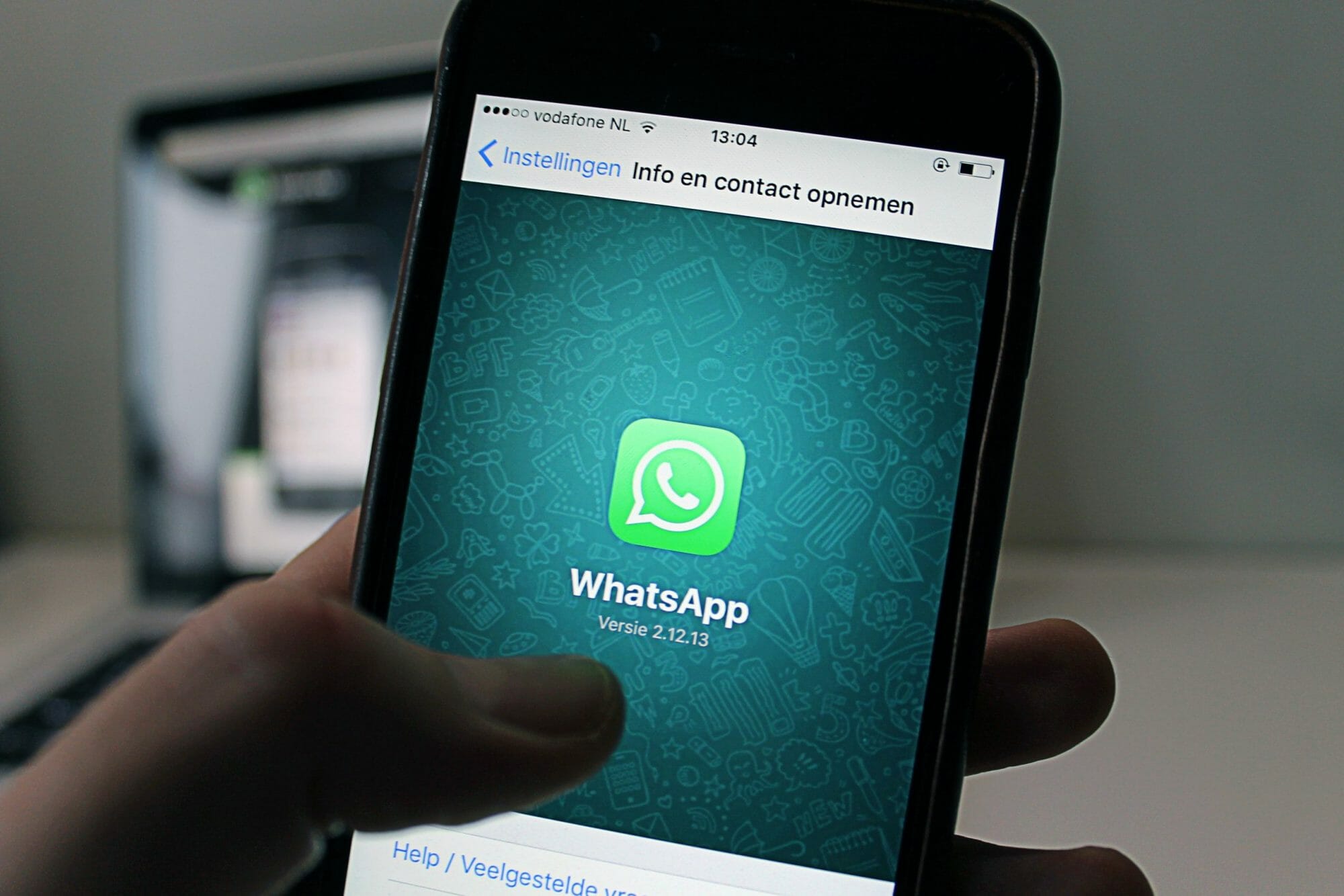
WhatsApp is a messaging app that you can use to communicate with users all across the world. They allow users to send text messages back and forth as well as voice messages. You can also call someone via audio or video and send images, videos, documents, and more back and forth. It is owned by Facebook and was founded in Mountain View, CA. This app mainly runs on mobile devices but can also be accessed through your desktop.
However, those who download this app should be careful when chatting with random strangers. This app has the potential to be filled with scammers chatting with you at any moment. They usually meet their victims on platforms such as Facebook, Instagram, Tinder, or Bumble. Then, they ask them to chat with them on WhatsApp and move off the app they met their victims on.
How to Tell if a Scammer is Using WhatsApp to Communicate With You

If you met someone online through a dating app or a social media platform and asked to communicate via WhatsApp, they are most likely a scammer. Romance scammers want to move you off the platform that you originally met them on to avoid being reported on that website. They will say things like their connection is bad, they don’t like chatting on the app you met them on, or they want to delete their dating app so they want to use WhatsApp to communicate with you. However, these are all lies.
If you reported them on Facebook, Instagram, Tinder, or another site, they would have to create a different email and fake profile all over again, which would mean more work for them. However, if they can direct you off of these platforms and onto WhatsApp, then if you report them on this site, it won’t be as much work to create another WhatsApp profile. They can also send you stolen photos and videos of who you think it is, as well as call you using a VoIP phone number. With this type of phone number, they can pretend to be somewhere they aren’t and have you believe it based on the area code they input on WhatsApp. That’s why it is important to know how to block scammers on WhatsApp.
How to Block Someone on WhatsApp

- Open WhatsApp and tap on “More Options” (three vertical dots)
- Once you have tapped “More Options,” tap on “Settings”
- Tap “Account,” “Privacy,” then “Blocked Contacts”
- Tap “Add” with a person and a plus sign icon
- Search for the person you would like to block on WhatsApp.
OR
- Open WhatsApp and open the chat you have with the person you would like to block.
- Tap the name of the person you would like to block and tap “Block”
OR
- Open WhatsApp and open the chat you have with the person you would like to block.
- Tap “More Options” (three dots in a vertical line)
- Tap “More,” “Block,” “Block” or “Block and Report” depending on if you would like to report them too.
How to Block an Unknown Number on WhatsApp

- Open the WhatsApp chat with the unknown phone number
- Tap “Block,” then “Report and Block” or “Block” depending on whether or not you would like to report the number.
How to Unblock a Contact on WhatsApp

- Open WhatsApp and tap “More Options” (three dots in a vertical line)
- Tap “Account,” “Privacy,” and “Block Contacts”
- Tap the contact you would like to unblock.
- Tap “Unblock Contact” to receive calls, messages, and more from that person.
How to Report a Contact on WhatsApp

- Open the chat with the user you would like to block.
- Tap “More Options” (three dots in a vertical line)
- Select “More” and then “Report” the check off the box if you would like to block the user as well.
- Tap “Report User” to report them.
Social Catfish is Here to Help You!
At Social Catfish, we want to help you verify the identities of those who might seem suspicious to you. If you have their name, email address, phone number, social media username, or image, you can reverse search and see who the suspected person was that you’ve been in contact with if you’ve been wondering how to block someone on WhatsApp. If you’ve ever been a victim of a scam make sure to report it to the FTC for additional support.