

 Multiple Faces Detected


 October 4th, 2023
When you’re on Snapchat talking to your friends, you might be wondering what the random emojis next to their name mean. A lot of the times when you text someone often on Snapchat random emojis will pop up next to their name, each one resembling something different. While it might be fun to see these random emojis next to your friends’ names, you might be wondering what they mean. At Social Catfish, we want to show you what these emojis on Snapchat mean when you are talking to your friends, and which emojis to watch out for if they pop up next to your friend’s name.
What Do the Emojis on Snapchat Mean?

Super BFF!

The 💕 emoji means that this person is your Super BFF! You guys have been best friends with each other for two months in a row now. This means that you have Snapchatted this person and they have Snapchatted you the most for two months straight. You love Snapchatting this person and in return, they love Snapchatting you!
BFF’s!

The ❤️ emoji means that this person is your BFF! You guys have been best friends with each other for two weeks in a row now. This means that you have Snapchatted this person and they have Snapchatted you the most for two weeks straight. You love that you have someone to Snapchat now, and in return so do they!
Besties

The 💛 emoji means that this person is your bestie! You are each other’s #1 best friend and you wouldn’t have it any other way. They send the most Snapchats to you, and in return, you send the most Snapchats to them. This emoji appears after you have Snapchatted each other the most for over two months in a row.
Best Friend’s
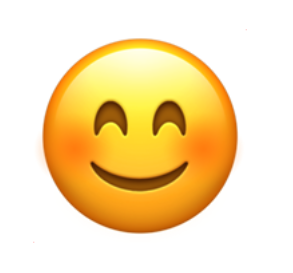
The 😊 emoji means that this person is one of your best friends. You may send a lot of Snapchats to this person, but they aren’t your #1 best friend. You send the most Snapchats to another person, yet also send a lot of Snapchats to this particular person.
Mutual Besties
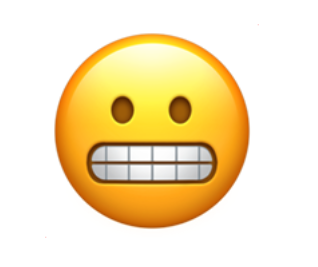
The 😬 emoji means that this Snapchatter’s #1 best friend is the same as your #1 best friend. You guys both send the same Snapchatter the most snaps, which could either be good if you’re in the same friend group or awkward if the #1 best friend is the significant other. If this happens to you, don’t panic right away. Simply ask this person who their #1 best friend is and communicate about why they might be Snapchatting them.
Mutual Best Friends
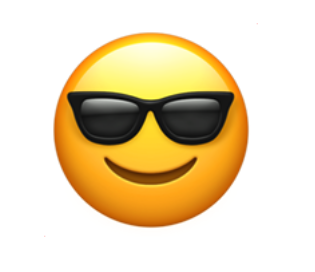
The 😎 emoji means that one of this Snapchatter’s best friends is also one of your best friends. It’s different from the last emoji since we are talking about best friends, not #1 best friends. If someone has the same best friend as you, this means that both of you Snapchat the same person a lot. If you are curious as to who this is, ask this person who their best friends on Snapchat are to find out.
Snapstreak!

If the 🔥 emoji popped up near your friend’s name, then this means you are on a Snapstreak! This usually appears next to the number of days you and your friend have constantly Snapchatted each other. To keep the Snapstreak going, you need to send this friend a photo or a video every day so that the streak doesn’t end.
Your Snapstreak is Ending!

If the ⌛ emoji appears next to your friend’s name, you better hurry up and send them a photo or a video! This means that your Snapstreak with this person is about to end and needs to be saved. If you would like to keep your Snapstreak with your friend, you need to send them a photo or a video before time runs out.
It’s Your Friend’s Birthday!

The 🎂 emoji lets you know that it’s your friend’s birthday so that you don’t forget! This means that you should send your friend a “Happy Birthday” Snapchat and let them know how much you care for them. This appears if this friend has entered their birthday on Snapchat so that they can let their friends know about their special day.
You Have Pinned Their Conversation

If the 📌 emoji appears next to your friend’s name, this means that you have pinned their conversation. When you pin someone’s conversation, this means that it will always appear at the top of your Snapchat message board so that you always have easy access to their conversation. This is highly recommended if you constantly Snapchat them.
If you would like to pin a friend’s conversation, click on your friend’s profile by clicking on their emoji on the left side of their name. Then, click on the three dots on the top right of their profile. As soon as you do this, tap on “Pin Conversation” to make their chat go on the top of your screen.
This Account Has Been Verified!

If the star emoji above appears by your favorite celebrity’s name, this means that their account has been verified! This reassures you that you are following the real celebrity that they claim to be. This is important since catfish and romance scammers can pretend to be someone they aren’t to scam people out of thousands of dollars. By following a verified profile, you know for a fact you are following the real person and that they are who they say they are. If you have been scammed by a profile that was not verified, please make sure to report it to the FTC.
What Do the Zodiac Emojis on Snapchat Mean?: Find Out Your Friend’s Birthday!
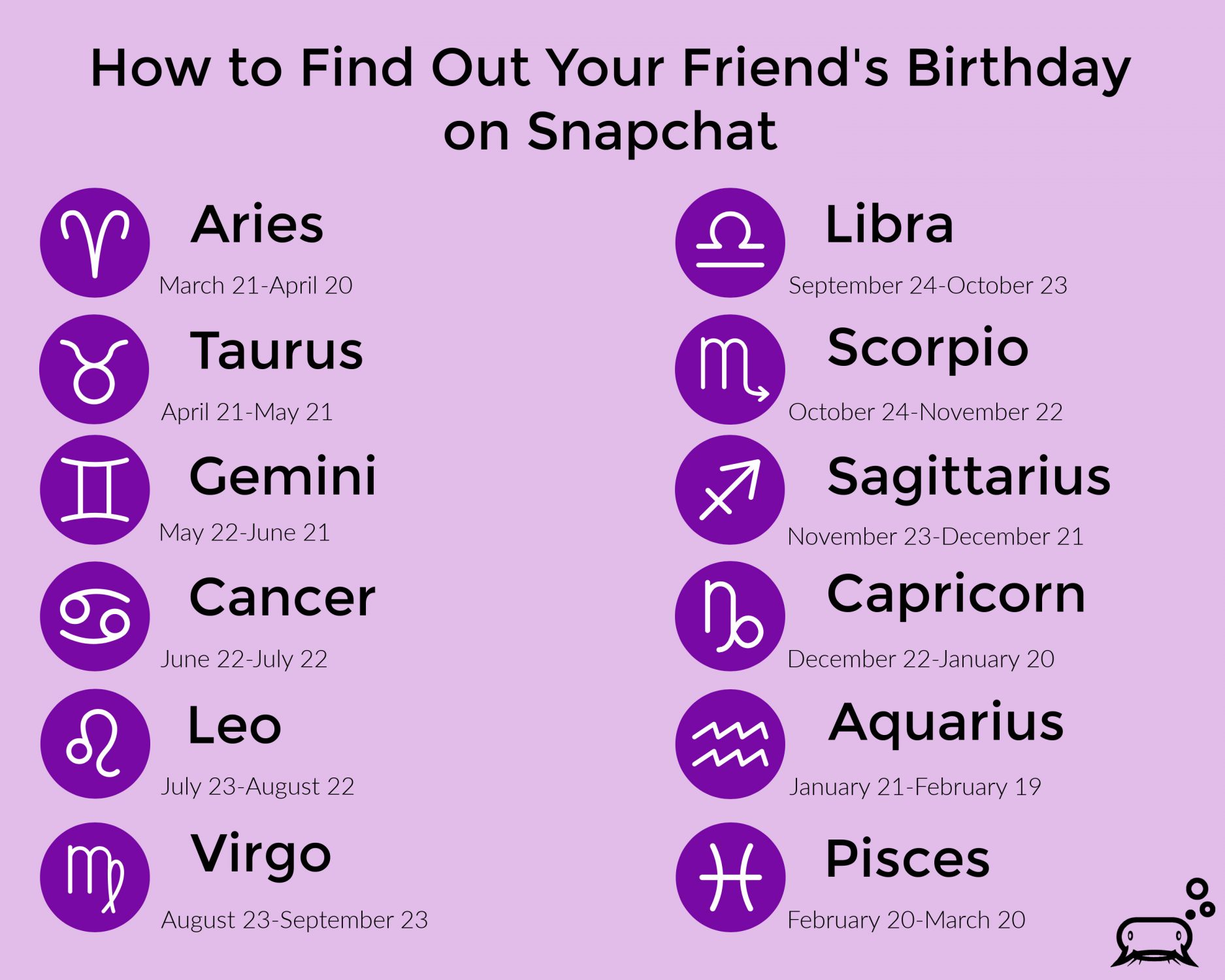
If you click on your friends’ profiles on Snapchat, you will see that a zodiac sign appears near their name. This means that they have entered their birthday on Snapchat, so the zodiac sign is representing when their birthday is. If you take a look at the chart above, you will see that there are zodiac signs next to dates that show when that person’s birthday is. In order to figure out your friend’s birthday, look for their birthday in the above chart and find out what zodiac sign corresponds with their birthday.
How to Customize Your Friend Emojis on Snapchat

If you don’t like the emojis that are associated with each meaning above, you can customize your friend emojis! For example, let’s say you want to change the yellow heart emoji (💛) into a star emoji (🌟) to mean Besties. You are able to customize this emoji by following these steps:
On iOS/Apple Devices:
- Click on your emoji on the top left of your screen to go to your profile.
- Open up the settings tab in the top right corner.
- Scroll down to the Additional Services section and tap Manage
- Tap Friend Emojis and customize whichever emoji you want.
On Android Devices:
- Click on your emoji on the top left of your screen to go to your profile.
- Scroll down and tap Customize Emojis
- Tap whichever emoji you want to customize and be creative!
Is Your Friend Being Honest With You?
Social Catfish is Here to Help!
Is your friend being honest with you about who they are talking to? At Social Catfish, we want to help you verify the identities of those who might seem suspicious to you. If you have their name, email address, phone number, social media username, or image, you can reverse search and see who the suspected person was that you’ve been in contact with when figuring out what do the emojis on Snapchat mean.











