Multiple Faces Detected



 April 27th, 2026
Have you heard of microblogging? Twitter is the social media gold standard where users microblog or communicate through limited text characters. It’s common for people to tweet, retweet, and share their real-life views on social issues, art, politics, and culture. Do you want to find someone on Twitter? This is how to get started on performing a Twitter search!
People search for Twitter users for many reasons. They might be looking for an employee or employer, trying to find out if their spouse or partner is cheating on them, looking for troll accounts, or trying to see if they are being scammed or Catfished by someone they met on the web.

1. Standard Twitter Search Field
Go to twitter.com and look for the search field at the top of the page. You can search by name, phone number, username, nickname, and more. If you search by name, the person you’re searching for will need to have their real name in their profile for you to find them.
2. Filter Your Twitter Search
After you search on Twitter, you can then filter the message to search for “People” from those you “Follow” or “Anyone”. You can filter by Location (Anywhere or Near You). You can even use “Advanced Search” filters to search by multiple search engagements, accounts, and by words.

3. Use an Advanced Search
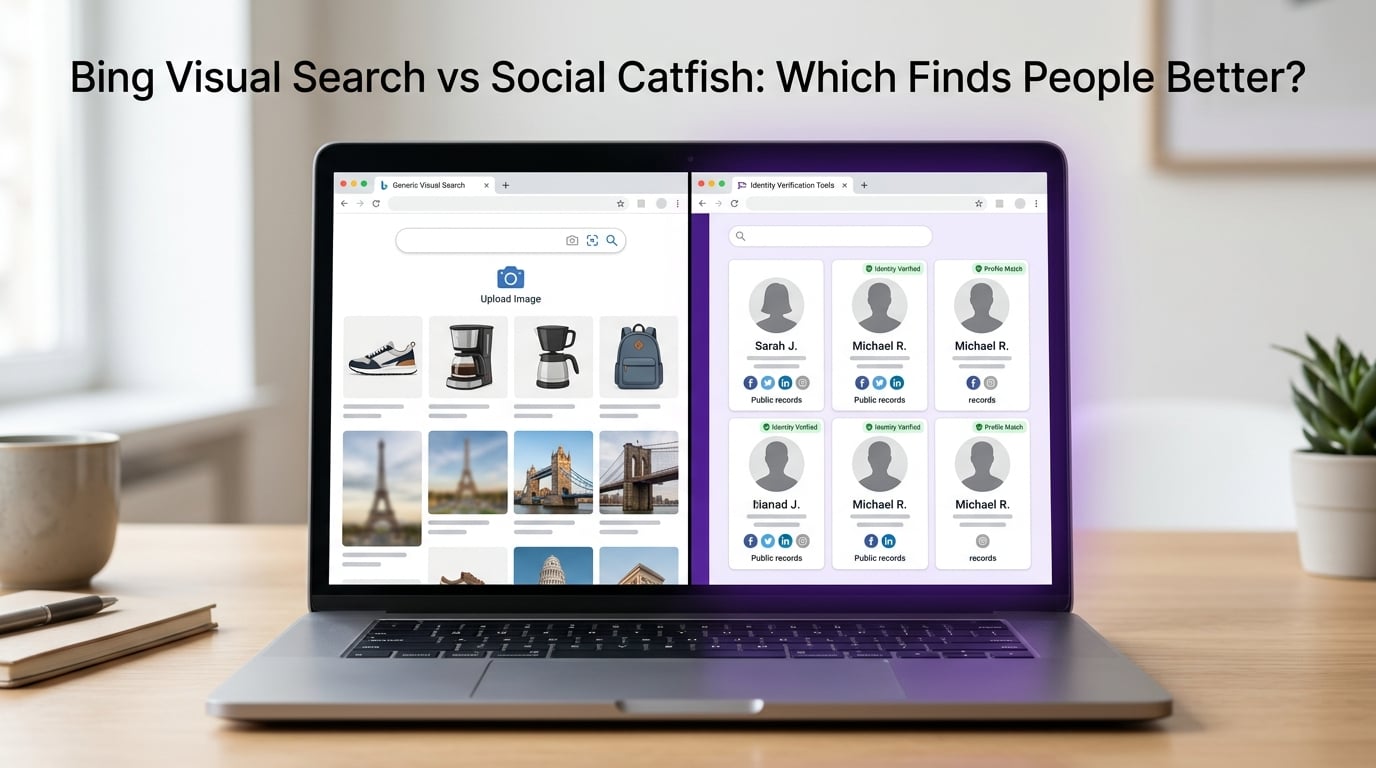
While standard searches and filters are helpful if you don’t find what you’re looking for… a proprietary algorithm search on Social Catfish can provide you with more details. While you can use Social Catfish to also search by username, name, phone number, and email address … you have the added advantage of conducting a reverse image search. Reverse images searches allow you to match the photos of who you’re looking for to real online profiles. Your reverse image search will scan social media sites and all major search platforms. This can help you to prove whether or not someone is scamming you with fake photos.
4. What to Do if You Don’t Have a Twitter Account
You can still search for a Twitter contact even if you don’t have an account. Just search for the contact’s name in your favorite search engine along with the word “Twitter”

5. Hire a Search Specialist
Not finding who you’re looking for can be frustrating and a Search Specialist can help. Search Specialists can complete more in-depth searches and provide you with one-on-one support.
Social Catfish is Here to Help!
If you still haven’t been successful in your search, a reverse search can help. Social Catfish utilizes a high powered proprietary algorithm and smart search to weed through the details that can make searching time confusing or inaccurate. You can look up any name, email address, phone number, social media username, or image to find who you are looking for. Catfish prey on victims who believed they are communicating with a real, caring person. Not only do catfish break hearts, but they can also leave their victims in financial ruin.