

 Multiple Faces Detected


 July 14th, 2020
The first date can either be an awkward or magical experience and is a huge step in deciding whether you want to get to know someone more or awkwardly try to avoid them. The first impression can make or break everything, which is why most people try to show off their best selves on their first date. But what happens when the date goes totally wrong and the date turns out to be a total creep? This is why Tinder partnered with Noonlight to come up with a new way to protect its users from these potential awful dates with Noonlight’s panic button. Tinder has also come out with a photo verification system so that you can avoid catfish and be confident that who you are talking to is who they say they are.
What is Noonlight?
Noonlight is an emergency app dedicated to protecting its users with emergency services when needed. All the user needs to do is go on the app and press the button whenever they feel like they are in danger, and a police officer will show up to make sure everything is ok. The app can also connect to other smart devices that can trigger the button when needed. The app is available for both iPhone and Android, and is also connected to Tinder.
On Tinder, it can add a badge to your Tinder chats to let people know that you’re protected with Noonlight, share where you’re going with who and what date and time through your Noonlight Timeline, and secretly trigger emergency services if you are in an unsafe situation. This service is only available in the United States, but Tinder is looking into expanding globally in the future.
How to Add Noonlight on Tinder
- Open a chat with a Tinder match.
- Tap the Noonlight logo at the bottom of your screen.
- Select the option to add Noonlight, which will then redirect you to Noonlight’s website.
- If you have an account, log in and it will connect your account to Tinder.
- If you don’t have an account, follow the steps to create an account, and create a 4-digit pin.
- Download the Noonlight app on your phone so that you can add Tinder dates to it in case of an emergency.
How to Add a Date from Tinder to Noonlight
- On Tinder, open the chat of the person you are going on a date with.
- Tap the Noonlight logo at the bottom of your screen.
- Select “Add to Timeline” to add the date to your Noonlight app.
- They will only use your date’s information in case of an emergency.
How to Use Noonlight When on an Unsafe Tinder Date
- Open the Noonlight app.
- Press and hold the button.
- Release the button and DO NOT enter your 4-digit pin.
- Local police will be notified of your location and emergency if you do not respond to a text and call from Noonlight’s dispatch center.
- If it was a false alarm and you are safe or you hit the button accidentally, release the button and ENTER your 4-digit pin.
Tinder’s Photo Verification System
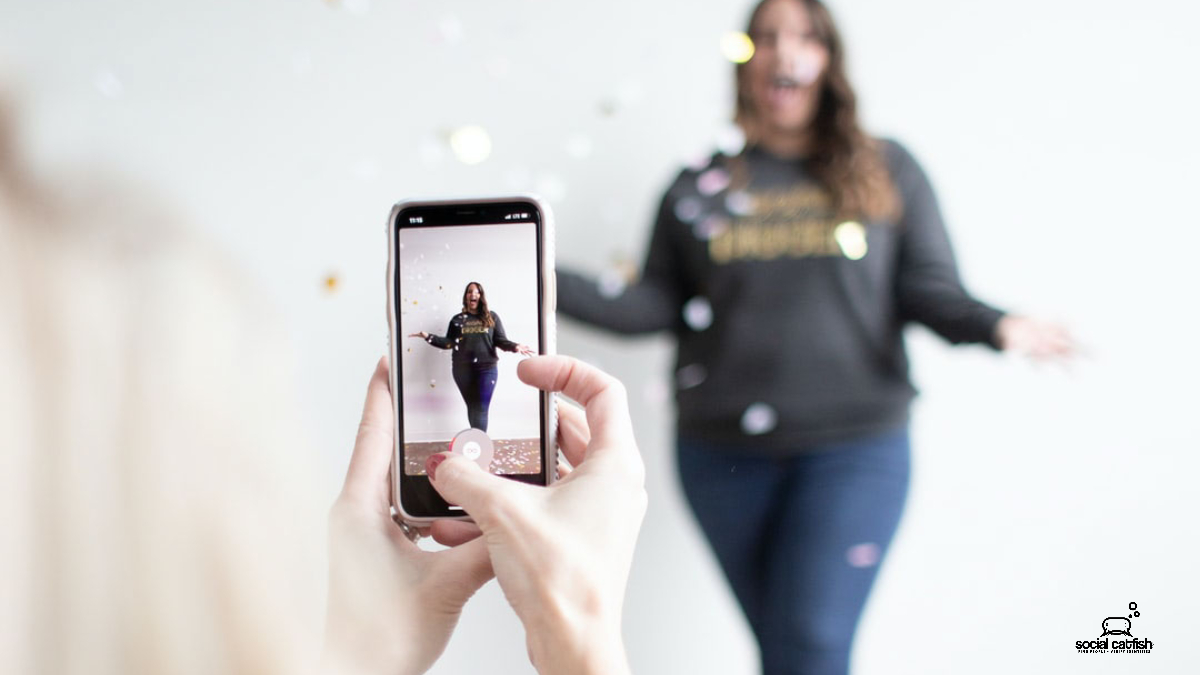
Tinder users can get their photos verified on the Tinder app and receive a blue checkmark next to their name. This allows users to look at your profile with the confidence that you are who you say you are, and also allows you to know that the user with a blue checkmark that you are talking to is who they say they are. This can help you be better informed when deciding on if you’ll swipe left or right on a person.
How to Verify Your Photos on Tinder
- Open Tinder and go to your profile.
- Tap the grey checkmark by your name/age.
- Select “Verify Your Profile”
- Tinder will then show you a variety of poses. You will have to take a picture of yourself doing each pose Tinder requests.
- With each picture taken, tap “Submit for Review”
- The Tinder Verification Team will then look over your photos and put a blue checkmark by your name if they were approved.
Social Catfish is Here to Help
If you feel like you’ve been chatting with a catfish and their profile has not been verified, or if you want to prevent going on an unsafe date, Social Catfish is here to help! We can reverse search any name, email address, phone number, social media username, or image to see who it is you have really been talking to and if you can trust going on that first date with them.











