Multiple Faces Detected


 December 27th, 2018
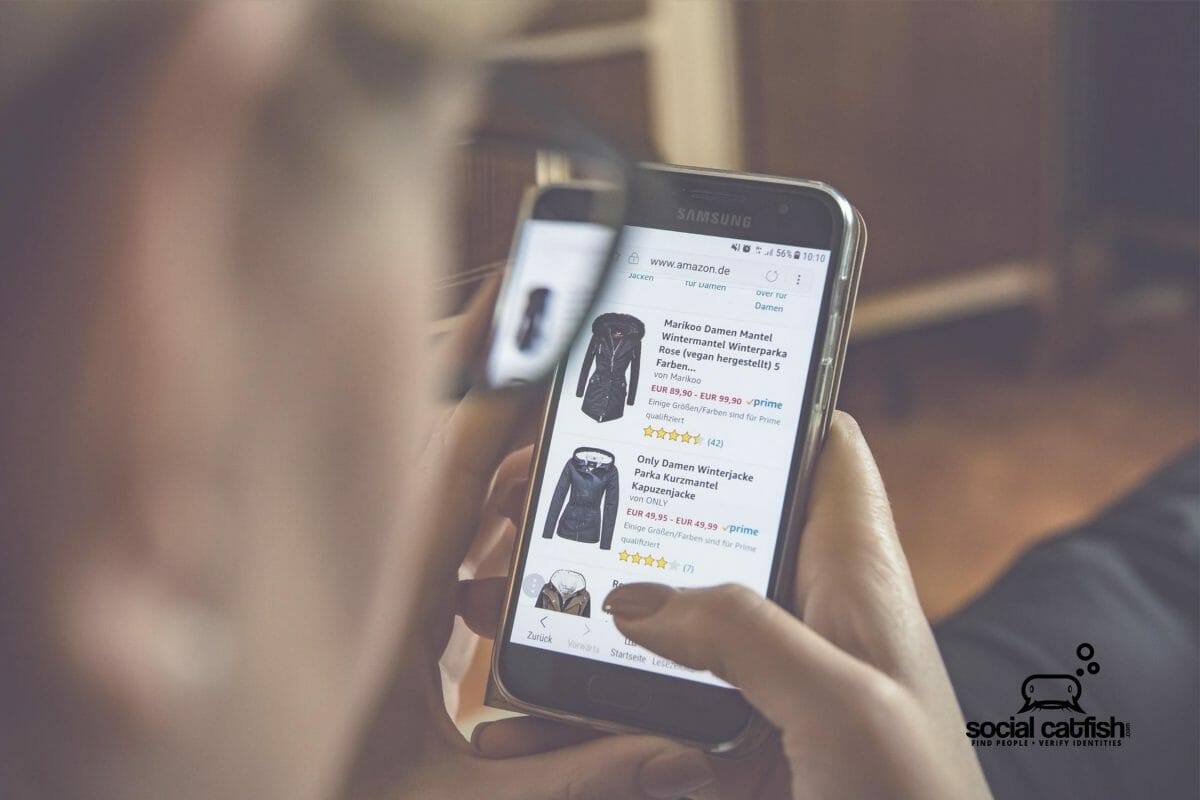
Online shopping or eCommerce is no longer second best to shopping in person. Too many holiday shoppers, online shopping is the best and fastest way to get the items they need. First, it’s convenient and lets shoppers avoid wasting time in crowded stores with limited merchandise. Second, they can visit multiple online sites at one time, all from their home or office.
According to Euclid’s survey of 1,500 consumers, a majority (about 78%) plan to spend a large portion of their holiday budget online. While online stores from Macy’s to Amazon and Etsy rejoice, let’s find out how you can shop safely online and avoid being scammed.
Safe Online Shopping Tips
Don’t Trust Links in Emails
The links you find in emails are called hyperlinks. While the words you read over the link may appear to be for a specific web address or online store, the web URL might be different than you expect. Always make sure the URL your browser ends up on is the one you intend!
Real Stores
Are you shopping from an actual store? If the store is well known, proceed. Otherwise, consider using an online payment method like Paypal or Venmo.
Secure Store
Make sure the website you’re accessing is through https:// as opposed to http://. This is because the “s” stands for a secure link. Also, look for a secure padlock icon near the web address.
Credit Card
Don’t run up your credit cards with purchases (unless you want to) but DO use credit when possible online. This gives you more safeguards than playing directly through a bank account. If you must pay through your bank, use sites like PayPal so that scammers won’t have your direct bank information.
Never Send Sensitive Data by Email
Never email your credit card or financial information through email, for payment or otherwise.
Avoid Deals That Are Too Good to Be True
If a site offers a deal that sounds way too good to be true, do a quick online search about the store and see if reviews are positive. Look online at Yelp or the Better Business Bureau for complaints.
Automatic Enrollment
Buying a one-month supply of a product? Chances are you might have agreed to recurring payments that will continue to bill you monthly until you cancel your (unintended) subscription.
Review Shipping Information
How long should the product take to arrive? Where is it being shipped from? Is there a tracking number so you can check when it is being sent or will come?
Returns
Before purchasing a product, consider reviewing the return details in case the product is not as described or is otherwise ineffective. A legitimate company should offer a credit, return, or replacement if a product is not correct or arrives damaged, etc.

Phishing Scams
Perhaps you purchased a product through Amazon. The next day you receive an email directly from Amazon.
Wrong.
You may have received an email from a scammer that appears to resemble a legitimate company’s email (such as Amazon), but isn’t actually from them at all. Look at the “reply to” email address, not just the name shown. If the “reply to” doesn’t contain the actual web site’s address, it is not from the site.
If it does show the correct reply to address (example: [email protected]), you still might want to call the company directly or go through your real web browser into your account. This means avoiding suspicious links and never replying with your account, password info., or other sensitive data.
Online shopping can let shopping for the holidays be a breeze. However, don’t let the Grinch steal your holiday spirit. Be safe, smart, and think twice by following our guide. Want to see if your private information is being exposed online? Use Social Catfish’s reverse lookup: