Multiple Faces Detected


 February 21st, 2019
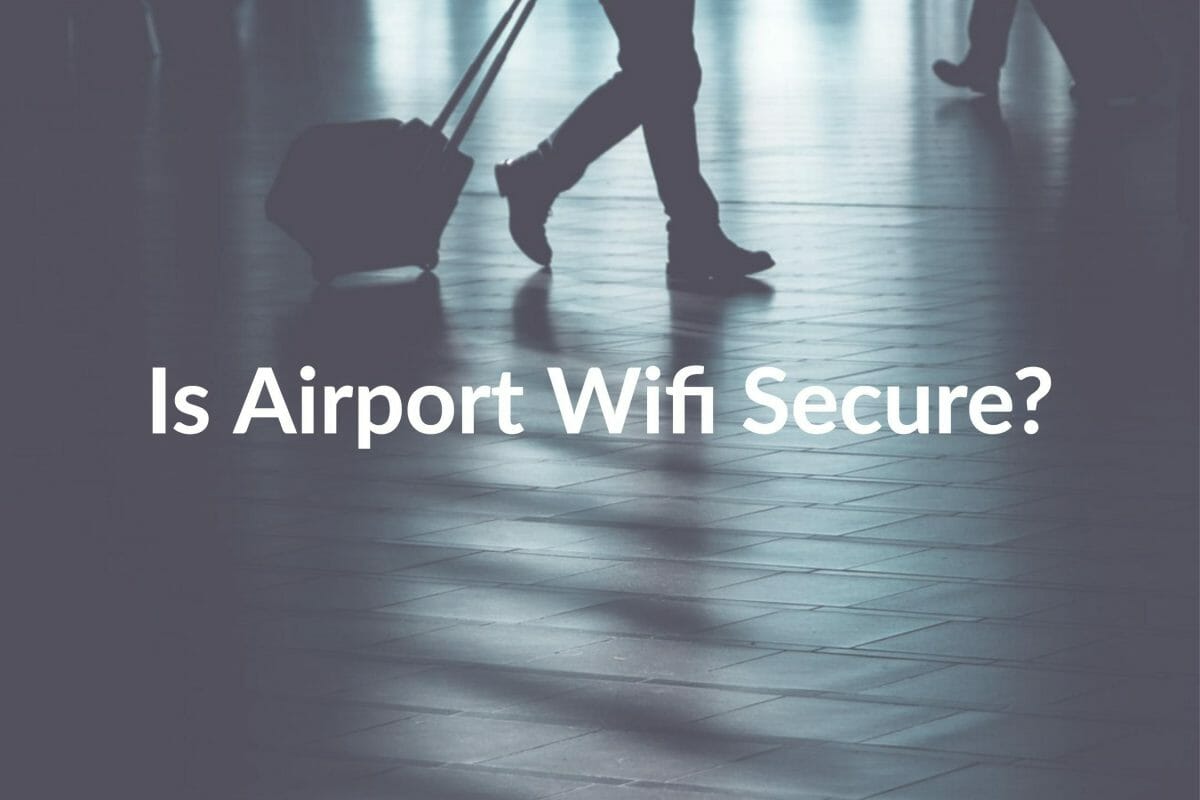
When you board an airplane, you follow all of the rules. You go through the TSA’s (Transportation Security Administration) screening and trust the airline will keep both you and your belongings safe.
However, what if the WiFi you’re connecting to while you’re waiting for the plane is putting your private information at risk? Imagine arriving at your destination only to find all of your credit cards maxed out and your checking account drained so that you can’t get a rental car!
How Safe Is Airport Wifi?
The main reason why airport WiFi isn’t as secure as you’d expect is that people hope it to be and let down their guard. Since they trust the security of the airline, they falsely believe the airport’s WiFi should be as well! Most airports graciously let users access free WiFi in the airport, while WiFi access on the plane may cost more.
This means that people about to step onto a plane are checking travel itinerary, their bank accounts for available funds, paying credit card bills, or looking at apps which connect to their private data. Even if you avoid your bank log-in, you might try and order a car through Lyft or Uber or pay for your hotel online.

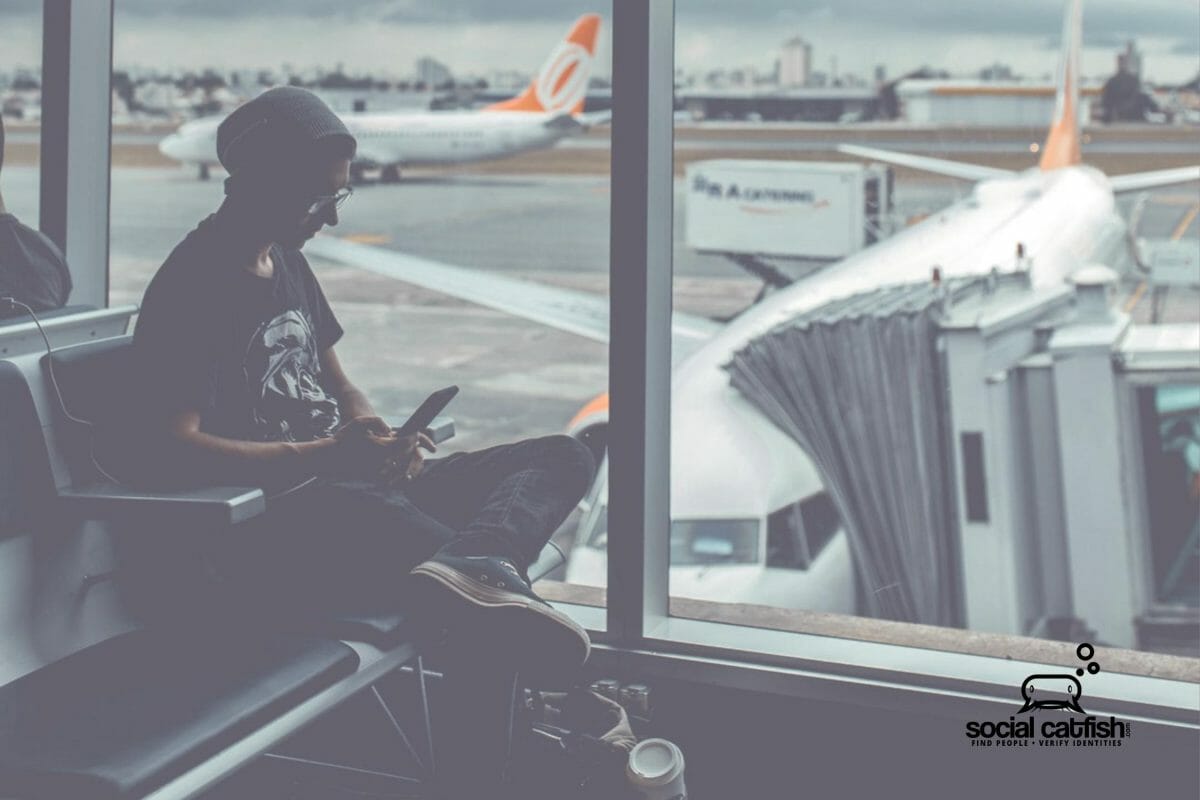
Imagine what that same airport looks like to a hacker: Many people are waiting for their airplanes which makes it the perfect spot to inconspicuously park themselves in front of their computer and not have anyone ask any questions!
Beware of Hotspots
A WiFi hotspot is an accessible area where you can connect wirelessly to a network. A hotspot is often called a ‘hacker’s honeypot,’ as they can dip into the pool and steal information. This can be done by setting up hotspots that one might think of like the airport’s WiFi. The hacker will typically give the hotspot a generic or misleading name to coax you into connecting! Example, a hacker’s hotspot called: “Airport WiFi.”
Assume It Isn’t Safe
The best rule of thumb is to assume that what you’re accessing on a public WiFi has the potential to be seen by a hacker. Make sure your SSN and DL numbers are not stored in your phone or online. Do not send anyone credit card details by email. If a log-in appears which asks for private data (supposedly from the airline), do not enter it as it’s more than likely a scam.
Malware
You won’t always be lucky enough to recognize that your data has been exposed until later. Even after you leave the airport, be on the lookout out for links, webpage redirects, or emails which might be sent by cybercriminals in search of your information.
What to Do to Stay Safe
- Use your hotspot (with a complicated password!) when you want to connect your other devices (iPad, computer, etc.).
- In your phone’s settings, turn off “automatically connect to known WiFi” settings, if you’ve used that airport’s WiFi before.
- Confirm you’re connecting to the correct airport WiFi by reviewing the airport’s signage or by asking someone at airline’s counter.
- You don’t have to be completely tech savvy to download a VPN (Virtual Private Network). You can install or download with an app, ahead of time, and use for a low cost. The VPN will encrypt the data you care about (passwords, personal information, credit card details).
In the meantime, look at the information that is already accessible to anyone who Google searches you! Start protecting yourself with a Social Catfish search of your private details!