Multiple Faces Detected


 April 10th, 2026
Need to send money to someone on Venmo, but can’t find their account? With millions of users on the platform, knowing how to search Venmo effectively, whether you have their phone number, username, or just their name, makes sending payments quick and secure. Understanding Venmo search methods helps you find the right person and avoid sending money to the wrong account.
Venmo is a mobile payment app owned by PayPal that allows users to send and receive money through usernames, phone numbers, or email addresses. While Venmo makes it easy to find friends through contact syncing, finding someone without their phone number or when they have privacy settings enabled requires knowing alternative Venmo lookup methods.
Social Catfish helps you verify Venmo users and online identities before sending money, protecting you from scammers who create fake accounts or impersonate legitimate users. Understanding how to find someone on Venmo and verify you’re sending to the right person protects your money from fraud.
In this guide, we’ll explain how to search Venmo by phone number, username, email, and QR code, plus advanced Venmo account lookup methods when basic searches don’t work.
How to Search Venmo by Phone Number

The easiest way to find someone on Venmo is searching by their phone number if they’ve linked it to their account.
Step-by-Step:
- Open the Venmo app on your mobile device
- Tap the magnifying glass icon (Search) at the bottom of the screen
- Enter the person’s phone number in the search bar
- If their number is linked to Venmo, their profile appears in results
- Tap their profile to view their username and send money
Important: Venmo search by phone number only works if the user has connected their number to their account and hasn’t disabled phone number search in privacy settings.
Venmo Search by Username
Every Venmo user has a unique username (also called a Venmo handle) that makes them searchable on the platform.
How Venmo username lookup works:
- Open the Venmo app
- Tap the three horizontal lines (menu icon) in the top left
- Select “Search People”
- Type the person’s Venmo username (without the @ symbol)
- Tap their profile when it appears
- Click “Add Friend” or “Pay” to send money
Tip: Venmo usernames are case-insensitive, so you can search “JohnSmith123” or “johnsmith123” with the same results.
Venmo Search by Name
If you don’t have someone’s phone number or username, you can perform a Venmo account search using their real name.
Search by name steps:
- Open the Venmo app
- Tap the menu icon (three horizontal lines)
- Select “Search People”
- Type the person’s first and last name
- Browse results to find the correct profile
- Verify it’s the right person before adding them
Challenge: Common names return many results. Look for profile pictures, mutual friends, or other identifying details to confirm you’ve found the right person.
Venmo Account Lookup Without Account
Can you search Venmo without account access? Unfortunately, no. Venmo requires you to create a free account and log in before using any Venmo search functions. Unlike some social platforms, Venmo doesn’t allow public profile browsing without authentication.
To perform Venmo search without account limitations:
- Create a free Venmo account (no payment required)
- Verify your email and phone number
- Access full search functionality
- Find users by name, phone, or username
Once your account is created, you can search Venmo users without needing to add payment methods or send money.
Search Venmo by QR Code
Venmo provides QR codes for easy in-person connections.
How to scan Venmo QR codes:
- Open the Venmo app
- Tap the menu icon (three horizontal lines)
- Select “Search People”
- Tap “Scan Code” at the top of the screen
- Point your camera at the person’s Venmo QR code
- The app recognizes their profile automatically
- Tap “Add Friend” to connect
When to use: QR code scanning works best when meeting someone in person and wanting to exchange Venmo information without typing usernames or phone numbers.
Import Contacts for Automatic Venmo Lookup
Venmo can automatically find users from your phone contacts and Facebook friends.
How to sync contacts:
- Open the Venmo app
- Tap the menu icon (three horizontal lines)
- Select “Settings” (second option from bottom)
- Tap “Friends & Social” (fifth option down)
- Under “Adding Friends,” toggle on:
- Phone Contacts (syncs your phone’s contact list)
- Facebook Contacts (syncs Facebook friends)
- Venmo automatically matches contacts with Venmo accounts
Privacy note: When you sync contacts, Venmo uploads your contact information to their servers. Consider privacy implications before enabling this feature.
Advanced Venmo Account Search Methods
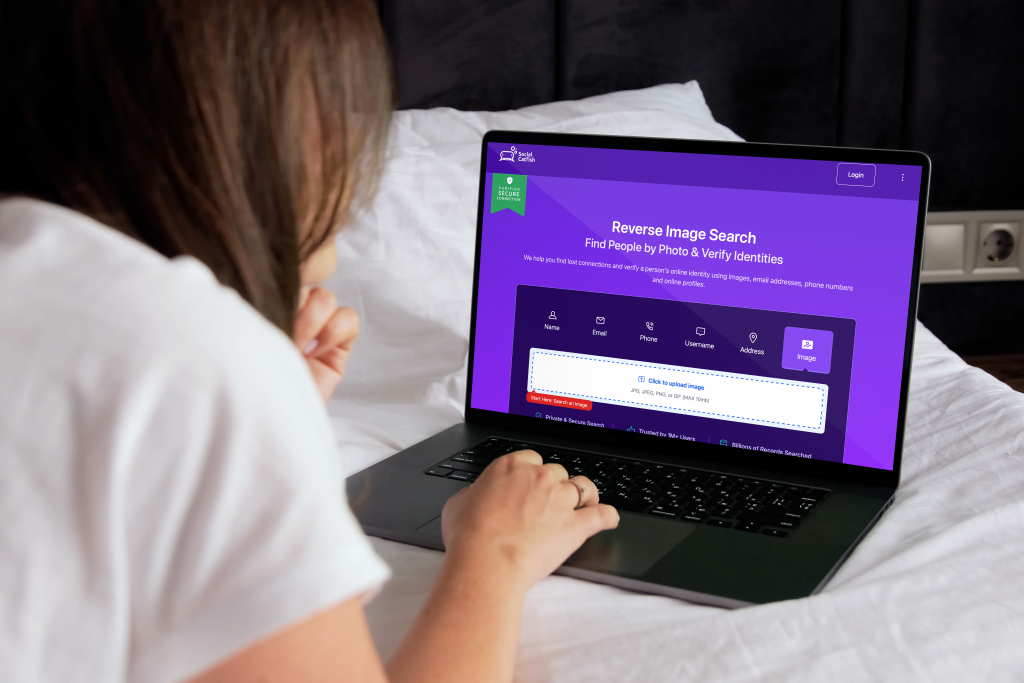
When basic Venmo search methods don’t work, advanced verification tools help you find users and confirm identities.
Reverse Email Search for Venmo
If you have someone’s email address but not their phone number or username, reverse email search can reveal their Venmo account and other online profiles.
How to use:
- Use Social Catfish’s email search to find accounts linked to the email
- Results may show Venmo username, social media profiles, and other online accounts
- Use discovered username for Venmo account lookup within the app
Reverse Username Search
Know someone’s Instagram or Twitter username but not their Venmo handle? Username search finds accounts across multiple platforms.
How it works:
- Search for the username through Social Catfish’s username search
- Discover if they use the same username on Venmo
- Find linked accounts showing their Venmo presence
- Verify identity before sending money
Reverse Image Search for Venmo Verification
If you’re unsure whether a Venmo account belongs to the person you think it does, reverse image search verifies identities.
Verification process:
- Save the profile picture from the Venmo account
- Upload to Social Catfish’s reverse image search
- Check if the image appears elsewhere online
- Verify the photo matches their real social media profiles
- Confirm you’re sending money to the correct person
Phone Number Lookup
Verify Venmo users by confirming their phone numbers match claimed identities.
How to verify:
- Use Social Catfish’s phone number lookup
- Confirm the number belongs to the person claiming the Venmo account
- Identify if the number is legitimate or a VoIP/burner number
- Verify location matches what they claim
How to Know If Someone Has Venmo
Before searching, you might want to confirm someone actually uses Venmo.
Signs someone has Venmo:
Ask Directly: Simply ask if they use Venmo and what their username is.
Check Social Media: Many people share their Venmo username in Instagram or Twitter bios for tips or payments.
Look for Venmo Transactions: If mutual friends have Venmo, check if the person appears in their public transaction feed (if they haven’t disabled public transactions).
Try Phone Search: Enter their phone number in Venmo search. If a profile appears, they have an account.
Venmo Privacy Settings Affecting Search
Venmo’s privacy settings can limit how others find you.
Settings that affect Venmo lookup:
Phone Number Privacy: Users can disable being found by phone number in Settings > Privacy.
Profile Visibility: Users can make their profile private, preventing discovery through name search.
Transaction Privacy: While this doesn’t affect search, it determines who sees payment activity.
If you can’t find someone: They may have strict privacy settings enabled, preventing search by phone number or name. Ask them to share their Venmo username directly.
Venmo Search Tips and Best Practices
Verify Before Sending Money
Always confirm you’ve found the correct person before sending payments. Check profile pictures, mutual friends, and verify through multiple channels. For new contacts met online, use Social Catfish verification tools to confirm identities before trusting Venmo payment requests.
Protect Your Own Privacy
Adjust your Venmo privacy settings to control who can find you. Disable phone number search if you don’t want strangers locating your account. Make transactions private to prevent others from seeing your payment activity. Review privacy settings regularly in Settings > Privacy.
Avoid Venmo Scams
Never send money to someone you’ve only met online without verification. Be suspicious of payment requests from accounts with no transaction history. Verify urgent payment requests through alternative communication channels. Use Social Catfish to check if online contacts are legitimate before sending money through Venmo.
Frequently Asked Questions
No, you must create a free Venmo account and log in to search by phone number. Venmo doesn’t allow public profile searching without authentication. Once you create an account, you can search Venmo by phone number if users have linked their numbers and haven’t disabled phone number search in privacy settings.
Search by their real name in the Venmo app under “Search People.” Browse results for matching profiles, checking profile pictures and mutual friends to confirm identity. If the name is common, narrow results by location or ask for their exact Venmo username. Use Social Catfish to find social media profiles that may list their Venmo handle.
They may not have linked their phone number to Venmo, disabled phone number search in privacy settings, or not created a Venmo account yet. Ask them directly for their Venmo username or have them send you their Venmo QR code for easy connection.
Venmo doesn’t offer direct email search within the app. However, you can use Social Catfish’s email search to find accounts and usernames associated with email addresses, then search the discovered username in Venmo.
Use Social Catfish’s verification tools, including a reverse image search to verify profile photos, a phone number lookup to confirm the number matches the account, and a username search to check for a consistent online presence. Never send money to unverified contacts met online.
Conclusion
Finding someone on Venmo is straightforward when you have their phone number, username, or email, but verifying you’re sending money to the correct person requires additional steps. Venmo search by phone number works when users have linked and enabled phone discovery, while Venmo username lookup provides the most reliable way to find specific users.
Use Venmo’s built-in search features for basic Venmo account lookup, sync contacts for automatic friend discovery, and verify identities through multiple channels before sending money. For comprehensive verification beyond basic Venmo account search, Social Catfish provides advanced tools, reverse image search, phone number verification, email lookup, and username search across platforms that confirm identities before you send payments.
Search safely, verify thoroughly, and remember: Venmo transactions are instant and difficult to reverse. Take time to confirm you’re sending money to the right person, especially for new contacts met online. Your financial security is worth the extra verification step.