

 Multiple Faces Detected


 August 5th, 2024
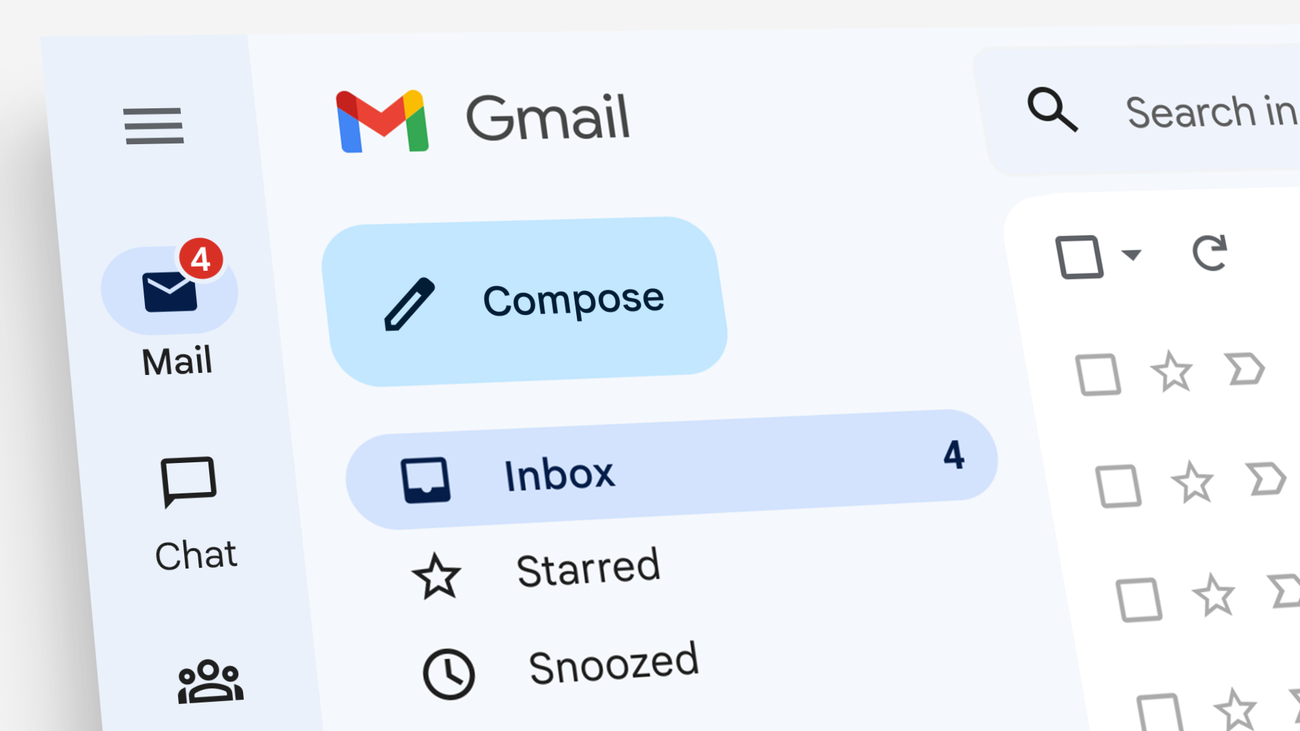
Gmail is one of the most popular email services used by millions of people around the world. However, there may come a time when you no longer need your Gmail account and want to delete it. Whether you’re switching to a different email provider or simply want to declutter your online presence, deleting your Gmail account is a simple process. In this blog post, we’ll guide you through the steps of deleting your Gmail account and provide some important information to keep in mind.
Before You Delete Your Gmail Account
Before you go ahead and delete your Gmail account, there are a few things you should consider:
- Make sure you have a backup of any important emails or data in your Gmail account. Once your account is deleted, you won’t be able to retrieve any of this information.
- If you use your Gmail account to access other services, such as social media or online banking, make sure to update your email address with those accounts before deleting your Gmail account.
- If you have any subscriptions or recurring payments linked to your Gmail account, make sure to update your email address with those services as well.
How to Back Up Your Gmail Data
Before deleting your Gmail account, it’s crucial to back up any important data to ensure you don’t lose valuable information. Google provides an easy way to download your data through the Google Takeout service. To start, go to the Google Takeout page and select the data you want to back up, such as emails, contacts, and documents. You can choose to download everything or select specific services. Once you’ve made your selections, click on “Next step.”
Next, choose your preferred delivery method. You can receive a download link via email or have the data added to cloud storage services like Google Drive, Dropbox, or OneDrive. After selecting your preferred method, click on “Create export.” Depending on the amount of data, this process might take some time. Once the export is ready, you’ll receive a notification with instructions on how to download your data. This step ensures that you have a copy of all your important information before permanently deleting your Gmail account.
Steps to Delete Your Gmail Account
Now that you’ve taken care of the necessary preparations, let’s dive into the steps of deleting your Gmail account:
- Sign in to your Gmail account and click on the gear icon in the top right corner of the screen.
- Select “Settings” from the drop-down menu.
- In the “Settings” menu, click on the “Accounts and Import” tab.
- Under the “Accounts and Import” tab, click on “Other Google Account settings”. This will take you to your Google account settings page.
- On the left side of the page, click on “Data & personalization”.
- Scroll down to the “Download, delete, or make a plan for your data” section and click on “Delete a service or your account”.
- Click on “Delete your account” and follow the prompts to confirm your decision.
Once you’ve completed these steps, your Gmail account will be scheduled for deletion. It may take a few days for the process to be completed, during which time you can still cancel the deletion if you change your mind.
Changing Your Email Address with Other Services
If you use your Gmail account to log in to various online services such as social media, online banking, or shopping sites, you’ll need to update your email address with these services before deleting your Gmail account. Start by making a list of all the accounts and services linked to your Gmail address. This will help you systematically update your information and prevent any disruptions in accessing your accounts.
To change your email address, log in to each service and navigate to the account settings or profile section. Look for the option to update your email address, enter your new email, and follow any verification steps required by the service. It’s important to complete this process for all services to ensure you continue to receive important notifications and updates. Taking the time to update your email address with all linked services will make the transition smoother and help you avoid any potential issues after deleting your Gmail account.
Important Information to Keep in Mind
Before you delete your Gmail account, there are a few important things to keep in mind:
- Deleting your Gmail account will also delete your Google account, which means you will lose access to all Google services associated with that account, such as Google Drive, Google Photos, and YouTube.
- If you have a paid subscription for any Google services, make sure to cancel them before deleting your account to avoid any future charges.
- If you have a custom email address associated with your Gmail account, you will lose access to it once your account is deleted. Make sure to set up a new email address before deleting your account.
Handling Google Account-Linked Devices
If you have devices linked to your Google account, such as Android phones, tablets, or Chromebooks, you will need to address these connections before deleting your Gmail account. These devices rely on your Google account for various functionalities, including app downloads, backups, and synchronization of data. To start, ensure that all important data on these devices is backed up either locally or to a new cloud service.
Next, you will need to unlink your Google account from these devices. For Android devices, go to the “Settings” menu, select “Accounts,” and then choose your Google account. From there, you can remove the account from the device. On Chromebooks, navigate to the “Settings” menu, select “Accounts,” and remove your Google account. By properly handling account-linked devices, you can ensure that they continue to function smoothly without your Gmail account and that your data remains secure.
Alternatives to Deleting Your Gmail Account
If you’re considering deleting your Gmail account because you’re receiving too many unwanted emails, there are other options you can try before taking such a drastic step:
- Unsubscribe from unwanted emails: Most marketing emails have an “unsubscribe” link at the bottom, which you can click to stop receiving emails from that sender.
- Use filters: You can set up filters in your Gmail account to automatically delete or archive emails from specific senders or with certain keywords.
- Use the “Report spam” button: If you’re receiving spam emails, make sure to report them as spam so Gmail can improve its spam filters.
Conclusion
Deleting your Gmail account is a permanent decision that should not be taken lightly. Make sure to carefully consider your options and take the necessary precautions before going through with it. If you do decide to delete your account, follow the steps outlined in this blog post and keep in mind the important information we’ve provided. We hope this guide has been helpful and wish you all the best in your future email endeavors!











